You don’t need a team of analysts, developers, or statisticians to start A/B testing.
Many businesses put it off because they think it requires tech expertise, a complex setup, or months of training. But the truth is, most modern A/B testing tools are user-friendly and they don’t require coding or managing complex processes.
The real challenge isn’t understanding the value of testing. It’s finding software simple enough to get started with while still providing reliable results and room to grow.
This guide looks at the best beginner-friendly A/B testing software, compares their features, and helps you pick a platform that makes experimentation simple from the start.
What is A/B testing?
A/B testing is the running of controlled experiments in which two or more versions of a page, element, or experience are shown to different user sets simultaneously to determine which version performs better. It works by comparing variations, such as:
Website or app layouts
Headlines or email subject lines
CTA button text, colors, or placement
Product pages or design elements
You compare Version A (the control) to Version B (the variation) and see how well they perform against a set goal, such as clicks, sign-ups, or purchases. This is helpful for you:
Check changes before making them available to everyone to lower risk.
Increase conversions by making small, steady improvements over time.
Identify which changes actually drive measurable results, not just visual or subjective improvements.
Read here why A/B testing is important for your campaigns and achieving better conversion rates.
Key features of beginner-friendly A/B testing software
At this stage, the right A/B testing software should simplify every step of the process, from idea to insight, by reducing effort and removing guesswork. Here are the essential features that make a tool truly “beginner-friendly”:
1. No-code visual editor
You should be able to create variations directly on your live page’s text, images, buttons, or layouts without writing any code. This way, you can go from idea to launch without needing help from a developer.
2. Simple goal setting, traffic splitting, and preview mode
The tool should guide you through defining goals (clicks, conversions, revenue), splitting traffic between variations, and previewing changes before launch, so your test is set up correctly before it impacts real users.
3. Quick deployment (Push-to-Live)
Once you find a winner, you don’t want it stuck in a report. Look for features like VWO Deploy, which allow you to push the winning variation to 100% of your live traffic instantly. This keeps your momentum high while you wait for a permanent code update.
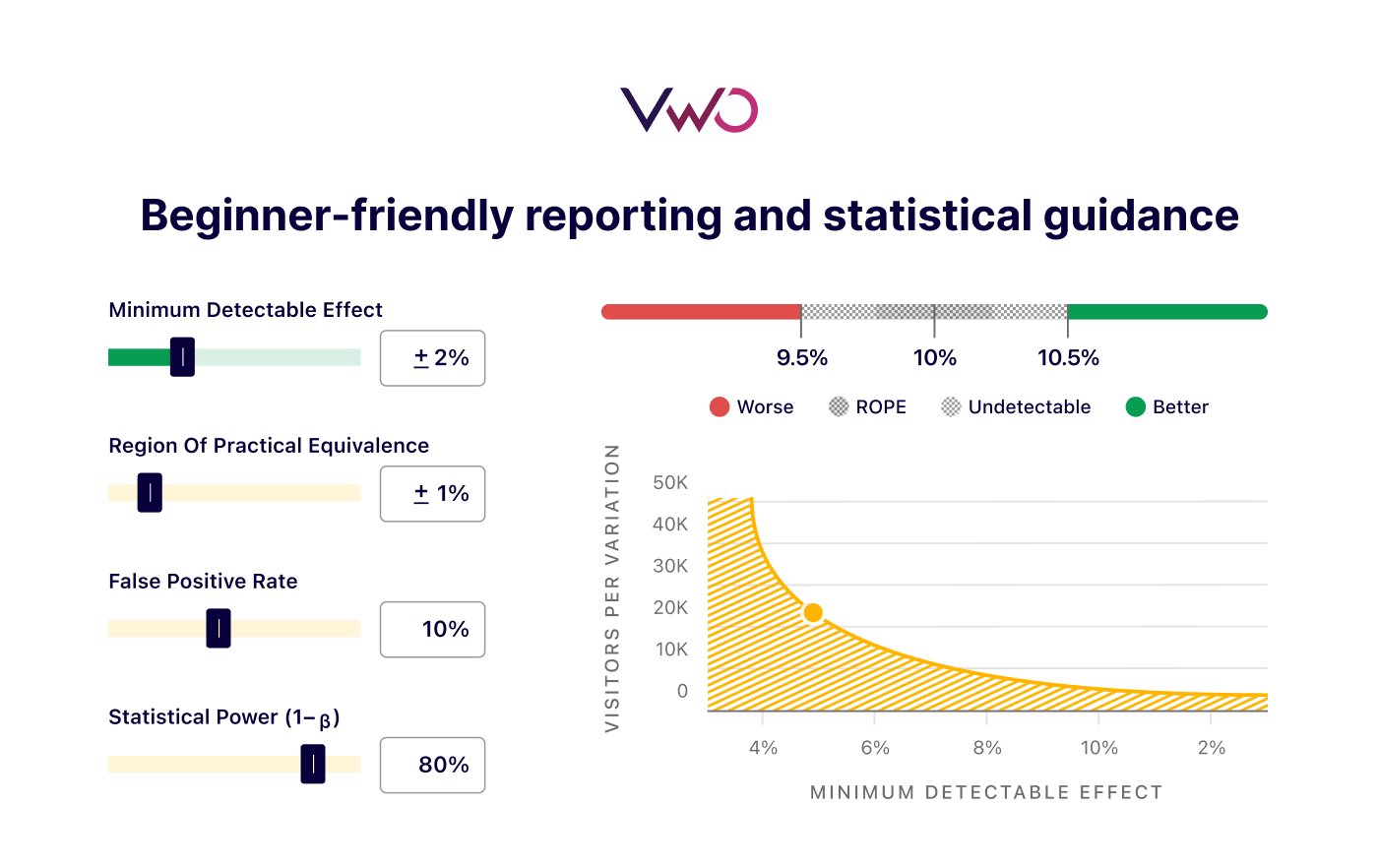
4. Beginner-friendly reporting and statistical guidance
Clear, easy-to-read reports should clearly show which variation is winning and by how much, without requiring statistical expertise.
Built-in statistical guidance should help you understand when results are reliable, using concepts like sequential testing, so you don’t act too early or on misleading data.
The automatic monitoring and alerts also minimize manual work by flagging issues during the test, making it easier to make confident, data-backed decisions.
5. Basic pre-test segmentation
You should be able to target tests by device (mobile vs. desktop), user behavior, or specific audience groups, so you can run more relevant experiments across landing pages, mobile apps, or key customer journeys.
Segmentation ensures you’re testing the right experience with the right audience. It improves result accuracy, reveals how different user groups interact with changes, and helps you make more informed optimization decisions.
6. Integration with behavior insights
Your tool should make test results easy to read through simple charts, so you can quickly see which variation performed better and by how much.
But numbers alone aren’t enough. Built-in behavioral insights help you understand what users actually did on the page:
Heatmaps visually highlight where visitors click, scroll, or drop off.
Session recordings show how users interact with each variation, pointing out areas of confusion or friction.
Together, these help you understand what worked and why, so you can make more confident, data-backed decisions.
7. AI-powered automation
AI features that suggest variations, automate setup, and highlight key insights can cut down on manual effort, so you spend less time managing tests and more time acting on results.
Pro Tip!
Use VWO AI to generate hypotheses based on your webpage data, create test variations, build audience segments, and summarize heatmap insights and hundreds of session recordings. By automating setup, analysis, and insight discovery, it helps you focus on improving conversions instead of dealing with complexity or manual work.
6 best simple A/B testing tools for beginners: At a glance
VWO
Zoho PageSense
Convert
Unbounce
Crazy Egg
Fibr AI
Comparison table: Quick look at features & pricing
Tool
Ease of Use
Price Range
Best Fit
VWO
Low → Moderate
Free plan + paid (MTU-based)
All-in-one experimentation platform for teams that want to start simple and scale
Zoho PageSense
Low
Forever Free (up to 5K MTU) + ₹480/month
Small teams looking for budget-friendly web experimentation
Convert
Low → Moderate
Starts $299/month+customizable based on MTUs
Teams needing advanced testing without enterprise complexity
Unbounce
Low
Starts at $22/month
Teams needing advanced testing without enterprise complexity
Crazy Egg
Low → Moderate
Starts at $29/month, billed annually.
Behavior-first optimization with visual insights + testing
Fibr AI
Low → Moderate
Custom pricing
Product and engineering teams running feature-level experimentation
Companies should use the momentum and motivation within their organization to start demoing tools, choose the right one, and implement it as quickly as reasonably possible. The danger is that teams keep evaluating tools, never make a decision, and end up not A/B testing at all. Of course, it’s important to have a tool, in the end, it’s the people, the dynamics, and the system behind it that is going to make it work.
Lucia van den Brink, Founder at The Initial (Source: VWO Podcast)
6 best simple A/B testing tools for beginners (2026)
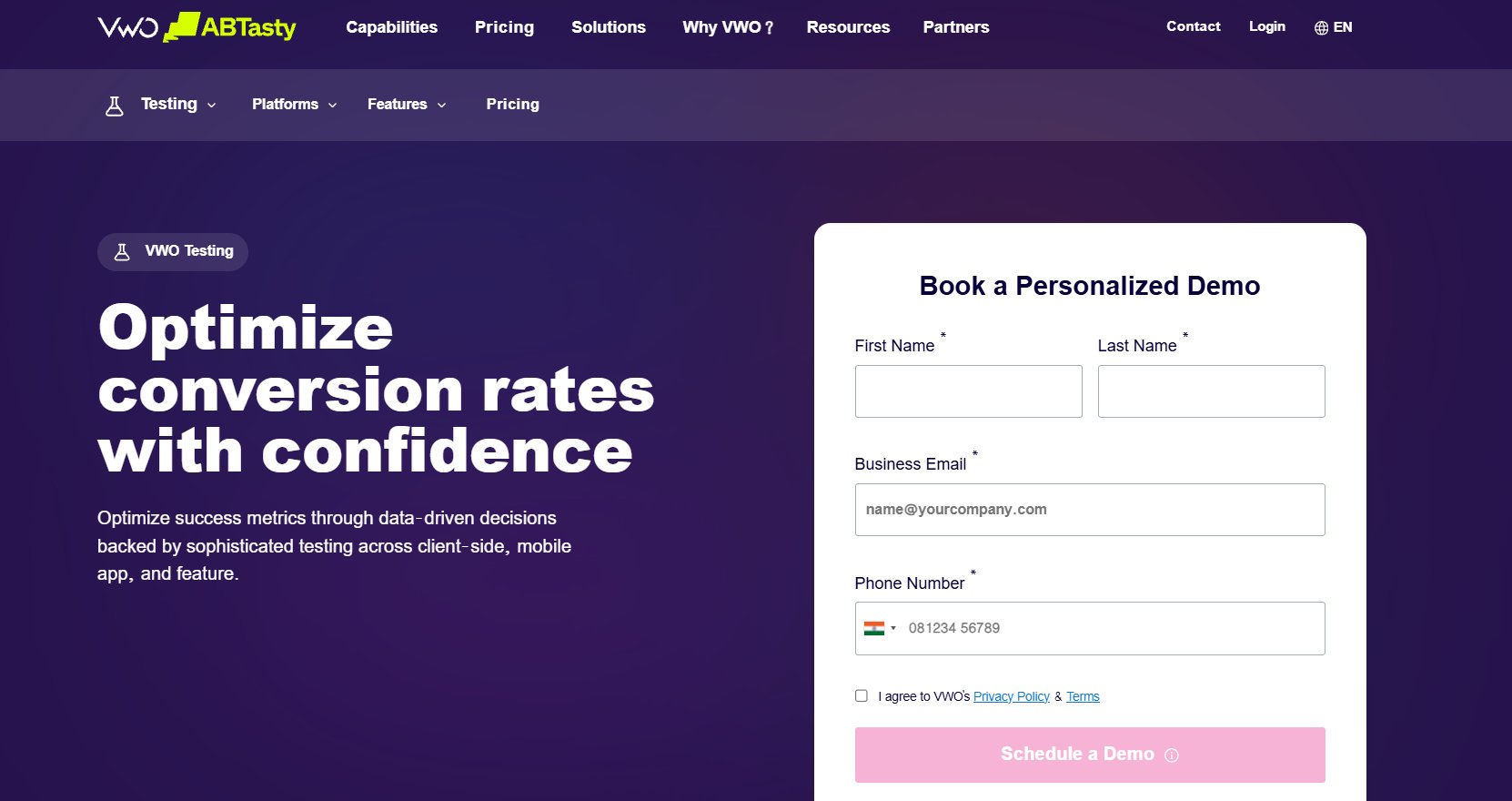
VWO ABTasty offers a complete yet beginner-friendly experimentation platform, making it a strong choice for those who want to manage testing, insights, and analysis in one unified, easy-to-use tool.
Features
No-code visual editor: Modify text, layouts, or CTAs directly on your live site. If you eventually need advanced testing, a code editor is available for deeper customizations.
VWO Testing (A/B, split URL, and multivariate testing): Test different versions of pages, layouts, or elements (including across multiple URLs) to identify what drives better conversion rates and user engagement.
Quick deployment: Instantly push winning variations to 100% of your traffic, so insights translate into impact without waiting for code releases.
Pre- and post-test segmentation: Target users by device, behavior, or audience type, and analyze results across segments to uncover deeper patterns in visitor behavior.
VWO Insights (Integrated behavioral insights): Combines test results with heatmaps, session recordings, form analytics, and on-page surveys, so you understand not just what worked, but also the “why” behind user behavior.
VWO Pulse: Capture in-the-moment feedback from users and turn those insights into test ideas, or combine them with the rest of your analytics for better user understanding.
Enterprise-grade security and access control: Keeps your data safe with industry-standard protections (GDPR, SOC 2, PCI DSS), while features like single sign-on (SSO), two-factor authentication (2FA), and role-based permissions make it easy to manage access as your team grows, without worrying about security from day one.
Trial period
Sign up for a 30-day full-featured trial of the platform
Pricing
Pricing varies based on monthly tracked users (MTU), features, and usage. You can explore detailed plans on VWO’s pricing page or request a demo for a closer look.
Beginner-friendly highlights
Unified platform for testing + behavioral analytics + AI (no need for multiple tools)
Designed for non-technical users, with minimal dependency on developers
Supports rapid experimentation across landing pages, web experiences, and key journeys
Helps connect test results directly to business metrics and conversion goals
Learning curve
Low → Moderate
Easy to get started with core A/B testing workflows, with the ability to expand into more advanced capabilities and even function as a feature management platform as your experimentation program matures, without needing to switch tools:
VWO Feature Experimentation: Run server-side tests and manage feature rollouts with greater control. Experiment and optimize experiences within your mobile apps.
VWO Personalize: Deliver targeted experiences based on user behavior, device, or lifecycle stage
VWO Data360: Bring together behavioral and customer data for deeper, unified insights
A/B testing in action:
Using VWO, Australian game server hosting provider Shockbyte tested a more focused homepage hero section that featured Minecraft hosting instead of presenting visitors with multiple game hosting options. The result was a 23.25% increase in clicks to game product pages. By aligning the homepage with visitor intent and reducing decision fatigue, the team created a clearer path to action and improved engagement.
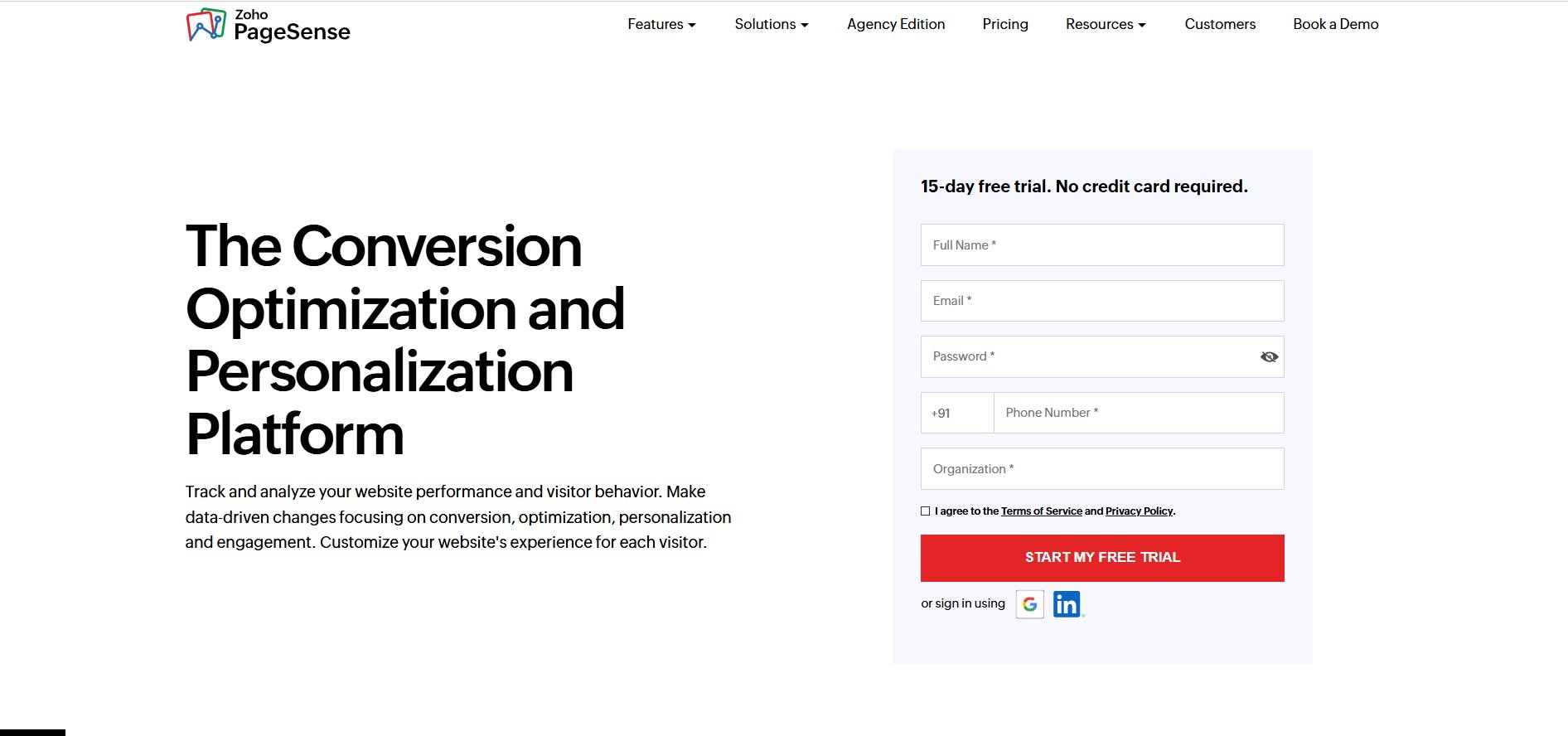
Zoho PageSense is a conversion optimization and behavioral analytics tool that helps you track the entire visitor journey and improve conversions through A/B testing and budget-friendly personalization. It’s a strong entry point for small marketing teams that want to understand where visitors drop off and start experimenting, without investing in enterprise-grade capabilities.
Convert Experiences offers enterprise-grade A/B testing without the complexity, combining advanced testing capabilities with a clean, privacy-first, and user-friendly experience for teams that want more control without a steep learning curve.
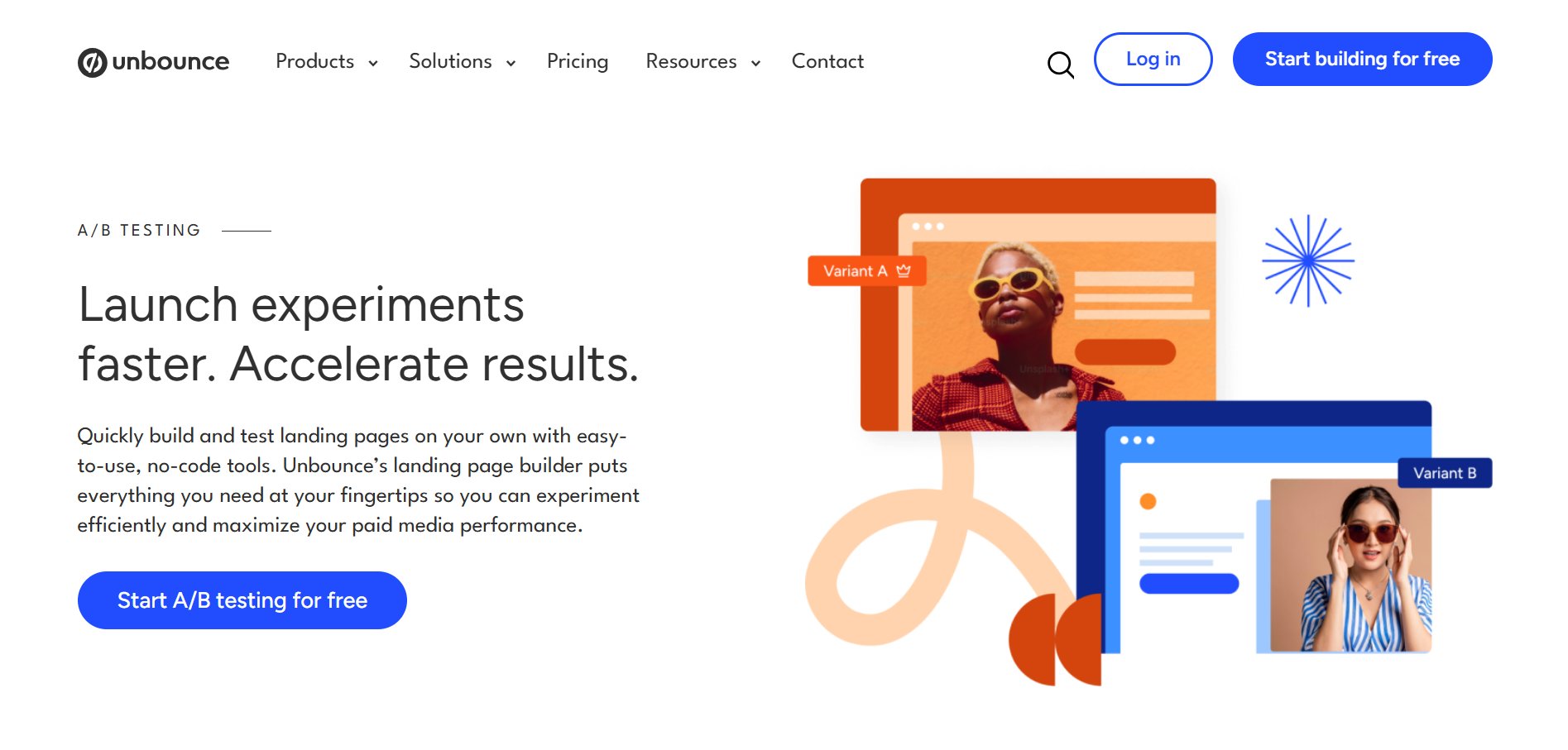
Unbounce is a landing page builder and conversion optimization platform that helps you create, test, and improve high-performing campaigns, without relying on developers. It is built for marketing teams running paid campaigns, ensuring every click is optimized for conversions.
It lets you build pages and launch A/B tests in the same workflow, so you can move from idea to live experiment without delays.
Features
Drag and drop builder, AI copywriting, A/B testing, Manual traffic allocation, Conversion insights, AI traffic optimization, Industry benchmarking
Trial periods
A 14-day trial is available for all paid plans.
Pricing
Plans start at $22/month and are billed annually.
Beginner- friendly highlights
Combines page building, testing, and optimization in one place, which simplifies execution.
Connects easily with marketing and analytics tools, so your workflow stays uninterrupted
You can go from idea to live landing page much faster than with traditional workflows.
Intuitive and easy-to-use interface
Learning curve
Low
Easy to get started, especially if your focus is on landing pages and campaign optimization.
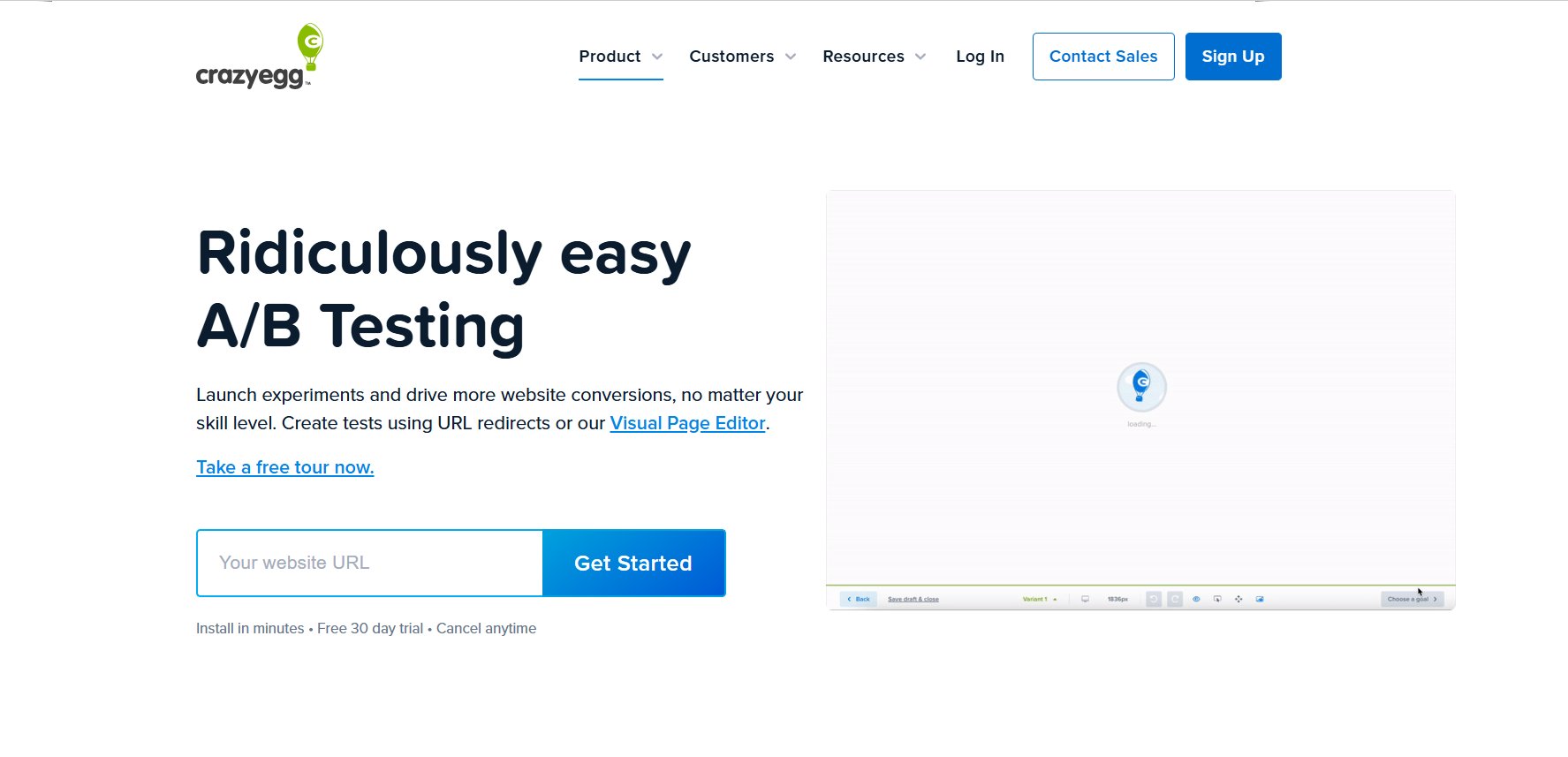
Crazy Egg is a website optimization tool that combines A/B testing with visual insights like heatmaps and session recordings. It’s a good starting point for teams that want to understand how users interact with their pages before deciding what to test.
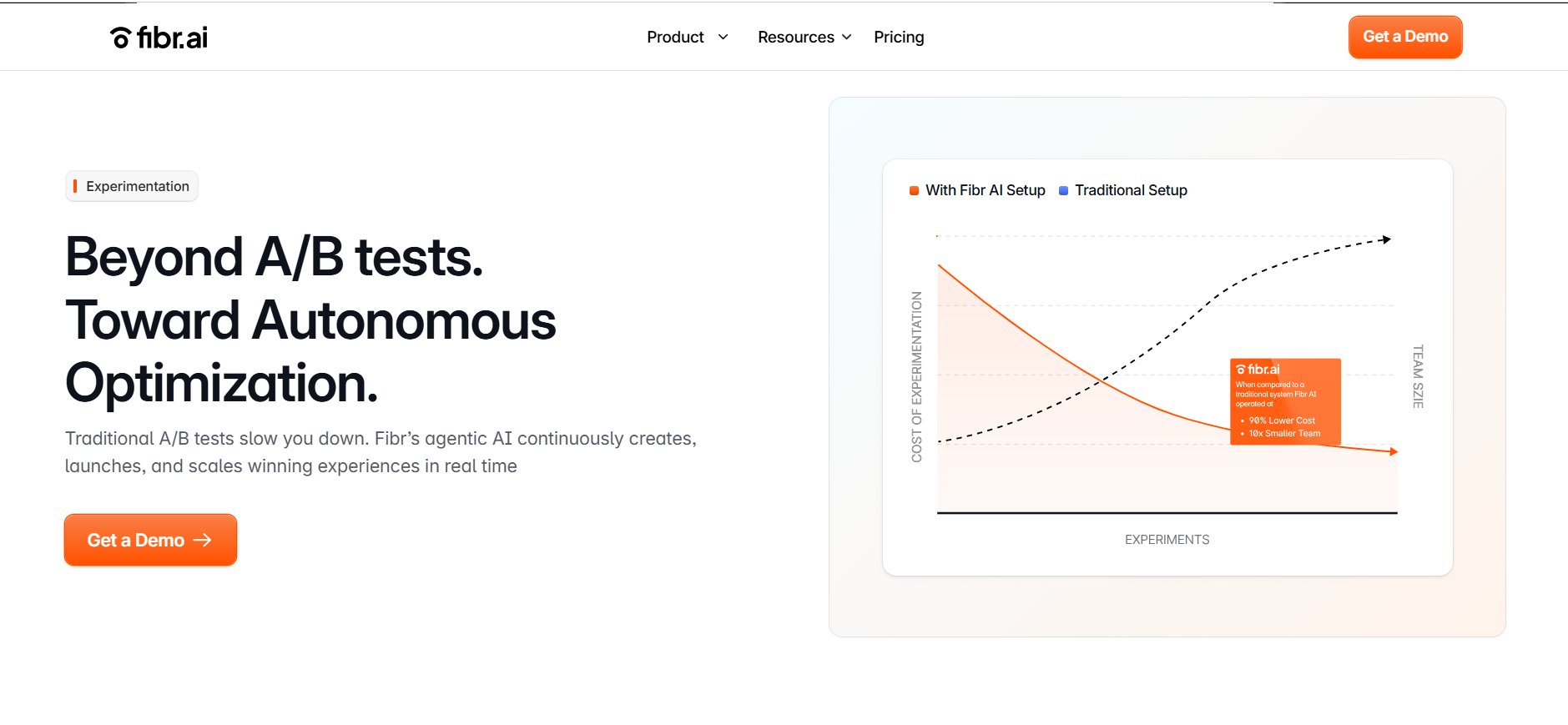
Fibr AI is a no-code website optimization platform that helps your site adapt and improve based on real user behavior. It enables marketers to personalize experiences and run experiments without heavy manual effort.
It uses AI to analyze behavior, create hypotheses and variations, and run experiments, so your website keeps improving in the background.
Easier to scale experiments without overloading small teams.
Brings insights, testing, and personalization into one workflow.
Strong support helps teams get started and resolve issues quickly.
Learning curve
Low → Moderate
Easy to get started, though it may take a little time to get comfortable with AI-driven workflows.
How to choose the right A/B testing software for you
Define what you want to test: Start by deciding what you want to test: landing pages, product features, or the full user journey, because that will shape the kind of tool you need.
Ease of use and team’s skill level: Choose a tool with a strong visual (WYSIWYG) editor if you don’t have developers, so that marketers can create and launch tests independently.
Integration capabilities: Ensure the tool integrates easily with your CRM, analytics tools (such as Google Analytics), and ad platforms to keep data consistent across systems.
Testing capabilities and scalability: Start with what you need today (basic A/B testing), but ensure the tool can support advanced methods like multivariate or server-side testing as you scale.
Performance and speed: Choose tools that minimize flicker (the flash of the original content) to ensure accurate results and a smooth user experience.
Pricing factor: Costs often depend on traffic or usage, so evaluate how pricing changes as your experimentation increases.
Support and documentation: Look for tools with responsive support and clear documentation, preferably with CRO expertise.
Level of manual effort required: AI-powered or automated tools can minimize setup and analysis work, improving testing consistency.
Free trials or demos: Use trials and demos to evaluate a tool and see how intuitive it feels for your team.
Data reliability and statistical accuracy: Ensure the platform delivers reliable results with clear confidence indicators, so you can make decisions with confidence.
Before choosing any tool, ask yourself: “Can my team run a test from start to finish: on our own, right now, with this tool?”
Read the detailed guide for more insights about how to choose the right testing tool.
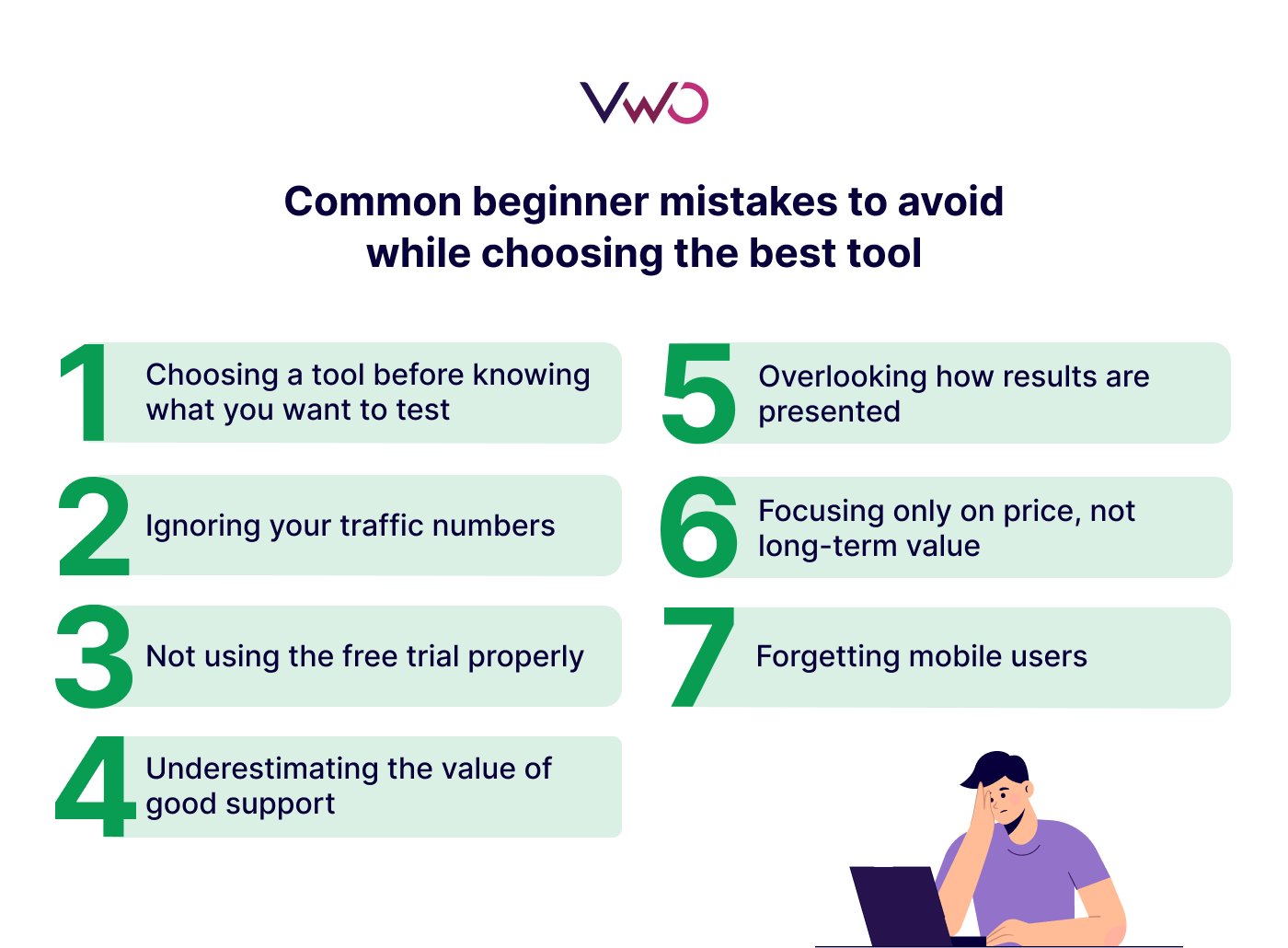
Common beginner mistakes to avoid while choosing the best tool
Mistake #1: Choosing a tool before knowing what you want to test
Most beginners pick a tool because it looks good or a friend recommended it, without first asking, “What will I actually test?” A tool built for landing pages won’t work well inside your app, for instance. Always start with your use case, then find the tool that fits it.
Mistake #2: Ignoring your traffic numbers
A/B tests need real visitors to produce real results. If your site gets fewer than a few thousand visitors a month, most tests will take too long or give you unreliable answers. Always check if a tool has a minimum traffic requirement before committing.
Mistake #3: Not using the free trial properly
Most tools offer a 14-30 day free trial. Beginners often sign up, poke around, and form an opinion based on the dashboard’s appearance. A better approach: use the trial to run one small test from start to finish. That one test will teach you more than any demo or sales pitch.
Mistake #4: Underestimating the value of good support
When something breaks, or a test gives unclear results, you’ll want help fast. If you’re new to testing, paying a little more for live chat or a dedicated support team is worth it.
Mistake #5: Overlooking how results are presented
A confusing dashboard can make it impossible to act on your results, even if the test was perfect. Before choosing, ask: “Can I actually understand what this tool is telling me?”
Mistake #6: Focusing only on price, not long-term value
A cheaper tool might work today, but lack the features you’ll need in six months, forcing you to switch platforms and start over. Think about where your testing program will be in a year, not just right now.
Mistake #7: Forgetting mobile users
Some tools have great desktop editors, but make it difficult to preview or adjust the mobile experience. Since most traffic is mobile, a tool that ignores this will give you incomplete results.
If budget or resources feel like a blocker, watch the webinar to see how you can start optimizing, even with limited resources.
Way forward
Choosing the right A/B testing tool in 2026 is about finding the balance between effective insights and everyday usability. You don’t need the most expensive platform; just the one that removes technical barriers so you can focus on understanding your users and improving conversions.
Request a demo to see how VWO ABTasty can help you launch experiments faster, uncover real user insights, and turn every test into measurable growth.
FAQs
Which A/B testing tool is best for beginners?
The best tool for beginners is one that’s easy to use and doesn’t require developer support. Platforms like VWO are good starting points because they offer visual editors, a simple setup, and clear reporting.
What metrics should beginners track in A/B testing?
Focus on metrics tied to your goal, such as conversion rate, click-through rate (CTR), sign-ups, or revenue. Start simple: track one primary metric per test to clearly measure impact.
What are common mistakes beginners make in A/B testing?
Common mistakes include choosing overly complex tools, running tests with low traffic, stopping tests too early, and failing to clearly define goals.
Hi, I’m Pratyusha Guha, manager - content marketing at VWO. For the past 6 years, I’ve written B2B content for various brands, but my journey into the world of experimentation began with writing about eCommerce optimization. Since then, I’ve dived deep into A/B testing and conversion rate optimization, translating complex concepts into content that’s clear, actionable, and human. At VWO, I now write extensively about building a culture of experimentation, using data to drive UX decisions, and optimizing digital experiences across industries like SaaS, travel, and e-learning.
Uncover hidden visitor insights to improve their website journey
One of our representatives will get in touch with you shortly.
Awesome! Your meeting is confirmed for at
Thank you, for sharing your details.
-
, you're all set to experience the VWO demo.
I can't wait to meet you on at
Account Executive
, thank you for sharing the details. Your dedicated VWO representative, will be in touch shortly to set up a time for this demo.
We're satisfied and glad we picked VWO. We're getting the ROI from our experiments.
Christoffer Kjellberg
CRO Manager
VWO has been so helpful in our optimization efforts. Testing opportunities are endless and it has allowed us to easily identify, set up, and run multiple tests at a time.
Elizabeth Levitan
Digital Optimization Specialist
As the project manager for our experimentation process, I love how the functionality of VWO allows us to get up and going quickly but also gives us the flexibility to be more complex with our testing.
Tara Rowe
Marketing Technology Manager
You don't need a website development background to make VWO work for you. The VWO support team is amazing
Elizabeth Romanski
Consumer Marketing & Analytics Manager
Trusted by thousands of leading brands
Awesome! Your meeting is confirmed for at
Thank you, for sharing your details.
Your Roadmap to Better Results
1:1 Demo customized to your industry and optimization goals.
Feature deep-dive into the user behaviour tools you need most.
No-pressure advice on the best path forward for your team.





 ChatGPT
 Perplexity
 Gemini
 Claude
 Grok
Grok