Simple A/B testing can only take you so far. Split URL testing is the next step for teams testing entirely new experiences, like landing page redesigns or checkout flows.
This guide lists the best split URL testing platforms for 2026 and explains how to choose the one that best fits your needs.
When to use split URL testing platforms?
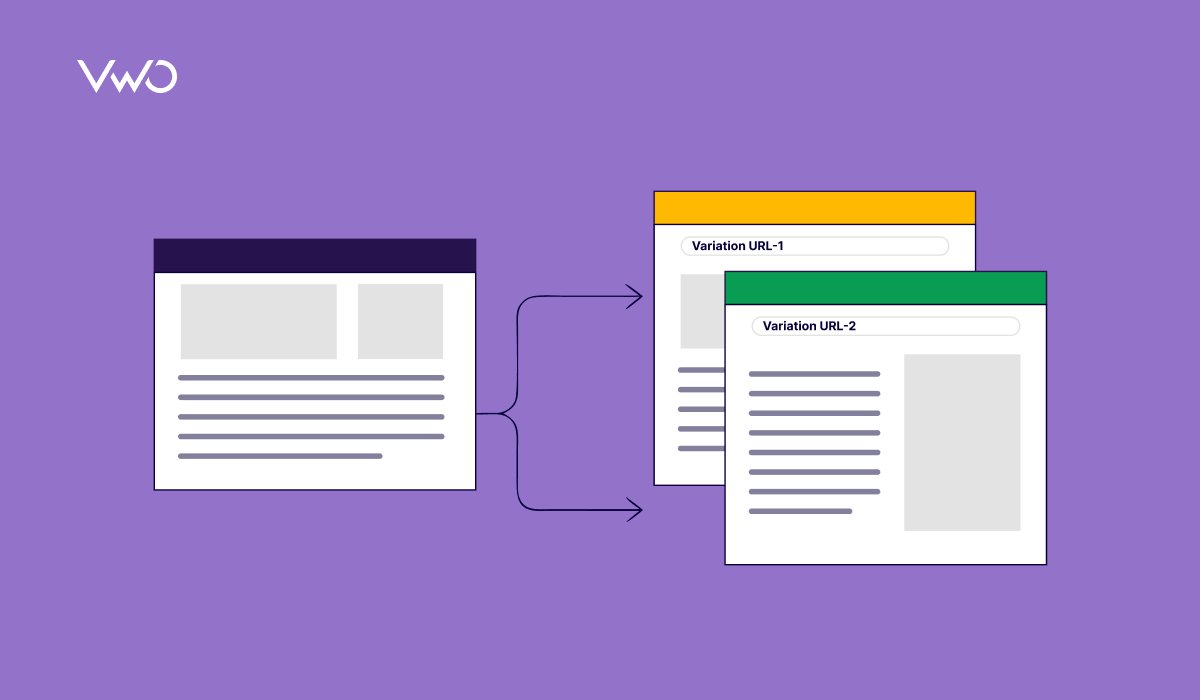
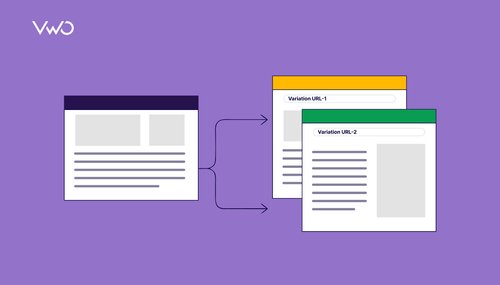
Split URL testing is a method to compare performance by hosting the control and variation on two different URLs. Unlike standard A/B testing, which uses JavaScript to switch elements on a single page, split URL testing redirects traffic to a completely separate web page at the server or browser level. It is best used in the following scenarios:
Major redesigns: Comparing an old landing page to a completely new version with a different structure.
Tech stack migrations: When testing pages built on a new framework, such as moving from a legacy CMS to a headless architecture, split URL testing helps teams measure the performance of the new infrastructure against the existing one by comparing different versions side-by-side.
Backend changes: If you’re testing an entirely new checkout or onboarding flow (for example, a three-step funnel instead of five), redirecting users to the start of the new journey ensures more reliable funnel tracking and cleaner test data.
Reducing “Flicker”: Eliminating the brief flash of original content that occurs when heavy JavaScript modifications are made to a page.
VWO is an all-in-one experimentation platform that lets businesses run A/B tests, analyze visitor behavior, and optimize digital experiences across multiple platforms. It helps teams collect and analyze qualitative and quantitative data to understand key metrics and uncover actionable insights.
The platform’s split URL testing capability lets you compare entirely different versions of a page by distributing traffic across separate URLs. It’s best suited for major design changes or backend updates through VWO Feature Experimentation, making it useful for validating full redesigns or broader experience shifts. It also offers customizable reports and advanced segmentation, helping you analyze performance across different audience groups and uncover deeper insights.
Pro Tip!
Follow VWO’s best practice of routing all variations through the same redirect path. Set the control’s traffic to 0% and include it as a variation so every user goes through the same redirect process. This avoids delays caused by redirects and keeps your test results consistent and comparable across all variations.
Watch this step-by-step walkthrough video to build, launch, and analyze a split URL test in VWO:
Webtrends Optimize is an enterprise-grade experimentation platform that helps improve digital experiences through continuous testing. It supports both client-side and server-side testing, enabling teams to run experiments with minimal development effort while using real-time behavioral data to understand user journeys, identify friction points, and improve conversion performance.
Convert Experiences is a full-stack experimentation platform built for privacy-conscious teams that need reliable, flicker-free testing at scale. It supports server-side testing and feature flags, that allows teams to validate product changes and critical flows without impacting performance. With strong audience segmentation and a focus on data control, it suits organizations navigating modern tracking and privacy requirements.
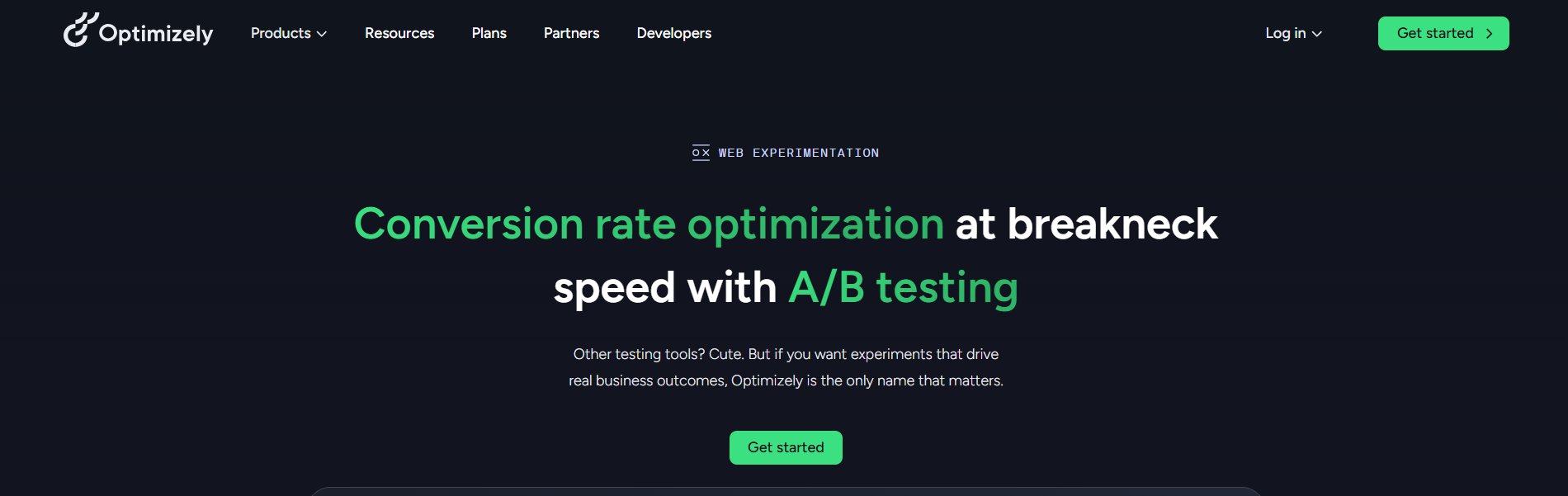
Optimizely is a conversion rate optimization platform that offers web experimentation, allowing marketing and product teams to run scalable A/B tests and personalization campaigns with minimal engineering dependency. It uses AI to generate variations, surface test ideas, and optimize traffic toward winning versions. Teams can manage and analyze experiments within a unified workspace, improving efficiency and visibility across their testing program.
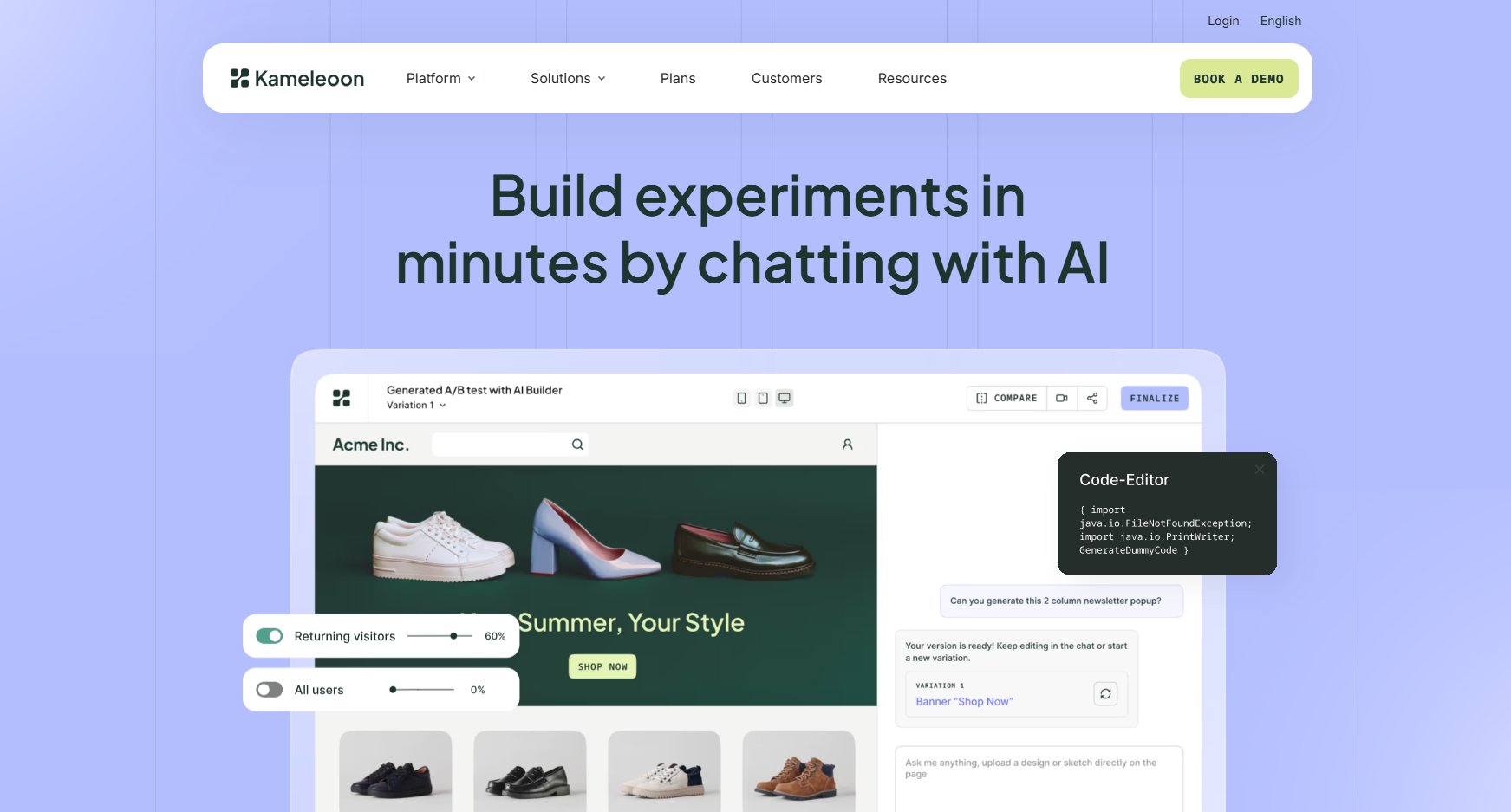
The Kameleoon platform offers prompt-based experimentation, helping teams build instant experiments to continuously optimize digital experiences. It supports organizations to run A/B tests, manage experiments, and analyze performance across web and other digital channels. With integrations across analytics and data platforms, it provides deeper visibility into user behavior, helping teams make data-driven decisions to improve conversions, engagement, and overall product performance.
Best features
Split testing, Multi-arm & contextual bandit algorithms, Advanced filtering, Multi-stat engine with CUPED and sequential testing for statistical significance, No-code editor, Real-time reporting, flicker-free delivery
Pricing
Free starter trial available.
Paid plans start from $495/month.
Pros & Cons
Pros
Cons
Bridges speed and flexibility by combining an intuitive visual editor with robust code-level customization options.
Some advanced changes require coding expertise and cannot be handled through the visual editor alone.
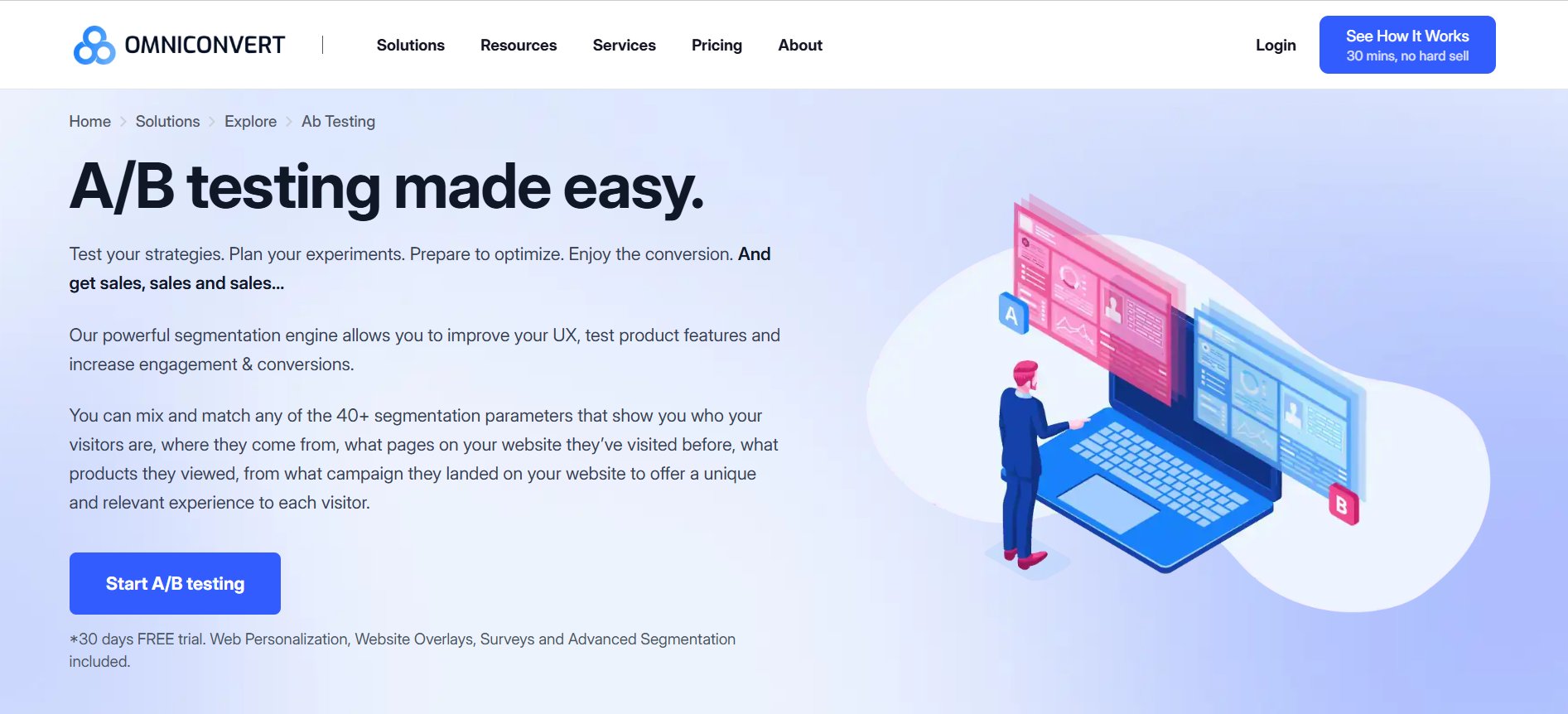
Omniconvert is a CRO platform designed for eCommerce businesses looking to improve conversions through experimentation and user behavior insights. It enables teams to run A/B tests, personalize experiences, and segment audiences to better understand visitor interactions. Strong analytics and reporting help identify friction points and drive targeted, data-driven improvements across the customer journey.
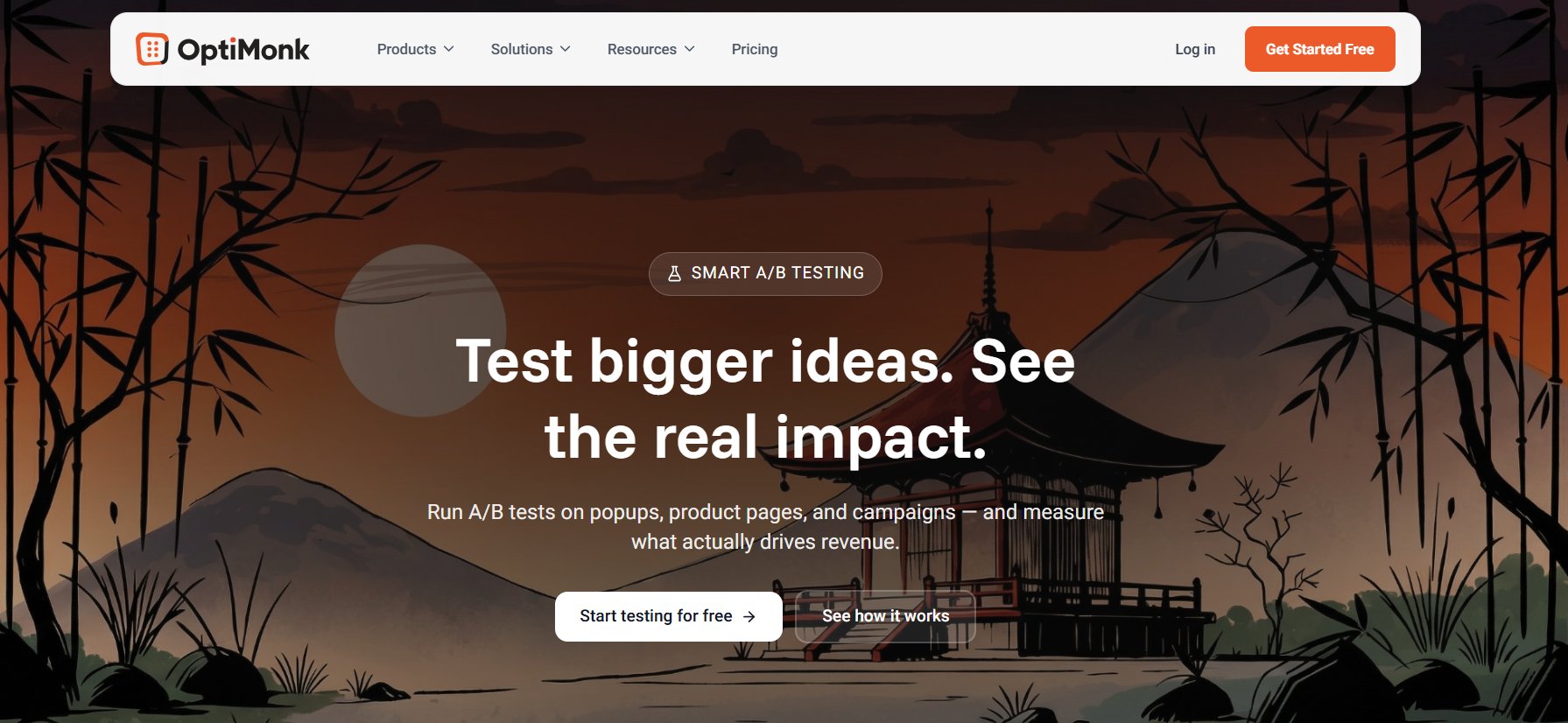
OptiMonk is an AI-powered experimentation platform focused on optimizing on-site experiences through pop-ups and targeted messaging. It enables teams to run A/B tests across popups, landing pages, product pages, and embedded content without complex setup. Built for high-impact testing, it helps teams experiment with messaging, layouts, and value propositions to drive meaningful conversion gains.
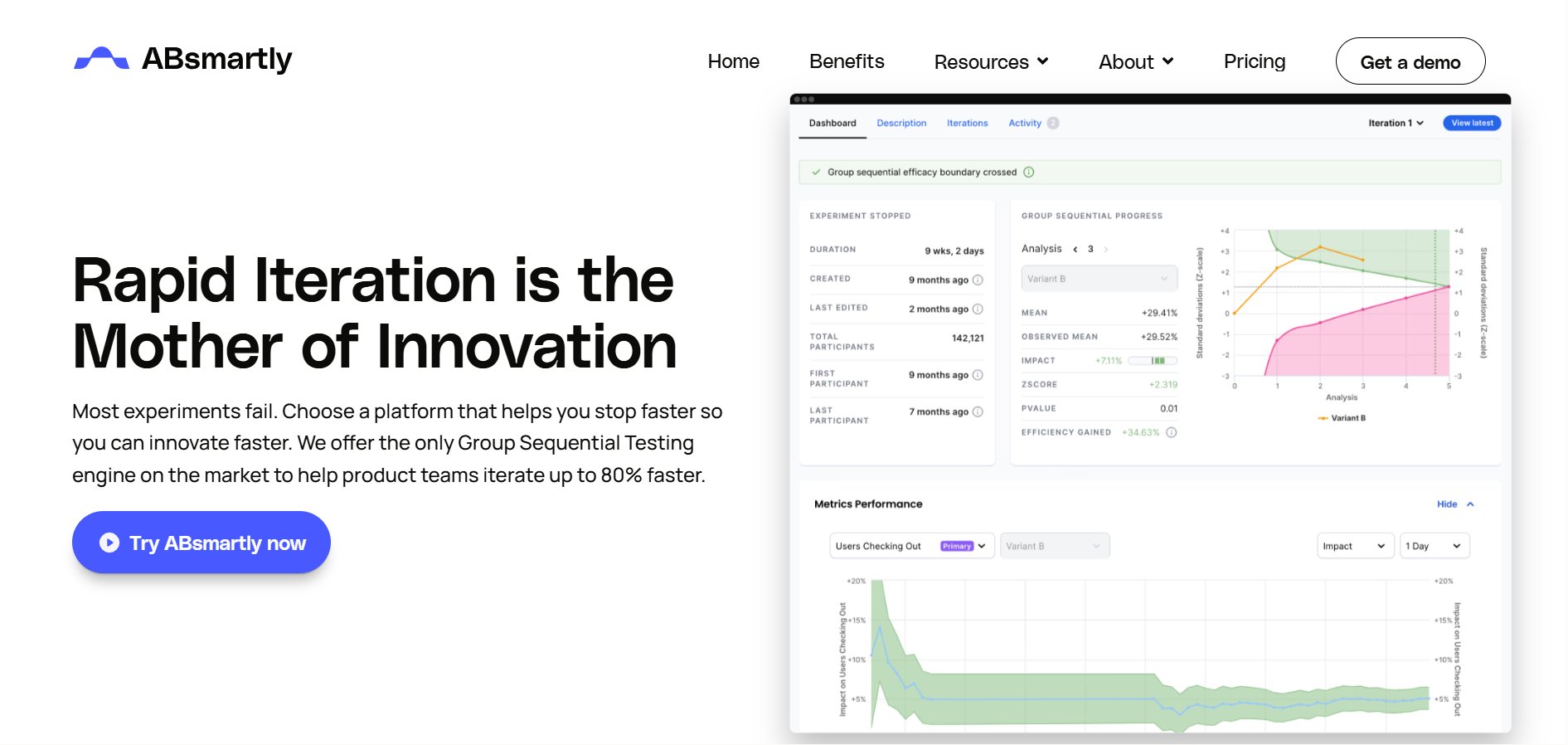
ABsmartly is an experimentation platform built for reliable, scalable A/B testing. Its Group Sequential Testing (GST) engine enables faster experiments with actionable insights. It supports testing across web, app, email, and other environments, with both client-side and server-side testing capabilities. With an API-first approach and lightweight SDKs, it allows quick integration and helps teams execute CRO and product-led growth strategies while improving customer experience.
Best features
Split testing, Feature flags, Multi-variant, Multi-page, Cross-device testing, Analytical tools, Segmentation, Zero lag & flickering
Pricing
Paid event-based plans start at €60K/year.
Pros & Cons
Pros
Cons
Provides full data ownership with the flexibility to run experiments across any layer of the stack.
Lacks strong integration with behavioral analytics, limiting deeper user insights.
Key features of split URL testing platforms
When you are ready to invest in a testing platform, you aren’t just buying software; you’re choosing a partner for your growth strategy. When evaluating a split testing tool, focus on these core functional requirements to ensure it fits your existing workflow.
Conversion impact and revenue visibility
The platform should provide goal tracking, funnel analysis, and revenue-linked metrics to measure how different page versions impact conversions and business outcomes.
These capabilities allow teams to compare variation performance and evaluate experiments based on conversion and revenue impact. KPI dashboards then bring these metrics together at the experiment level, helping teams make decisions based on overall impact instead of isolated metrics.
Ease of use and flexibility
A strong platform should be easy to use for non-technical teams, while still offering flexibility for developers. Look for tools that combine no-code experimentation with advanced customization when needed.
As experimentation evolves, many platforms now incorporate AI to accelerate test creation, optimize traffic allocation, and assist with audience segmentation, making it easier to run high-impact experiments with less manual effort.
Experimentation across environments
The platform should support both client-side and server-side testing, allowing you to test everything from UI changes to backend logic such as pricing and recommendation engines.
Reliable experimentation setup
Look for tools that allow you to:
Run multiple tests simultaneously
Keep audiences isolated for clean results
Set up and launch experiments without heavy developer dependency
Start testing quickly with minimal configuration
Behavioral insights and data depth
Beyond test results, the platform should help you understand why users behave the way they do. This includes access to both qualitative insights (behavior patterns, feedback) and quantitative data (conversion rates, engagement metrics).
To truly support fast-growing businesses, testing tools need to go beyond basic test execution and provide a comprehensive view of user behavior. Seamless integration with analytics platforms like Statsig, Amplitude, or Mixpanel ensures that experimentation isn’t just about isolated test results but contributes to a broader understanding of customer interactions across the entire funnel. Ultimately, the more technology vendors can reduce friction in setting up, running, and analyzing experiments, the faster businesses can iterate and refine their products based on real user behavior.
The tool must integrate with your existing tools (CMS, CDP, Google Analytics). This streamlines data collection and ensures test data is accessible across your entire organization.
Audience targeting and segmentation
Advanced platforms allow you to segment users based on behavior, traffic source, or attributes, enabling more targeted and relevant experiments.
Transparent pricing
Look for pricing models that scale based on your tested unique visitors. Most enterprise tools offer a free trial or a demo to help you validate their stats engine and learning curve before committing to a contract.
VWO checks all these boxes, making it a strong choice for scaling experimentation. Request a demo to explore its capabilities.
FAQs
What features should I look for in a split URL testing platform?
Look for support for split testing and server-side experimentation, a reliable stats engine for accurate results, and the ability to run multiple tests on isolated audiences. Strong platforms also offer advanced targeting, integrations with analytics tools, real-time reporting, and a mix of visual and code-based testing for flexibility.
How do split URL testing platforms differ from A/B testing tools?
Split testing tools compare completely different pages hosted on separate URLs, making them ideal for redesigns or funnel changes. In contrast, A/B testing tools typically test variations on the same page URL, focusing on smaller UI or content changes. Know more in our blog.
Hi, I’m Pratyusha Guha, manager - content marketing at VWO. For the past 6 years, I’ve written B2B content for various brands, but my journey into the world of experimentation began with writing about eCommerce optimization. Since then, I’ve dived deep into A/B testing and conversion rate optimization, translating complex concepts into content that’s clear, actionable, and human. At VWO, I now write extensively about building a culture of experimentation, using data to drive UX decisions, and optimizing digital experiences across industries like SaaS, travel, and e-learning.
Uncover hidden visitor insights to improve their website journey
One of our representatives will get in touch with you shortly.
Awesome! Your meeting is confirmed for at
Thank you, for sharing your details.
-
, you're all set to experience the VWO demo.
I can't wait to meet you on at
Account Executive
, thank you for sharing the details. Your dedicated VWO representative, will be in touch shortly to set up a time for this demo.
We're satisfied and glad we picked VWO. We're getting the ROI from our experiments.
Christoffer Kjellberg
CRO Manager
VWO has been so helpful in our optimization efforts. Testing opportunities are endless and it has allowed us to easily identify, set up, and run multiple tests at a time.
Elizabeth Levitan
Digital Optimization Specialist
As the project manager for our experimentation process, I love how the functionality of VWO allows us to get up and going quickly but also gives us the flexibility to be more complex with our testing.
Tara Rowe
Marketing Technology Manager
You don't need a website development background to make VWO work for you. The VWO support team is amazing
Elizabeth Romanski
Consumer Marketing & Analytics Manager
Trusted by thousands of leading brands
Awesome! Your meeting is confirmed for at
Thank you, for sharing your details.
Your Roadmap to Better Results
1:1 Demo customized to your industry and optimization goals.
Feature deep-dive into the user behaviour tools you need most.
No-pressure advice on the best path forward for your team.




 ChatGPT
 Perplexity
 Gemini
 Claude
 Grok
Grok