Ask Your Visitor’s Hesitation With On-Page Surveys
On-page surveys help you discover a goldmine of insights on why your visitors are behaving a certain way. Simply ask the right questions and get them answered by your visitors.
Customers rarely complain when an experience requires too much effort.
They simply stop coming back.
Every extra click, form field, or confusing step adds friction to the user experience.
Over time, that friction quietly erodes loyalty, retention, and repeat behavior.
Customer Effort Score (CES) helps you measure how easy or difficult an experience feels from the customer’s perspective.
In this guide, we’ll break down what Customer Effort Score is, why it matters, how to measure it, and actionable strategies you can use to reduce customer effort across key touchpoints.
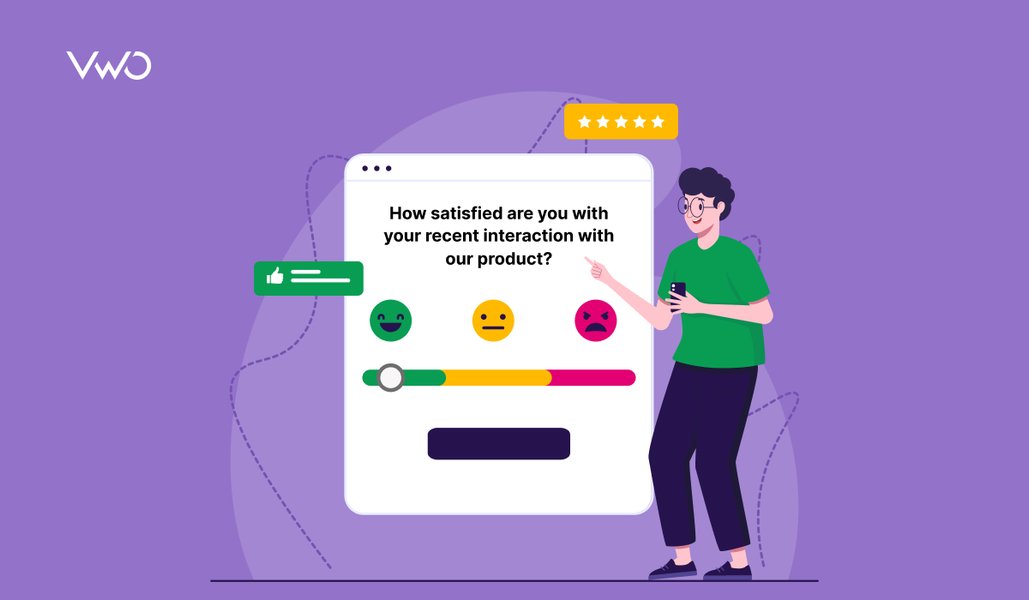
“How easy was it to resolve your issue or complete your task?”
Users can choose from a range of values, indicating very easy to very difficult.
CES is a key customer experience metric that measures how much effort customers had to put in to complete an interaction, resolve an issue, or perform an action.
Why is customer effort score important?
When interactions feel difficult, customers are less likely to return, even if the product or service itself is strong.
Instead of asking customers whether they’re “satisfied,” Customer Effort Score focuses on the level of effort they had to put in.
It helps teams pinpoint where “effort” is creeping into the user journey so they can prioritize improvements more effectively. Let’s understand why CES is important to improve customer experience:
1. Identify drivers of customer loyalty and retention
When customers struggle to complete basic tasks like tracking an order, getting support, or finding pricing details, they’re less likely to stay, regardless of the outcome.
By tracking effort for these tasks, teams can focus on removing friction that impacts user experience and long-term loyalty.
2. Catch early signals of potential churn
A high customer effort score is a leading indicator that something in the customer experience is broken, which could be:
Confusing navigation
Slow support response
Clunky checkout
Bugs in product workflows
It helps you identify early signs of friction so you can fix them before they compound.
Every element on your website sends a signal about whether your brand is trustworthy, relevant, or worth engaging with. Sometimes those signals are clear, but at other times they simply create confusion that pushes visitors to look elsewhere. The real challenge is identifying these moments across the digital journey and understanding the deeper reasons behind them.
If the user experience feels heavier or more time-consuming than what customers are used to, they will leave.
CES helps you benchmark whether you’re keeping up with these rising expectations.
4. Improve operational efficiency
By identifying high-effort interactions, CES enables businesses to avoid costly repeat interactions and optimize self-service options, which often leads to:
Higher conversions
Fewer abandoned flows
More repeat purchases
Stronger lifetime value
When to use customer effort score?
Customer Effort Score works best when measured at moments when customers are trying to complete a task.
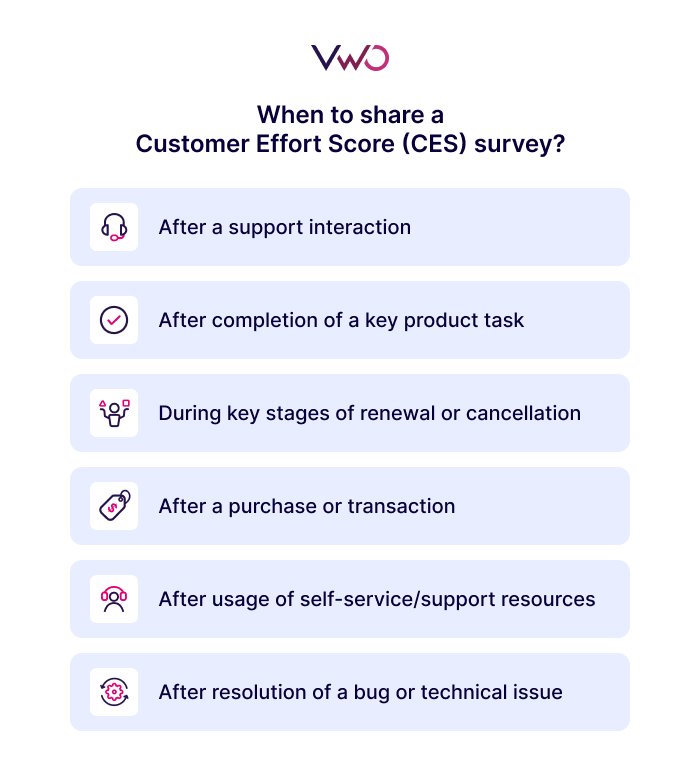
Here are the most effective scenarios to deploy a customer effort score survey:
1. After a support interaction
This is the most common and high-impact use case. It measures the ease of resolving issues and enables organizations to improve support team efficiency and training.
Typically, CES surveys are deployed immediately after:
Chat or email support conversations
Phone interactions
Resolution of a support ticket
2. After completing a key product task
For SaaS and digital products, CES is usually triggered after tasks like:
Free trial or demo signup
Onboarding completion
Subscription plan changes
Third-party tool integration
In-product workflow completion
3. After a purchase or transaction
Gauge how easy or challenging the checkout process was to identify and fix issues that may lead to cart abandonment.
eCommerce marketplaces often deploy CES surveys to measure effort during key tasks, such as:
Browsed products
Added items to the cart
Completed payment
Tracked orders or returns
4. After using self-service or help center resources
Teams also deploy CES surveys when customers:
Search the knowledge base
Browse FAQs
Interact with chatbots
Attempt troubleshooting on their own
If customers still contact support after these interactions, you can make targeted improvements to improve the quality and scale of your self-service resources.
5. During renewal, cancellation, or plan changes
Renewal or cancellation is a complex and emotionally charged process. CES helps you understand whether the experience felt:
Transparent
Simple
Guided
Or frustrating and confusing
This can help you identify systemic problems in your products or services and can also reduce churn by simplifying renewal paths.
6. After resolving a bug or technical issue
If your engineering or product team deploys a fix, CES helps verify whether:
The issue is truly resolved
The customer’s workflow is back on track
Additional friction remains that wasn’t addressed
How to measure customer effort score?
Measuring score is straightforward, but getting reliable insights depends on when you ask the question, how you frame it, and how you calculate the customer effort score.
Here is a simple, structured breakdown of the process.
1. Ask the right CES survey question
Most customer effort score surveys focus on a single core question that measures how easy or difficult it was for customers to complete a specific task or resolve an issue.
The question is typically phrased as:
“How easy was it to resolve your issue today?”
This question captures perceived effort immediately after the customer completes a particular action.
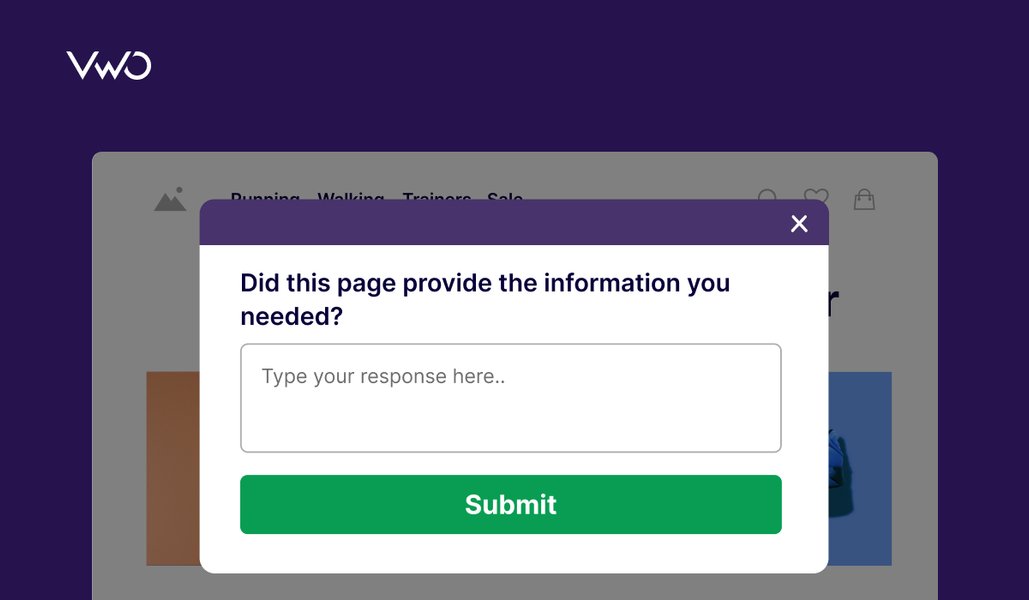
I rely the most on on-site surveys because they capture feedback in real time. When users encounter a problem while browsing, they can share their thoughts immediately instead of trying to recall the experience later. This makes it easier to identify friction at the exact moment it occurs, and compared to many other research methods, it’s also relatively cost-effective.
Brands commonly use one of the following customer effort score scales:
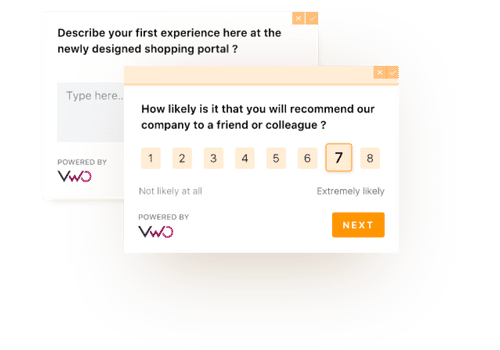
1-5 scale (1 = very difficult, 5 = very easy)
1-7 scale for more variance
Likert-style agreement scale, from strongly disagree to strongly agree
Emoji scale (simple and visual, often used in mobile flows)
Choose a scale that your users find intuitive and maintain consistency across touchpoints.
3. Trigger the CES survey at the right moment
Send the survey right after the customer completes a task or interaction, such as:
Ended a support chat
Made a purchase
Completed onboarding, etc
The closer the survey is to the experience, the more accurate your CES will be
4. Collect both quantitative and qualitative feedback
A strong customer effort score survey includes:
The rating question (quantitative)
An optional open-text field to capture why they felt the experience was easy or hard (qualitative)
5. Calculate CES
The customer effort score formula is straightforward:
CES = (Sum of all customer effort ratings ÷ Total number of responses)
For instance, if 100 shoppers gave a total of 420 points, the CES score is 420 ÷ 100 = 4.2
This gives you an average customer effort score, which you can track over time or benchmark against industry norms.
Pro Tip!
Build surveys faster with AI-generated questions from VWO Copilot. Simply describe your survey goal, such as measuring CES or understanding drop-offs, and let AI suggest structured, relevant questions you can refine or regenerate. This enables you to launch thoughtful surveys while skipping the manual grind.
What is a good customer effort score?
While there is no universal standard for customer effort score, anything above 5 on a 1-7 scale is considered good. This range represents a sweet spot where the customer’s problem is solved with minimal effort.
Customer effort score benchmarks:
1 to 7 scale: A score of 5 is good, and 6 or higher is excellent.
1 to 5 scale: A score of 3 or higher is generally considered good.
How to improve customer effort score?
High effort usually comes from broken workflows, unclear communication, repetitive steps, or slow support.
Here are the most effective ways to improve your customer effort score.
1. Map and remove friction from critical journeys
Use behavior analytics, session recordings, heatmaps, and CES survey responses to pinpoint the exact moments where users struggle.
2. Streamline product or website flows
Customers often experience high effort because the journey is too long or confusing. Simplifying navigation, reducing unnecessary steps, and clarifying next actions make it easier for users to complete tasks quickly and effortlessly.
3. Strengthen your self-service experience
Make sure to develop a knowledge base with clearer, searchable articles or add FAQs for high-volume questions. When customers solve issues on their own, CES naturally increases.
4. Make your support interactions effortless
Even the best products require support, but the experience shouldn’t feel like work. Ensure customers can quickly reach the right support channel, avoid repeating information, and receive clear, actionable responses in minimal steps.
5. Test and iterate on improvements
Once you identify friction, run experiments to validate fixes.
How VWO supports customer experience optimization
Customer experience optimization requires more than intuition.
Teams need direct feedback from users at the right moments, especially when measuring metrics like Customer Effort Score (CES).
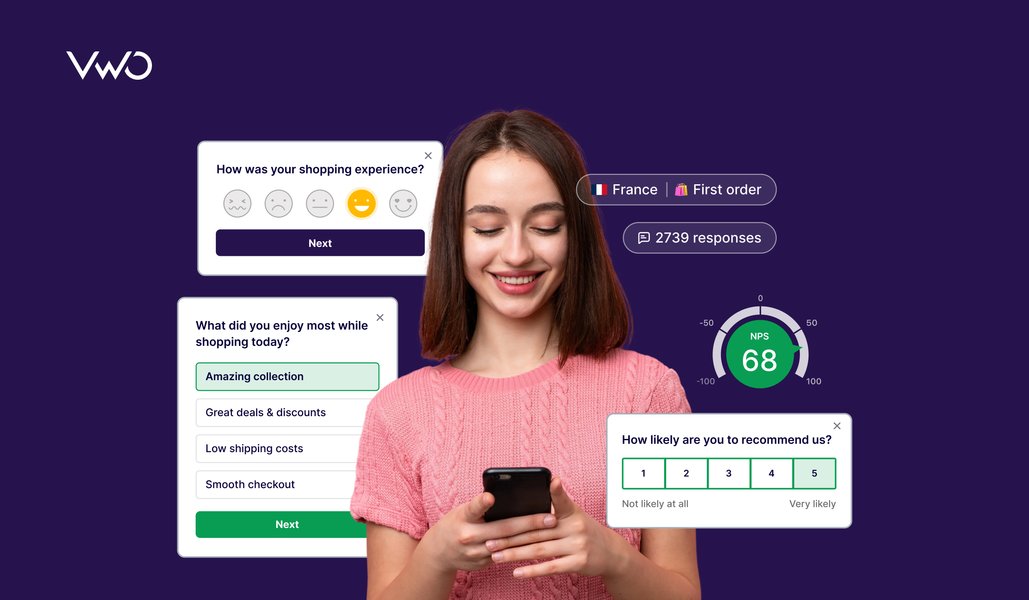
VWO Pulse enables teams to capture real-time customer feedback through on-page surveys designed to understand user sentiment, friction, and intent.
With VWO Pulse, teams can:
Launch CES, NPS, and CSAT surveys directly within the user journey
Trigger short, targeted questions based on visitor behavior, instead of showing the same survey to everyone.
Target specific audience segments to understand effort across different experiences
Gather qualitative insights to see why users struggle, not just where they drop off
These insights help teams identify areas where customer effort is highest and prioritize improvements that align with real user feedback.
Schedule a demo to see how VWO Pulse helps you capture actionable customer feedback and improve the user experience with data-driven insights.
Frequently asked questions (FAQs)
Q1. How is the Customer Effort Score (CES) calculated?
CES is calculated by asking customers a question: “How easy was it to resolve your issue today?” Users can rate the question on a numerical scale (commonly 1-5 or 1-7) based on the effort. The formula to calculate customer effort score is: CES = (Sum of all effort ratings) ÷ (Total number of responses)
Q2. Why is the customer effort score important?
CES helps teams understand how easy or difficult it is for customers to get help, resolve issues, or complete tasks. Teams use CES to identify friction points and streamline the customer journey. A low-effort experience often correlates with higher loyalty, reduced churn, and greater customer satisfaction.
Q3. What is a good customer effort score?
A good score depends on the scale being used, but generally: – On a 1-5 scale: 4+ is strong – On a 1-7 scale: 6+ indicates low effort Overall, a higher CES score indicates customers find it easy to interact with your brand.
Q4. What is the difference between CSAT and customer effort score?
CSAT measures how satisfied a customer is with a specific interaction or experience. CES measures how easy it was for the customer to achieve their goal.
Q5. What is a negative customer effort score?
A negative CES can occur when using a scale that ranges from negative to positive values (for example: -100 to +100 or -5 to +5). A negative score means customers find the experience challenging, frustrating, or time-consuming, indicating high effort.
Hi, there! I’m an Associate Manager of Content at VWO with 6 years of experience in B2B and B2C marketing. I work across blogs, SEO, thought leadership, newsletters, landing pages, and a video podcast I built and manage from scratch. At VWO, I’ve gained expertise in CRO, experimentation, user behavior research, and personalization, creating content that makes complex ideas clear and actionable. Outside of work, I enjoy experimenting with memes and short-form video on Instagram.
Uncover hidden visitor insights to improve their website journey
One of our representatives will get in touch with you shortly.
Awesome! Your meeting is confirmed for at
Thank you, for sharing your details.
, you're all set to experience the VWO demo.
I can't wait to meet you on at
Account Executive
, thank you for sharing the details. Your dedicated VWO representative, will be in touch shortly to set up a time for this demo.
We're satisfied and glad we picked VWO. We're getting the ROI from our experiments.
Christoffer Kjellberg
CRO Manager
VWO has been so helpful in our optimization efforts. Testing opportunities are endless and it has allowed us to easily identify, set up, and run multiple tests at a time.
Elizabeth Levitan
Digital Optimization Specialist
As the project manager for our experimentation process, I love how the functionality of VWO allows us to get up and going quickly but also gives us the flexibility to be more complex with our testing.
Tara Rowe
Marketing Technology Manager
You don't need a website development background to make VWO work for you. The VWO support team is amazing
Elizabeth Romanski
Consumer Marketing & Analytics Manager

 DE
DE
 BR
BR




 ChatGPT
 Perplexity
 Gemini
 Claude
 Grok
Grok