DE
DE
 BR
BR

 ChatGPT
 Perplexity
 Gemini
 Claude
 Grok
Grok
Not every user complaint makes it to a support ticket. Sometimes, frustration appears as a silent drop-off, a missed click, or a task abandoned halfway through. These quiet signals often go unnoticed, until they start affecting key metrics.
A UX audit helps bring those signals to the surface. It reveals what users are experiencing, not just what the data dashboard says. Whether the goal is to improve usability, reduce friction, or better align features with user expectations and intent, a UX audit offers a structured way to understand and enhance the digital journey.
In this blog, we’ll explore tools that can give you the insights needed to build smoother, more effective digital experiences.

What is a UX audit?
A UX audit systematically evaluates how users experience a digital product, such as a website or app. It uncovers usability issues, identifies friction points, and helps improve design decisions using both expert reviews and real user behavior data.
UX audits typically combine:
- Heuristic evaluations (based on usability best practices).
- Analytics (like heatmaps, session replays, and funnel drop-offs).
- User feedback and accessibility reviews
A UX audit may be required when user engagement is declining, after launching a redesign, or before scaling. But even without visible problems, a periodic UX audit can reveal subtle issues impacting conversions, retention, or customer satisfaction.
Think of it as a health check-up for your digital product; one that ensures users aren’t just arriving, but staying, exploring, and completing their journey with ease.
Analyze your eCommerce website for FREE
Best UX audit tools- An overview
Disclaimer: The pros and cons listed are based on reviews and feedback from third-party sites such as G2, TrustRadius, and other sources.
Best UX audit tools
Best UX audit tools – Summary
| UX Audit Tool | Features | Pricing |
| VWO | Heatmaps, Session Recordings, A/B Testing, Enhanced SmartStats, Segmentation, Code Editor, Funnels, Customer Data Platform, VWO Copilot, Advanced Targeting, Feature Management, Insights Dashboard | Free trial: Full access to all features for 30 days, with no restrictions. Paid plans: Offers customized pricing plans according to your business requirements. |
| Mouseflow | Friction Scores, Custom Dashboard, Scrollmaps, Error Detection, Surveys, Auto-Tag, Conversion Funnels, Data Segmentation, Click Tracking | Free trial: 14 days available for the Essential and Advanced plans. Free: Includes up to 500 sessions/month.Paid: Essential plan starts from $31/month, billed annually. The Advanced plan starts from $219/month, billed annually. |
| Pendo | Retroactive Analytics, Validate, Session Replay, Product Engagement Score, AI Insights and Recommendations, Pendo AI, Behavioral Data, Automate | Free: Start with up to 500 active users/month. Paid: Plans are available on request. |
| AskNicely | Logic & Branching, Conversational Surveys, Real-Time Dashboards, Survey Builder, Multi-channel Feedback Collection, NPS & CSAT Surveys | Paid: Plans start from $449/month when billed annually. |
| Maze | Tree Testing, Website Testing, Maze AI, Card Testing, Surveys, Prototype Testing, Qualitative and Quantitative Insights, Moderated & Unmoderated Testing | Free: For beginners and individuals; 1 study/month. Paid: Plans start from $99/month when billed annually. |
| UserWay | Accessibility Audit, Content Moderator, Contrast Checker, Compliance Monitoring, Overlay Engine | Free trial: Available for the Accessibility Widget plans. Paid: Various plans are available starting from $490/year. |
1. VWO

VWO offers a comprehensive solution that supports UX audits through a unified platform combining behavioral insights and testing capabilities. It caters to a wide range of teams, from UX researchers and product managers to CRO and digital marketing professionals, enabling cross-functional collaboration rooted in user data and the user’s perspective.
It connects behavior analysis directly to experimentation, helping teams identify pain points, understand user journeys, and implement improvements seamlessly.
With VWO Insights, businesses can dive into session recordings, heatmaps, scrollmaps, and clickmaps to visualize engagement patterns and pinpoint friction. Form analytics reveal drop-offs in user input flows, while conversion funnel tracking highlights where users abandon key journeys.
Surveys enhance this data with direct user feedback, powered by AI-generated questions and summaries, multilingual options, and smart targeting triggers.
Once insights are collected, VWO Testing empowers teams to validate hypotheses across any part of the user journey. With real-time reports, audience targeting, and instant deployment of winning variations, VWO transforms UX audits into actionable, measurable outcomes.

Use VWO Copilot to get AI-generated personalized testing ideas, helping you build a continuous optimization pipeline and uncover smarter ways to enhance user experience.
Features
Heatmaps, Session Recordings, Funnels, Insights Dashboard, Visual Editor, Code Editor, Segmentation, VWO Copilot, Enhanced SmartStats, Customer Data Platform, Advanced Targeting, Feature Management
Pricing
- Free trial: Full access to all features for 30 days, with no restrictions.
- Paid plans: Offers customized pricing plans according to your business requirements.
Pros
- The platform is easy to navigate, with clear data visualization and detailed segmentation for deeper insights.
Cons
- Best suited for optimizing user experiences, though it may not support early-stage UX tasks like wireframing or initial user research.
Customer experience
“It is very nice to have everything, from analysis to testing, in one tool. This also makes it easier to do analysis on specific variants or experiments. The Form Analytics have been the most useful feature for me lately, due to the way we could unveil very specific frustration points and opportunities on one of our most important pages. The suggestions made by VWO to watch recordings or view heatmaps in certain scenarios are also a nice addition.”
– Donny van der Molen,
CRO specialist at Vandebron
Source: VWO Success Stories
Quick note: Understanding why users behave the way they do in your mobile app is the key to optimization. Watch this webinar to discover how VWO Insights – Mobile App session recordings and heatmaps help you identify pain points, optimize layouts, and turn user behavior data into actionable strategies that improve engagement and conversions.
2. Mouseflow
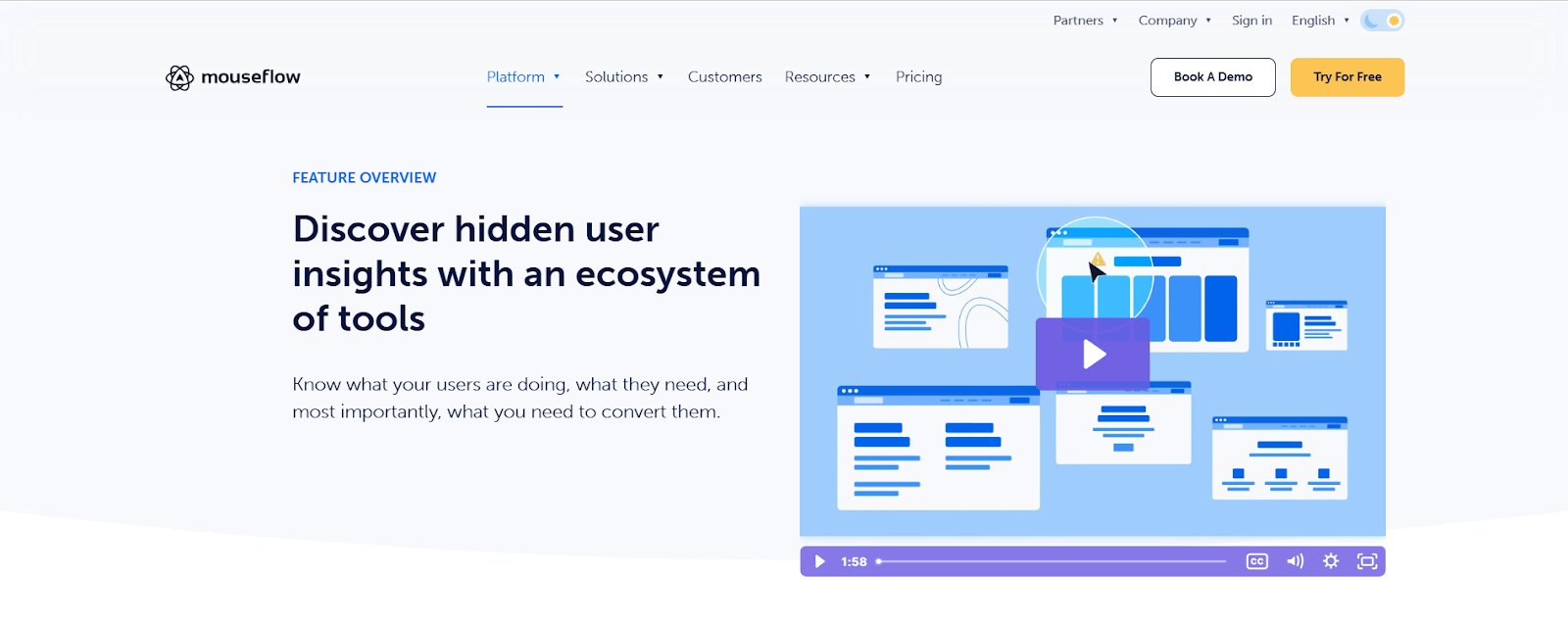
Mouseflow helps UX and design teams understand exactly how users interact with a website. Session replays show where users struggle and what needs fixing. Its six types of heatmaps, like clicks, scrolls, and attention, make it easy to see what users focus on and what they miss.
With funnel tracking, teams can identify where users drop off; form analytics reveal issues in various form fields, and triggered surveys capture real user feedback. By connecting these insights, Mouseflow makes it easier to uncover problems and improve the overall user experience.
Features
Friction Scores, Custom Dashboard, Scrollmaps, Error Detection, Surveys, Auto-Tag, Conversion Funnels, Data Segmentation, Click Tracking
Pricing
- Free trial: 14 days available for the Essential and Advanced plans.
- Free: Includes up to 500 sessions/month.
- Paid:
- Essential plan starts from $31/month, billed annually.
- The Advanced plan starts from $219/month, billed annually.
Pros
- Powerful filters let you sort recordings by user actions and engagement, helping you quickly identify UX problems.
- Fast setup and a user-friendly interface make it easy to start gathering insights without any steep learning curve.
Cons
- Session recording storage may not be enough for high-traffic sites.
- More flexible or add-on-based pricing would help growing businesses scale more easily.
Alternatives: Fullstory, Hotjar, Contentsquare
Customer experience based on G2
“Mouseflow has completely transformed our marketing analytics! With features like heatmaps, session replays, and conversion funnels, we gain clear insights into user behavior. This helps us identify issues and enhance engagement.” – Riley McDermott, Digital Content Strategist for OVPR at University of Texas at Austin
3. Pendo
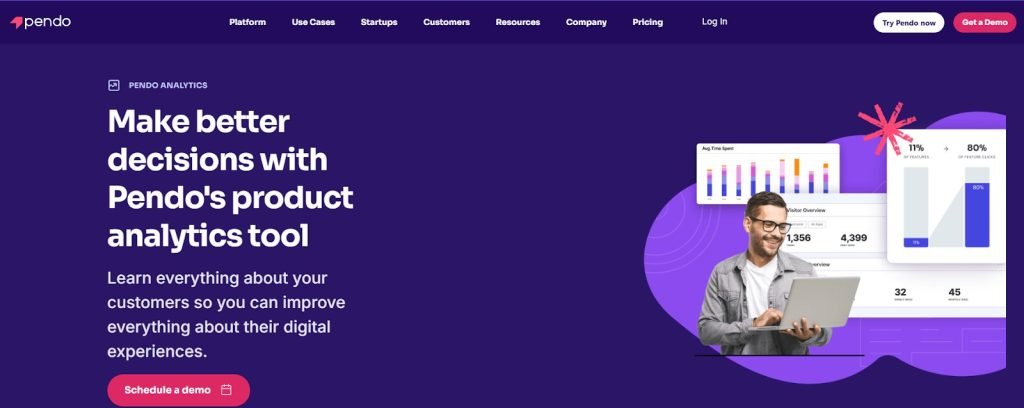
Pendo product analytics offers clear visibility into how users interact with a product, highlighting which features deliver value, where users drop off, and how effectively the product supports user goals. With tools like funnels, user paths, retention tracking, and product data through retroactive analytics, teams can identify friction points and better understand user behavior.
With AI-powered recommendations, teams get instant, data-driven suggestions on how to improve product engagement. It also integrates with in-app guides, feedback tools, and roadmapping features, helping teams improve navigation, monitor user sentiment, and align product priorities with real user needs.
Features
Retroactive Analytics, Validate, Session Replay, Product Engagement Score, AI Insights and Recommendations, Pendo AI, Behavioral Data, Automate
Pricing
- Free: Start with up to 500 active users/month.
- Paid: Plans are available on request.
Pros
- In-app guides help deliver targeted help and content, improving the overall user experience.
- Automated analytics and guide features save time and streamline UX efforts.
Cons
- It would be helpful if badges could act as clickable CTAs to launch guides directly.
- Some minor differences in the interface across sections may take a little time to get used to, especially for new users.
Customer experience based on G2
“Pendo provides valuable insights into how users interact with business products and services. The software includes a helpful onboarding guide to assist users with the products they use.“ – Samantha Lukina, IT Manager at Altria Theater
Alternatives: Mixpanel, LogRocket, Whatfix
4. AskNicely
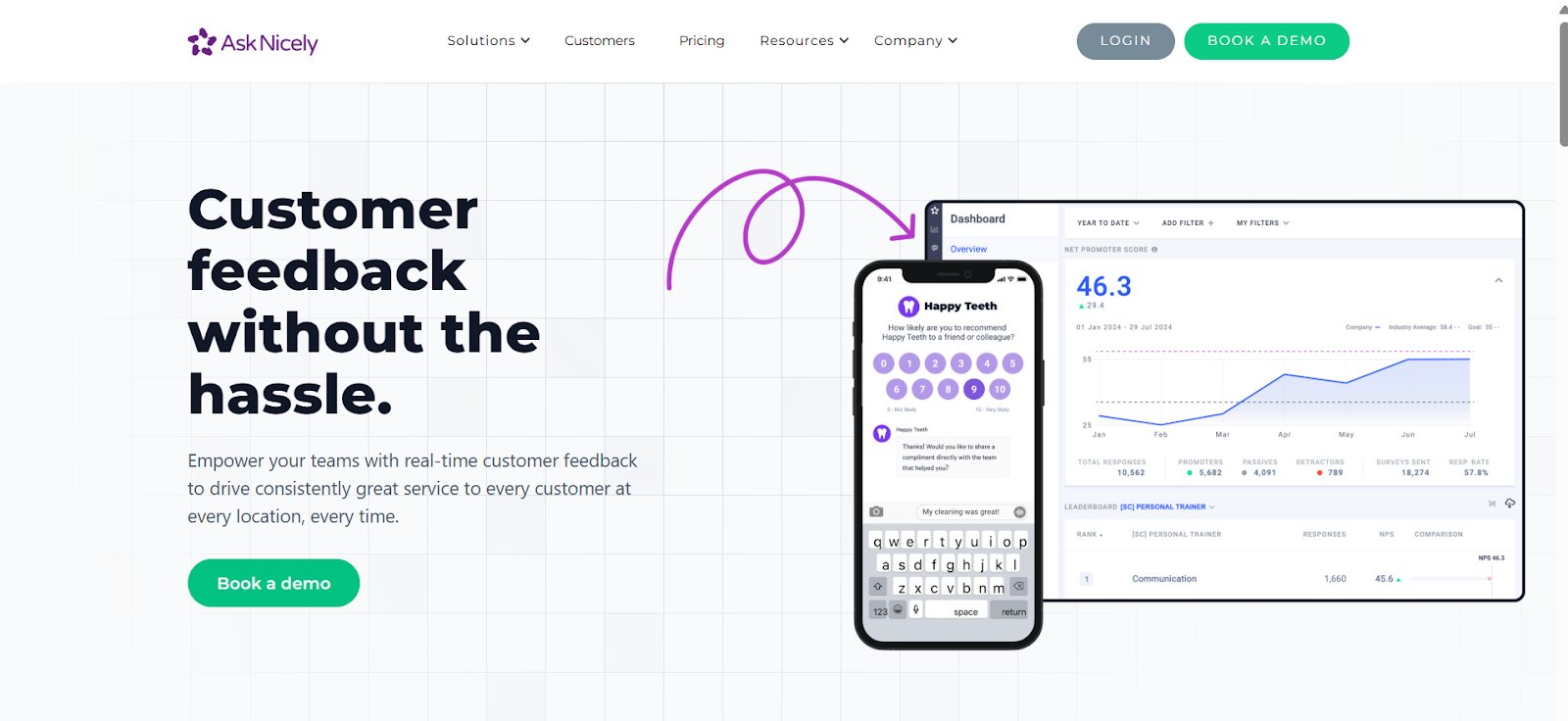
AskNicely enables teams to stay closely connected to customer sentiment by collecting timely, engaging feedback through surveys shared across email, SMS, kiosks, mobile apps, or websites. It’s always-on feedback engine keeps customer sentiment visible in real time and helps businesses track trends and act before issues grow.
The platform makes CX data easy to understand and use, with dashboards accessible to both leadership and frontline teams. Its survey builder supports NPS, CSAT, and 5-star formats, with customizable branding and simple logic options. By standardizing feedback across locations and keeping surveys conversational, AskNicely helps teams identify improvement areas and respond quickly using one unified platform.
Features
Logic & Branching, Conversational Surveys, Real-Time Dashboards, Survey Builder, Multi-channel Feedback Collection, NPS & CSAT Surveys
Pricing
- Paid: Plans start from $449/month when billed annually.
Pros
- The user-friendly interface makes it simple to track data, manage cases, and analyze feedback across departments.
- Highlights both negative and positive feedback in real time, making it easy to respond and stay updated.
Cons
- More educational content, like tutorials or webinars, would make it easier to get the most out of reporting features.
- Pricing may feel high for smaller teams or limited use cases.
Customer experience based on G2
“AskNicely streamlines the process of consolidating customer information. The program allows us to survey or monitor our users through mobile apps, emails, or even websites.” – Ifeoma Ejikeme, Operational supervisor at Pad Up Creations Limited
Alternatives: Delighted, Qualtrics, Appzi
5. Maze
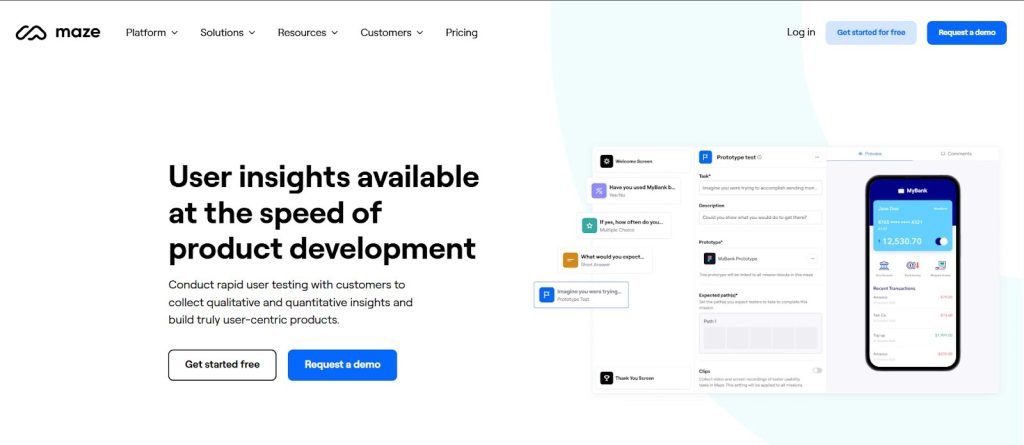
Maze helps validate product decisions by testing usability and gathering feedback at every stage of the design process. From wireframes to live websites, it enables real-user testing and early input on usability and accessibility to better understand user behavior.
Usability tests can be run on live features and flows using heatmaps, path analysis, and session recordings. This helps compare expected behavior with actual outcomes and uncover areas to improve. In-product prompts support ongoing user recruitment, while visual reports offer clear, context-rich insights to guide design and development.
Features
Tree Testing, Website Testing, Maze AI, Card Testing, Surveys, Prototype Testing, Qualitative and Quantitative Insights, Moderated & Unmoderated Testing
Pricing
- Free: For beginners and individuals; 1 study/month.
- Paid: Plans start from $99/month when billed annually.
Pros
- It is easy to use with a wide range of testing options to choose from.
- Streamlined survey tools make it easy to ask complex questions and gather feedback from large user groups without losing engagement.
Cons
- User selection becomes available only after starting the test, which can be a bit unclear at first.
- Certain Figma prototypes may not display properly on mobile, which might influence how participants interact with the test.
Customer experience based on G2
“This tool has a powerful automated reporting and analytic feature that helps generate reports that helps make informed decisions. It also has an intuitive interface that is very user-friendly.” – Anne-Charlotte, Head of Industrialization & Production Manager at CHANEL Group,
Alternatives: Userlytics, Optimal Workshop, Loop11
6. UserWay
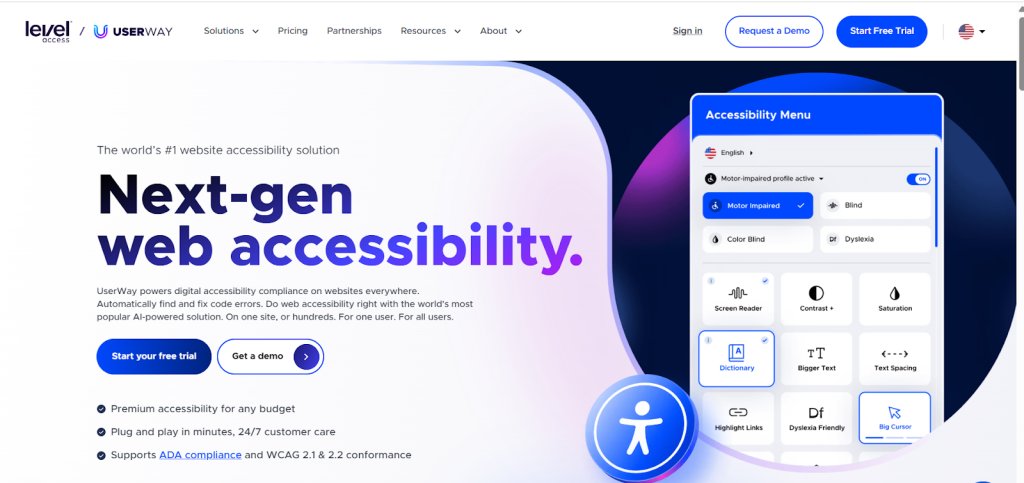
UserWay enables organizations to build accessible digital products by combining powerful AI with human expertise. Its Pro Accessibility Widget continuously detects and fixes accessibility violations without requiring changes to existing website code, making it easier to increase compliance without disrupting development.
From instant WCAG diagnostics with the Accessibility Checker to ongoing Accessibility Monitoring and certified manual audits, UserWay covers every stage of the product lifecycle.
It helps organizations meet key standards like ADA and WCAG 2.2, ensuring content is usable for people with disabilities. With VPAT/ACR documentation and a unified, easy-to-use dashboard, teams can confidently manage accessibility across all digital touchpoints.
Features
Accessibility Audit, Content Moderator, Contrast Checker, Compliance Monitoring, Overlay Engine
Pricing
- Free trial: Available for the Accessibility Widget plans.
- Paid: Various plans are available starting from $490/year.
Pros
- Easy to set up, customizable, and integrates smoothly without affecting website design or functionality.
- Offers a wide range of features that support most accessibility needs across different use cases.
Cons
- More detailed documentation would be helpful for those looking to extend functionality with custom code.
- It would be great if subscription auto-renewal could be turned off by choice.
Customer experience based on G2
“When I first implemented UserWay on our website, I was impressed by how quickly it identified and automatically fixed numerous accessibility issues.
These included problems such as missing alt text, poor color contrast, and keyboard navigation difficulties, issues that would have taken our team weeks to discover and resolve manually.” – Prashant Bayas, Associate Consultant at Systems Plus Solutions
Alternatives: BrowserStack, Siteimprove, accessiBe
7. UXCam
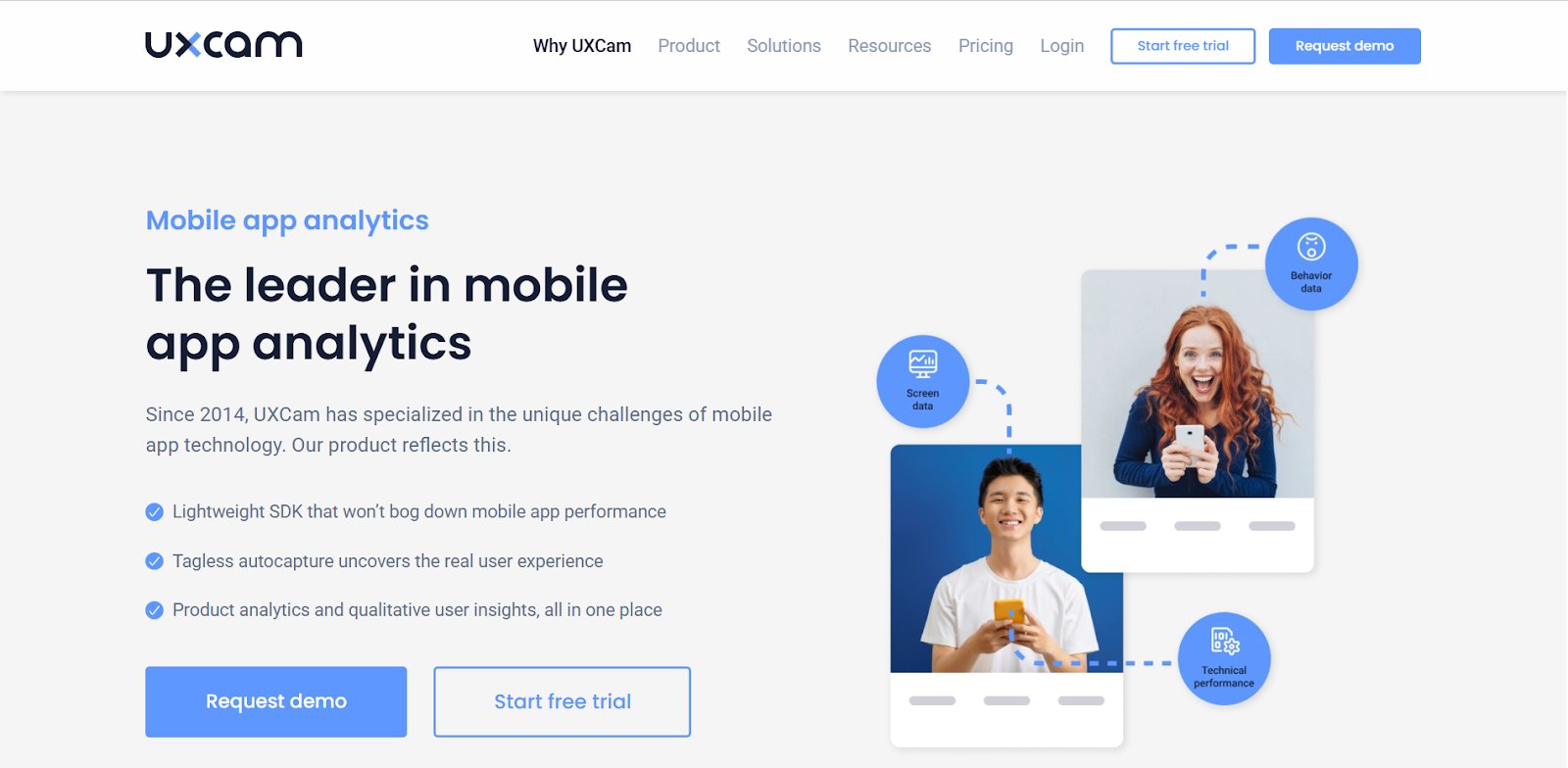
UXCam provides session replays, gesture-based heatmaps, crash tracking, and user journey mapping, all tailored for mobile applications. It’s a must-have for mobile-first products looking to uncover UI friction, performance issues, or navigation gaps directly from user behavior.
Features
User Segmentation, Engagement, Retention, Reports & Dashboards, User Path Tracking, User Activity History, Custom Event Tracking
Pricing
- Free trial: 14-day access to all Growth plan features.
- Free: 3000 sessions/month, and limited access to session replays.
- Paid: Pricing for different plans can be requested.
Pros
- Offers a smooth mobile experience with quick access to platform recordings.
- Provides helpful app analysis tools and responsive account manager support.
Cons
- There can be slight delays in loading session replays.
- Tagging could be more intuitive, as some users find it challenging to quickly locate what they’re looking for.
Customer experience based on G2
“I appreciate the insights it provides, especially when it comes to analyzing crashes. The qualitative data gathered from user sessions is particularly valuable to me. I also love the recommendations for creating quick dashboards and the useful information it offers.” – Carlos Eduardo Tay, Regional UX/UI Lead at Pako
8. Frill
Frill helps teams collect, organize, and act on customer feedback in a structured and transparent way. It allows users to submit feature ideas, vote on suggestions, and share comments, making it easy to identify what matters most to the community.
With built-in tools for idea management and public roadmapping, Frill enables product teams to align their development priorities with actual user needs. By supporting a collaborative, feedback-driven approach, the platform helps create more user-informed product experiences.
Features
Feedback Boards, Public Roadmaps, Announcements, Surveys, Feature Requests, Widgets
Pricing
- Free trial: 14-day access to all paid plans except for Enterprise.
- Paid: Starts from $25/month.
Pros
- A single dashboard makes it easy to switch between multiple projects and view relevant ideas.
- You can merge similar ideas, and all associated votes are carried over, so every user input counts.
Cons
- The widget currently lacks color customization, which can make it stand out from the rest of the website design.
- A built-in tutorial would be helpful, as new users may need to rely on FAQs or support to get started.
Customer experience based on G2
“Indeed, it’s the best platform among the many we’ve tested. It’s easy and simple to use, with support readily available. Everything just works; there are no bugs, and the interface runs smoothly. The user experience is very straightforward and easy to understand.” – Orkhan Hajiyev, Head of Growth at Uvodo
9. Intercom
Intercom may support UX audits by offering deep insights into the customer service experience, a key part of the overall user experience. Its AI-powered support resolves a large volume of queries instantly, while conversation histories and help center interactions reveal common user pain points. By analyzing support patterns and feedback, teams can uncover usability issues and improve both product and support flows.
Features
Fin AI Agent, AI-Generated Insights, AI-First Tools, Workload Management, Help Center Customization, Multiple Help Centers, Pre-Built & Custom Reports, Custom Events
Pricing
- Free trial: 14-day access to all products and features of the AI-first customer service platform.
- Paid: Starts from $29/per seat/month, billed annually.
Pros
- The conversation management interface is easy to use, and automated workflows help reduce manual effort.
- Offers flexible ways to segment leads and users, making it easier to communicate through the most relevant channels.
Cons
- Some advanced features are limited to higher-tier plans.
- Notifications for new tickets could be more prominent to help improve visibility and response time.
Customer experience based on G2
“It enables my team to concentrate on high-value initiatives while handling basic support queries that can be easily resolved by AI. Intercom invests heavily in this technology and places it at the core of their product, which gives us confidence for the foreseeable future.” – Martin Lapointe, Director of Customer Success at Agendrix
10. UserReport
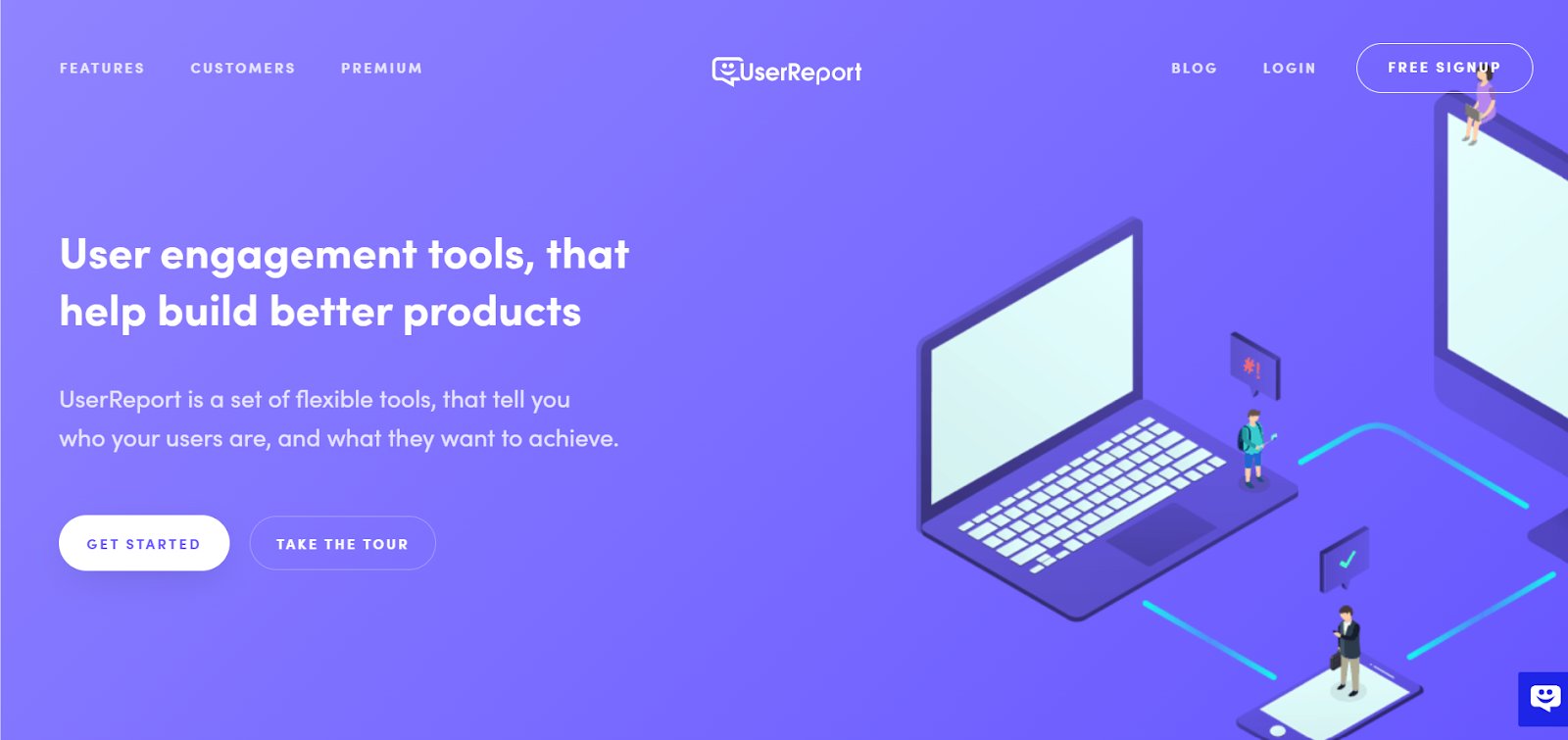
UserReport is a feedback and analytics tool that helps businesses better understand their audience and improve user experience. It offers customizable surveys and feedback widgets that can be embedded into websites or apps to collect insights directly from users.
The platform delivers actionable data, such as user demographics and sentiment, that supports informed decision-making. By capturing customer opinions, preferences, and behaviors, UserReport helps teams refine their products and boost overall customer satisfaction.
Features
Survey Widget, Feedback Widget, Nps, Audience Showcase, Device Comparison
Pricing
- Plans are not available on the website.
Pros
- Helps collect timely feedback, feature requests, and bug reports from customers, which supports continuous improvement.
Cons
- Different features are offered through separate apps, which can add up in cost when used together.
- The user interface could be more intuitive for a smoother experience.
How to do a UX audit?
1. Define the audit goals
Start by identifying what you want to improve. Are users dropping off before checkout? Are onboarding flows too long? A clear goal sets the focus for your audit and ensures your insights lead to relevant actions.
2. Gather data
Use both quantitative and qualitative inputs. Analytics tools like GA4 or Mixpanel show where users drop off, while heatmaps and session recordings from Hotjar or FullStory reveal where users hesitate or get stuck. Support logs and qualitative data surveys add context to these patterns.
3. Run a heuristic evaluation
Assess your product using established usability principles, such as Nielsen’s 10 Heuristics.
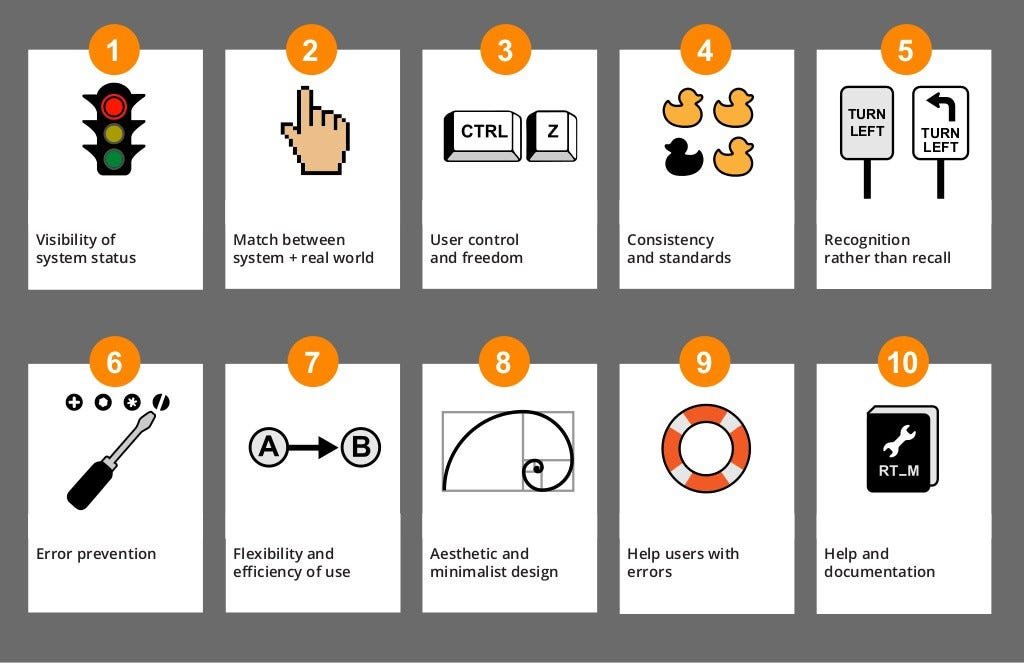
This expert review helps identify usability issues that data alone may not reveal. Focus on aesthetic and minimalist design, intuitive navigation, clarity of buttons and calls-to-action, meaningful error messages, and a clear information hierarchy. The goal is to ensure that every interaction feels logical, consistent, and user-friendly.
4. Conduct user testing
Watching real users interact with your product can uncover hidden friction. Remote testing tools like Maze or PlaybookUX make it easy to collect insights quickly. Even five short sessions can reveal common confusion points or overlooked areas, leading to actionable recommendations.
5. Check accessibility and mobile responsiveness
Ensure your product works for everyone. Use tools like WAVE or Deque Axe to test accessibility standards such as contrast, keyboard navigation, and screen reader compatibility. Also, test your product across devices to ensure a consistent mobile experience.
6. Identify patterns & prioritize fixes
Once issues are documented, group them by impact and frequency. Focus first on high-impact problems that affect critical user journeys. This keeps the fixes realistic and aligned with business goals.
7. Share findings and next steps
Turn your insights into a clear, structured report. Highlight key observations, suggest quick wins, and outline a roadmap for improvements. Make it collaborative; bring in design, development, and product teams to align on priorities.
What UX audit tools do I need?
Wondering where to start with your UX audit? Here’s a breakdown of the essential tools to uncover, analyze, and improve the user experience at every stage.
1. Behavior analytics tools
These tools give a visual lens into real user actions, helping you move beyond assumptions and see exactly how users interact with your product. From clicks and scrolls to rage clicks and drop-offs, they reveal patterns that show where users are engaged and where they’re getting stuck.
2. User testing & feedback tools
User testing tools bring real voices into your UX audit. They help you observe how users navigate your product, understand their struggles in real time, and gather direct feedback, often uncovering issues that data alone can’t explain.
3. Product analytics tools
These tools track what users do over time, like which features they use, how often they return, and where they churn. Ideal for identifying behavioral trends, they give a bigger picture of user engagement and help measure the impact of design changes.
4. Accessibility & performance Tools
Even the best UX fails if users can’t access or load your product properly. These tools audit your site or app for accessibility compliance and technical performance, ensuring that speed, readability, and usability are in place for all users.
5. Experimentation & testing Tools
After identifying issues, these tools let you test UX improvements safely, whether through A/B tests, multivariate tests, or controlled rollouts. They ensure that changes are based on real impact, not guesswork, and help scale what works.
Conclusion
Conducting a regular UX audit is essential for identifying and addressing usability issues that affect user engagement and satisfaction. By using the right tools and following a structured approach, you can create a digital experience that aligns with user expectations and drives success.
VWO helps you understand user behavior and optimize conversions. From heatmaps to A/B testing, VWO provides everything you need to enhance your website’s performance and keep users engaged. Ready to see it in action? Sign up for a free demo today!
FAQs
UX auditing is the process of evaluating a digital product to identify usability issues, understand user behavior, and uncover opportunities to improve the overall user experience.
A UX content audit is a detailed review of on-site content, focusing on clarity, tone, structure, and usefulness, to ensure it aligns with user needs, enhances navigation, and follows your brand’s content style guidelines.
The cost of a UX audit varies based on factors like the size of the product, the depth of analysis required, and whether it’s conducted internally or by an external expert or agency.
A UX audit can take anywhere from a few days to several weeks, depending on the complexity of the product and the level of detail required.
A CRO audit focuses on increasing the percentage of users who complete a specific action, such as making a purchase or signing up, by analyzing conversion funnels, CTAs, and on-page elements. A UX audit, in contrast, takes a broader view of the user’s overall journey, evaluating usability, accessibility, and satisfaction across the entire experience. While CRO is goal-oriented and conversion-driven, UX auditing prioritizes seamless, intuitive interaction that supports long-term engagement and user satisfaction.
Common UX tools include quantitative data tools like Hotjar and FullStory for behavior analysis, Maze for usability testing, Pendo for product analytics, and VWO for A/B testing, behavioral analysis, and integrated optimization across research and experimentation.
The best UX tool depends on your specific goals—whether you’re analyzing user behavior, running usability tests, gathering feedback, or experimenting with design changes. A well-rounded UX stack often combines tools that support both research and optimization.
Categories:







![10 Best Product Management Tools [2026]](https://static.wingify.com/gcp/uploads/sites/3/2025/01/Feature-image-10-Best-Product-Management-Tools-2025.jpg?tr=h-600)


 Analyzing Your Website