
 ChatGPT
 Perplexity
 Gemini
 Claude
 Grok
Grok
Online surveys have become an essential tool for both market research and marketing strategy, with 85% of professionals relying on them regularly to uncover customer insights and industry trends.
With the right survey tool, analyzing consumer behavior, measuring brand perception, and validating product demand becomes seamless, turning raw data into actionable insights.
In this guide, we’ll break down the top marketing survey tools, helping you find the perfect fit to drive smarter decisions and gain a competitive edge.

What are marketing survey tools?
Marketing survey tools help businesses collect and analyze customer feedback to refine their strategies. These tools allow companies to create and distribute surveys across multiple channels, such as email, social media, and websites to gather insights on customer preferences, market trends, and brand perception.
It offers features like customizable templates, multiple question formats, logic branching, and AI-driven analytics to make data collection seamless. Businesses use these insights to improve customer experience, optimize marketing campaigns, and develop better products.
Best marketing survey tools: At a glance
Top 8 marketing survey tools
Top marketing survey tools – Quick comparison
| Tool | Best for | Starting price |
| Qualtrics | Enterprise-grade research with advanced analytics | Custom pricing |
| SurveyMonkey | Market research and online surveys | $25/month |
| Attest | Real-time consumer research with global reach | Custom pricing |
| QuestionPro | Customizable survey solutions and automation | $99/month |
| VWO | Conversion-focused surveys with A/B testing and behavioral insights | Custom pricing |
| Typeform | Conversational, mobile-friendly surveys | $25/month |
| SurveySparrow | Multi-channel surveys with automation | $19/month |
| Google Forms | Basic, free survey creation with Google ecosystem integration | Free (personal use) |
1. Qualtrics
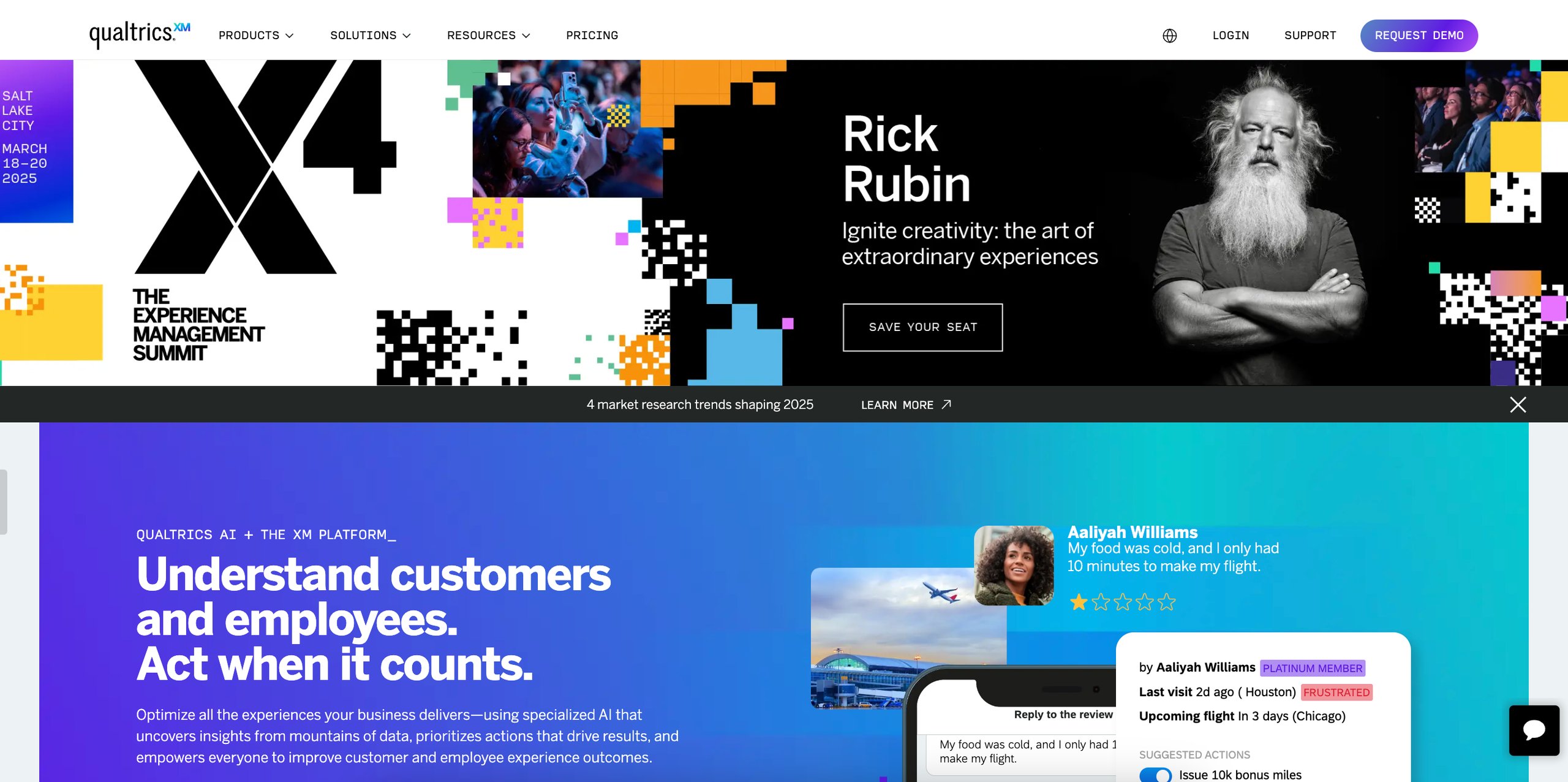
Qualtrics is an experience management platform that empowers organizations to systematically improve every aspect of their business by capturing and analyzing customer, employee, product, and brand experiences.
Qualtrics’ powerful survey engine allows users to measure and optimize customer experiences with AI-driven precision, driving loyalty and increased spending. It captures real-time feedback across multiple channels and provides a unified platform to analyze customer sentiment, identify key drivers of satisfaction, and act on actionable insights. It’s AI-powered adaptive follow-up and automated feedback management features enable teams to resolve issues swiftly, close the loop, and build lasting customer loyalty at scale.
Qualtrics also excels in market research by enabling businesses to detect emerging market trends, engage savvier consumers, and make informed decisions that drive ROI. It offers tools for audience curation, customizable workflows, and AI-powered search. It’s advanced dashboards and natural language processing capabilities bring insights to life, empowering teams to act swiftly and strategically.
Top features
- Advanced survey design
- Market research
- Online reputation management
- User experience research
- AI-driven analytics
- Experience management suites
Pros
- Offers a wide range of tools for various experience management needs
- Powerful dashboard customization and advanced analytics capabilities
- Provides extensive documentation, training, and customer support
Cons
- Limited customization in standalone workflow spaces
- Advanced features may require time and training to utilize effectively
Pricing
- It offers custom pricing plans tailored to meet the unique needs of each business
- Offers a 30-day free trial
Customer experience based on G2
“Qualtrics enables my business to gain valuable insights into the entire customer experience, from start to finish. This allows us to enhance customer satisfaction and retention. The data we collect from Qualtrics helps us improve our customer service procedures.” – Fiaz Hoosein, Business Intelligence and Analytics Manager at an enterprise firm
Quick note: Wondering why visitors leave after you’ve spent hundreds on acquisition? Hear directly from your customers using website surveys. Watch this 40-minute webinar to learn creative survey strategies and see how top businesses like Contorion gather actionable insights across the customer journey.
2. SurveyMonkey
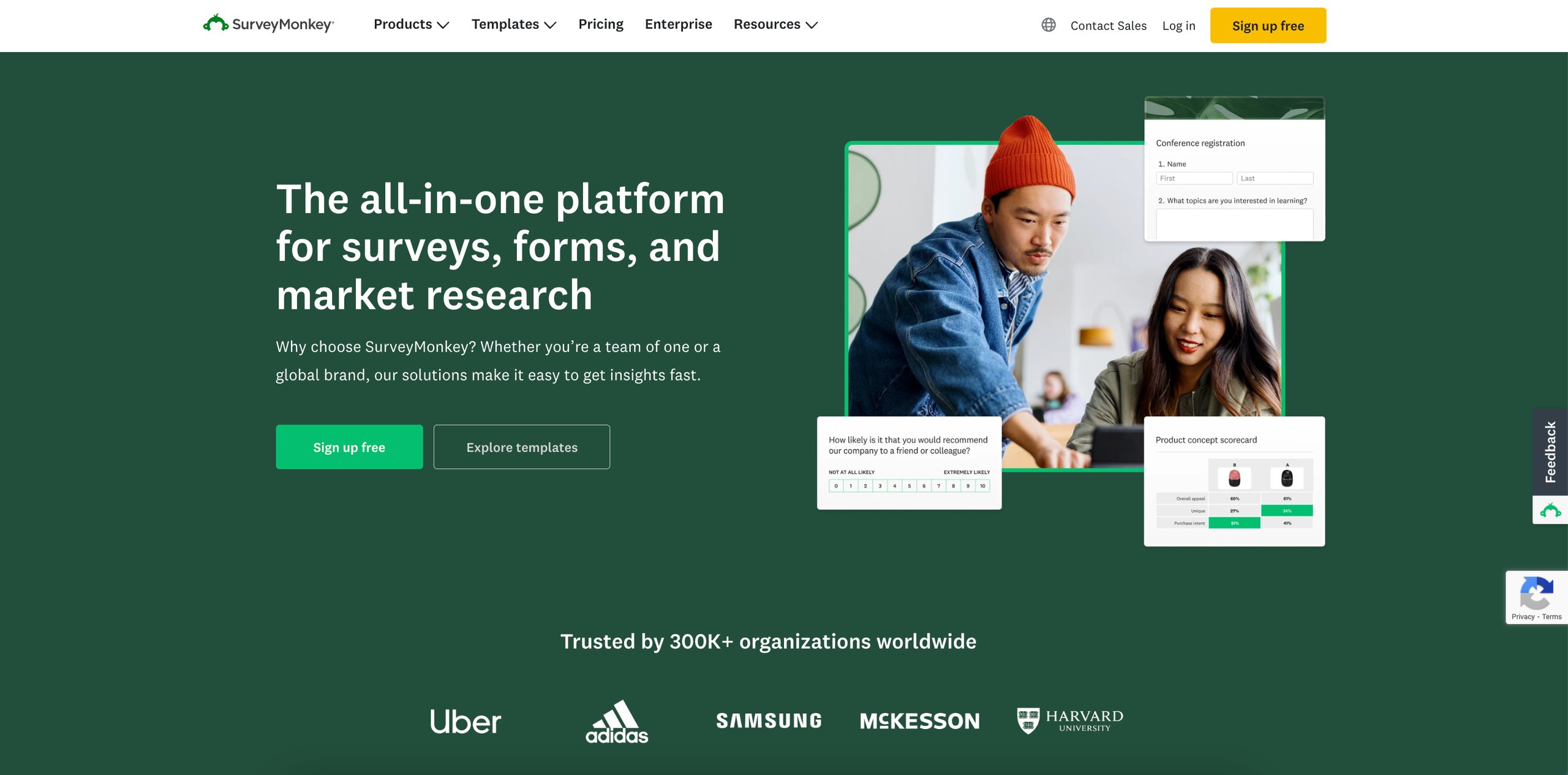
SurveyMonkey is an all-in-one platform for surveys, forms, and market research to streamline the process of data collection and analysis. With its customizable templates, users can swiftly create surveys tailored to their specific needs.
One of the standout benefits of SurveyMonkey is its extensive library of expert-written templates and an embedded question bank. These resources enable users to craft well-structured surveys without starting from scratch, ensuring that the questions are both relevant and effective.
Additionally, it provides agile, AI-powered market research solutions. With features like SurveyMonkey Genius, it simplifies every step of the research process, from survey creation to data analysis and trend identification. It also offers expert-built solutions such as usage & attitudes studies, concept testing, and ad testing. Businesses can discover consumer preferences, refine ideas, and optimize marketing campaigns with confidence.
Top features
- Customizable templates and questions bank
- Mobile responsiveness
- AI-powered survey creation
- Customizable online forms
- Market research solutions
- Global survey panel
- Advanced reporting and analytics
Pros
- Easy to create, customize, and share surveys
- Offers a wide array of tools suitable for diverse survey needs
- Offers advanced features like branching logic and A/B testing
Cons
- Basic features feel limited; advanced options require upgrades
- Navigation and filtering of results can be clunky
Pricing
- SurveyMonkey provides a free basic plan
- Paid plans start at $25/month (billed annually)
Customer experience based on G2
“The interface is easy to navigate and intuitive, even for new users. The survey-building function is efficient, and the question library offers a sufficient selection of options. Question branching works effectively. The visuals in the analytics tool are appealing and actionable. I appreciate the ability to save graphs and tables as PDFs and PNGs, which makes them easy to use in presentations.” – Michaela Carpenter, Customer Success Operations Manager at ALLPLAN
3. Attest
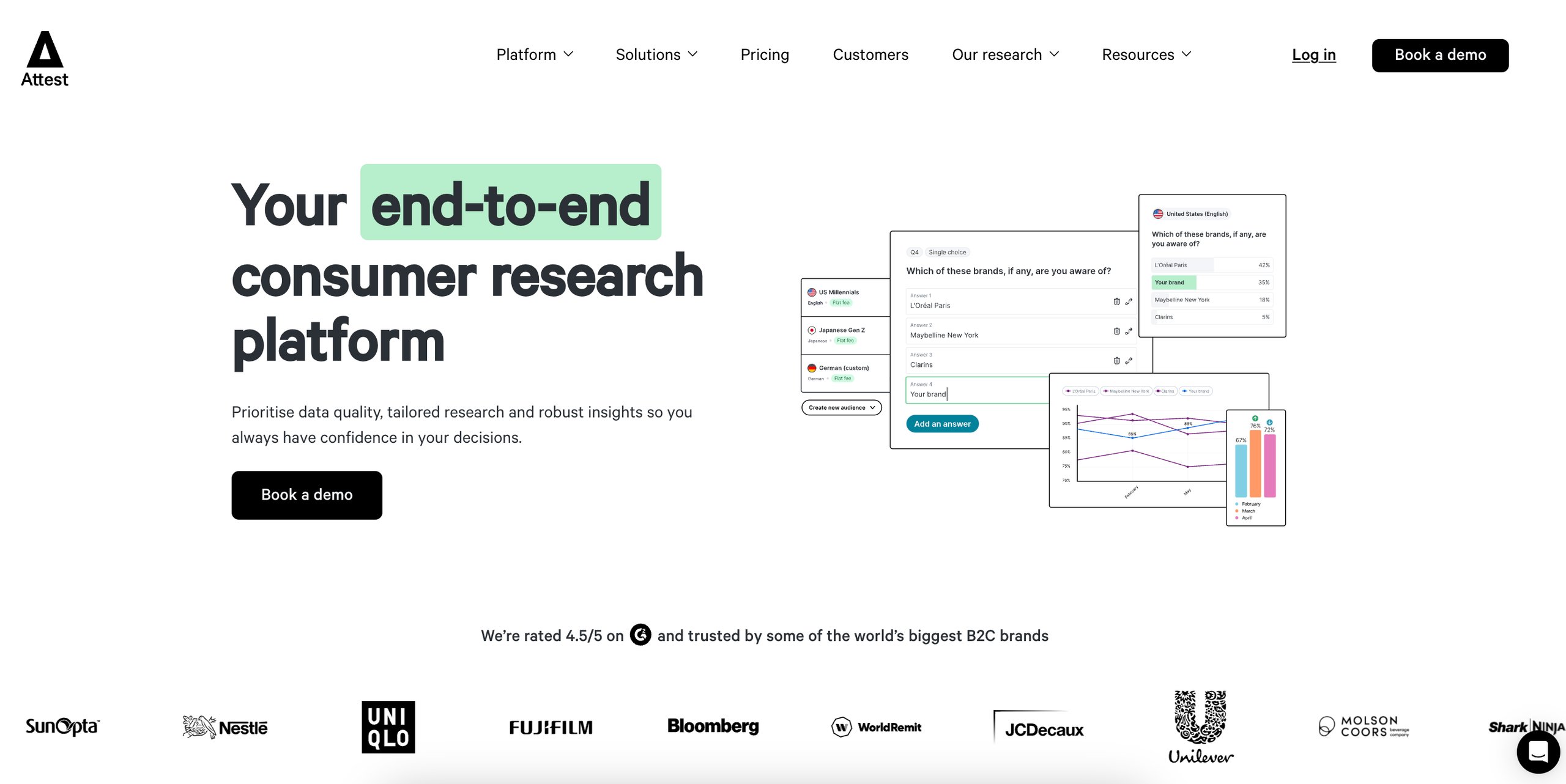
Attest is a consumer research platform that empowers businesses with actionable insights, enabling confident decision-making based on real-time data. Its user-friendly interface simplifies the process of creating and distributing surveys, making consumer insights accessible and impactful for all.
Additionally, it places a strong emphasis on data quality, employing a combination of AI and human checks to eliminate inaccuracies and ensure reliable insights.
Attest revolutionizes market research by combining panel and customer research into one seamless platform, offering unparalleled flexibility in audience selection. Whether you want to engage your current customers, target future consumers, or both, it empowers you to choose the right audience based on your specific needs, budget, and timeline. Its unique features like respondent IDs for tracking, custom demographic imports, and multi-market survey capabilities make it easy to compare audiences and uncover actionable insights.
Top features
- Custom survey design with editable templates
- Global audience reach
- Advanced data quality measures
- Multi-market research capabilities
- Real-time data analysis and reporting
- Results dashboard
Pros
- Ability to target specific audiences and demographics effectively
- Access to a vast, diverse global audience.
- Robust data quality assurance processes
- Excellent for testing creative concepts and gathering consumer insights
Cons
- Limited visualization options for demographic breakdowns
- Some functionality gaps compared to more advanced survey platforms
Pricing
- Pricing is tailored to business needs
Customer experience based on G2
“I appreciate the convenience of obtaining market and customer insights with Attest. It enables us to understand customer habits, opinions, and market trends, all of which aid our decision-making process.” – Gerald Sisto, Digital Marketer at a firm
4. QuestionPro
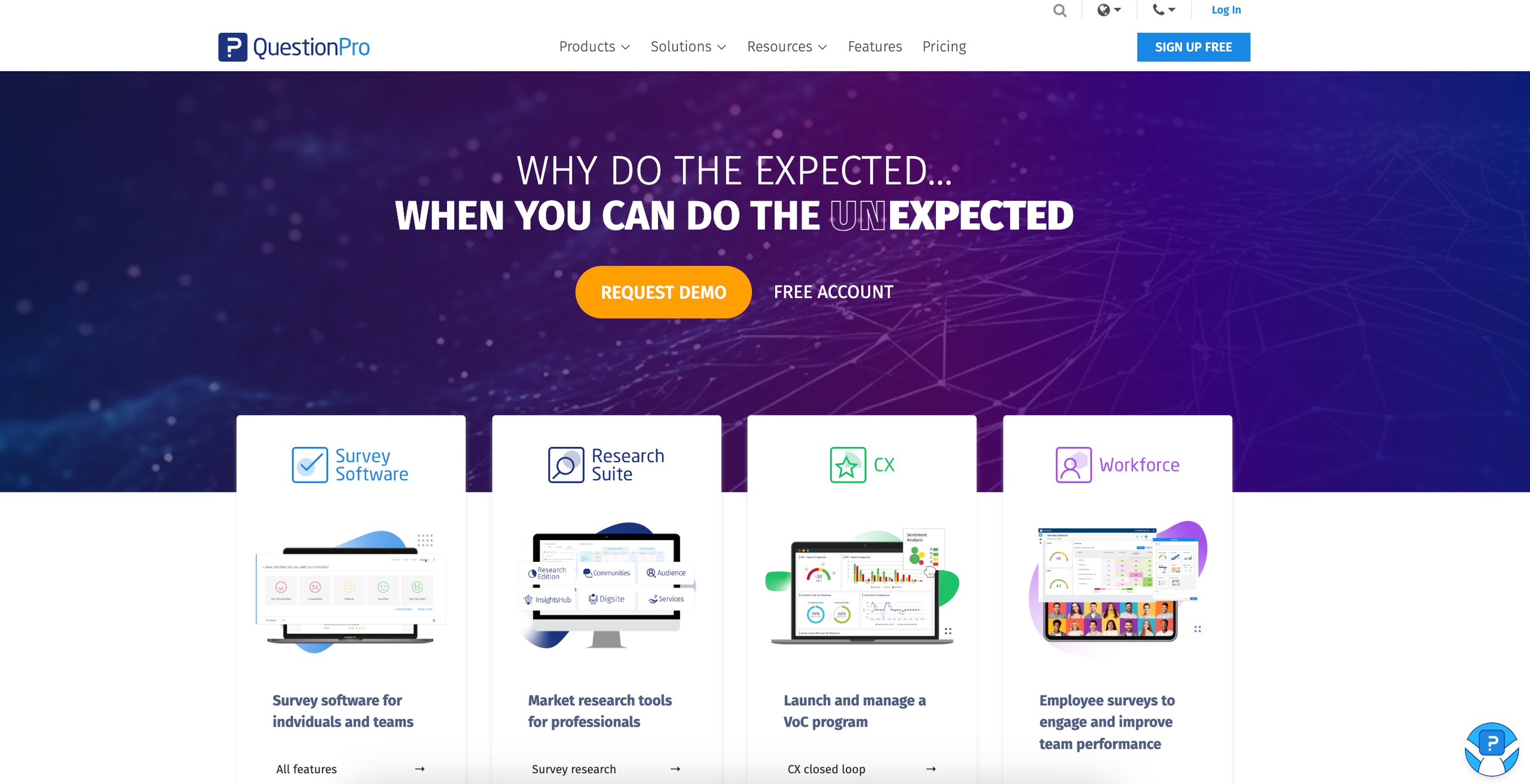
QuestionPro is a leading survey software trusted by top global companies, offering a comprehensive suite of tools to create, distribute, and analyze surveys with ease. It allows users to craft visually appealing, multilingual surveys with advanced question types, logic, and branding options. With real-time dashboards, robust analytics, and seamless integrations, QuestionPro turns data into actionable insights quickly, helping businesses make better decisions faster.
For market research, QuestionPro includes tools like Research Edition for solving complex research needs. With InsightsHub, teams can centralize research data, eliminate silos, and democratize insights through real-time dashboards, and one of the standout features is Digsite, which enables agile qualitative research for deeper consumer understanding.
Additionally, it offers end-to-end consulting services to ensure research accuracy and impactful outcomes. It provides a comprehensive range of features, including market segmentation, competitive benchmarking, A/B testing, pricing research, and ad testing, enabling businesses to make data-driven decisions, refine products and services, and stay ahead of evolving market trends.
Top features
- Advanced survey design
- Multi-channel distribution
- Offline survey collection
- All-in-One CX Solution
- Real-time analytics
Pros
- Supports complex question types, skip logic, and fraud detection
- Provides instant insights with real-time data collection and analytics
- Multiple channels for survey distribution
Cons
- Limited reporting customization
- Dashboards cannot be shared interactively; only static views are available
Pricing
- It offers a free plan with basic features
- Paid plans start at $99 per month (Billed annually)
Customer experience based on G2
“QuestionPro is user-friendly and encourages regular use, which is a significant advantage for survey tools. You can create a survey quickly without extensive setup, yet it still offers robust features for those who require logic, customization, and comprehensive reporting.” – Chris Hanson, Territory Account Manager at Peak Technologies, Inc.
5. VWO
VWO is an experience optimization platform that combines behavioral analytics, testing, and personalization to enhance digital experiences and drive conversions.
VWO offers On-Page Surveys, a powerful tool for collecting direct feedback from website visitors, providing valuable insights into user behavior, hesitations, and preferences.
With advanced triggering options like time spent on a page, scroll depth, exit intent, and customizable JavaScript-based conditions, surveys appear at the right moment to capture meaningful responses.
One can leverage VWO’s AI-powered capabilities to instantly generate tailored questions and refine them with ease. Further, you can analyze session recordings of respondents for deeper insights.
Conditional branching enables personalized follow-up questions based on responses, while multilingual support, branding options, and CSS styling ensure a fully customized survey experience.
Additionally, AI-generated survey reports provide key insights and specific actionable steps for implementation, saving you from manually analyzing responses to draw conclusions.
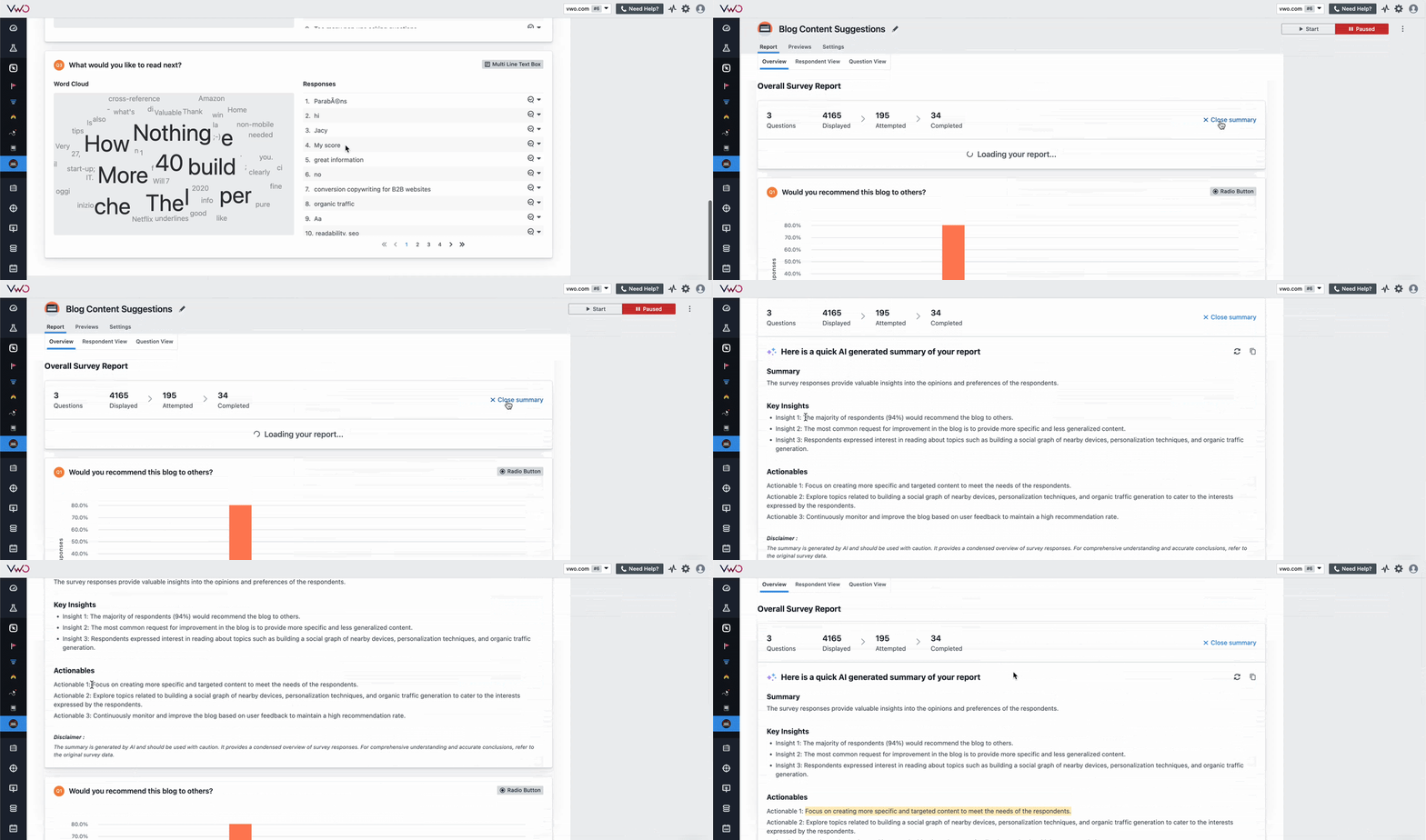

Use VWO’s advanced filtering options to segment survey responses effectively. Apply filters based on visitor attributes, user behavior, or form interactions to discover deeper insights and make more informed optimization decisions.
Bonus: Save and reuse filter setups to access personalized insights with just one click!
Apart from surveys, it also offers heatmaps, session recordings, and form analytics to provide a comprehensive view of user behavior on your website.
One of the key offerings of VWO is that it lets you validate survey insights (or collective insights) through testing on the same platform. VWO Testing houses all experimentation capabilities, from A/B testing to multivariate and mobile app testing. Further, VWO also offers advanced capabilities like feature management, enabling teams to test complex functionalities across any tech stack and device.
Top features
- On-site surveys
- A/B testing
- Integration with heatmaps & session recordings
- Personalization
- Surveys & feedback integration
Pros
- Offers A/B testing capabilities to optimize survey layouts and messaging
- Personalized targeting ensures surveys are shown to specific user segments based on behavior or demographics
- Offers AI-summarized survey reports, minimizing manual efforts
Cons
- Not a dedicated market research & survey tool
Pricing
- VWO offers customized pricing plans according to your business requirements.
- It offers a 30-day free trial
6. Typeform
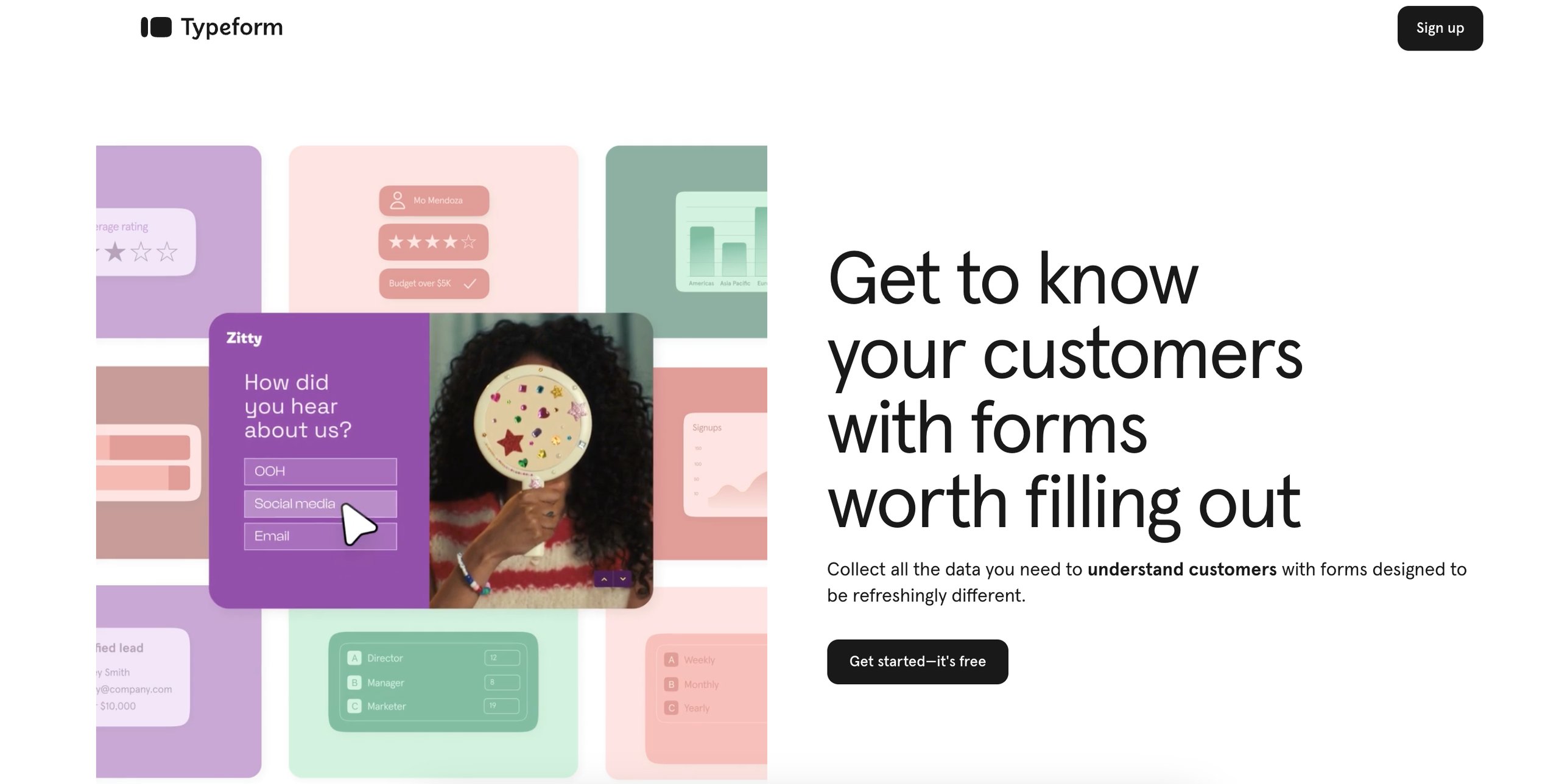
Typeform is a survey platform that revolutionizes data collection through its engaging, conversational forms and surveys. It enhances user interaction and presents questions one at a time, creating a seamless and enjoyable experience for respondents. This unique approach not only increases completion rates but also yields more thoughtful and accurate survey responses.
It has an extensive library of customizable templates, catering to a wide range of use cases from customer feedback to market research. Users can effortlessly tailor these templates to align with their brand identity, ensuring a consistent and professional appearance across all forms.
Additionally, Typeform’s mobile-friendly poll maker enables you to create visually appealing polls to captivate users. Whether you’re gathering instant feedback, predicting voter behavior, or shaping your marketing strategy, it keeps respondents engaged, ensuring you collect richer data and actionable insights faster.
Top features
- Conversational forms
- Customizable templates
- AI-powered form builder
- Survey maker
- Quiz and test maker
- Poll builder
- Advanced integrations
- Logic jumps and recall information
Pros
- Easy to create complex, personalized forms with a user-friendly interface
- Intuitive logic mapping for tailored survey pathways
- Robust analytics and quick results for actionable insights
- Excellent customer support and helpful resources
Cons
- Premium features require higher pricing, limiting access for small businesses
- Initial learning curve for complex features like branching and scoring
Pricing
- It offers a free plan with limited features
- Paid plans start at $25 per month (billed annually)
Customer experience based on G2
“Typeform is outstanding for creating clean, interactive, and user-friendly forms. Its method of presenting one question at a time, similar to a conversation, has greatly enhanced and accelerated our data collection process.” – Chris Ivans, Data Collection and Survey Specialist at a firm.
7. SurveySparrow
SurveySparrow is a survey platform that transforms traditional feedback collection into engaging, conversational experiences. It enhances respondent interaction, it enables businesses to gather valuable insights through chat-like surveys that feel personal and intuitive. This approach not only increases response rates but also provides more authentic data, essential for informed decision-making.
One of the standout features is its Feedbot, a chatbot for websites. This fully automated virtual assistant simulates real-life conversations, guiding users via text or voice-based interactions directly on your website, eliminating the need for third-party platforms. You can create a no-code chatbot, customize its design using themes and CSS, and implement conditional logic branching for personalized conversations.
For market research, SurveySparrow empowers businesses to create smart, personalized surveys using diverse question types like opinion scales, matrix types, drag-and-drop, and rank order, ensuring cleaner responses.
Top features
- Conversational surveys
- Video surveys
- AI-powered survey builder
- Advanced reporting and analytics
- Recurring surveys
- White-labeling
- Offline surveys
- Reputation management
- Chatbot for website
Pros
- Offers advanced features like audio questions, branching logic, and piping
- Customizable surveys with branding options and themes
- AI-powered analysis for categorizing survey comments
Cons
- Limited styling options for individual questions (requires custom CSS)
- No automatic “Do Not Contact” list feature
Pricing
- Paid plans start at $19 per month (billed annually)
- It offers a 14-day free trial
Customer experience based on G2
“SurveySparrow is very user-friendly, with a clean interface that allows users to create surveys quickly. The ready-made templates and chatbot-style forms provide a smooth experience for both creators and respondents.” – Harikrushn Prajapati, Product Manager at intalk.io
8. Google Forms
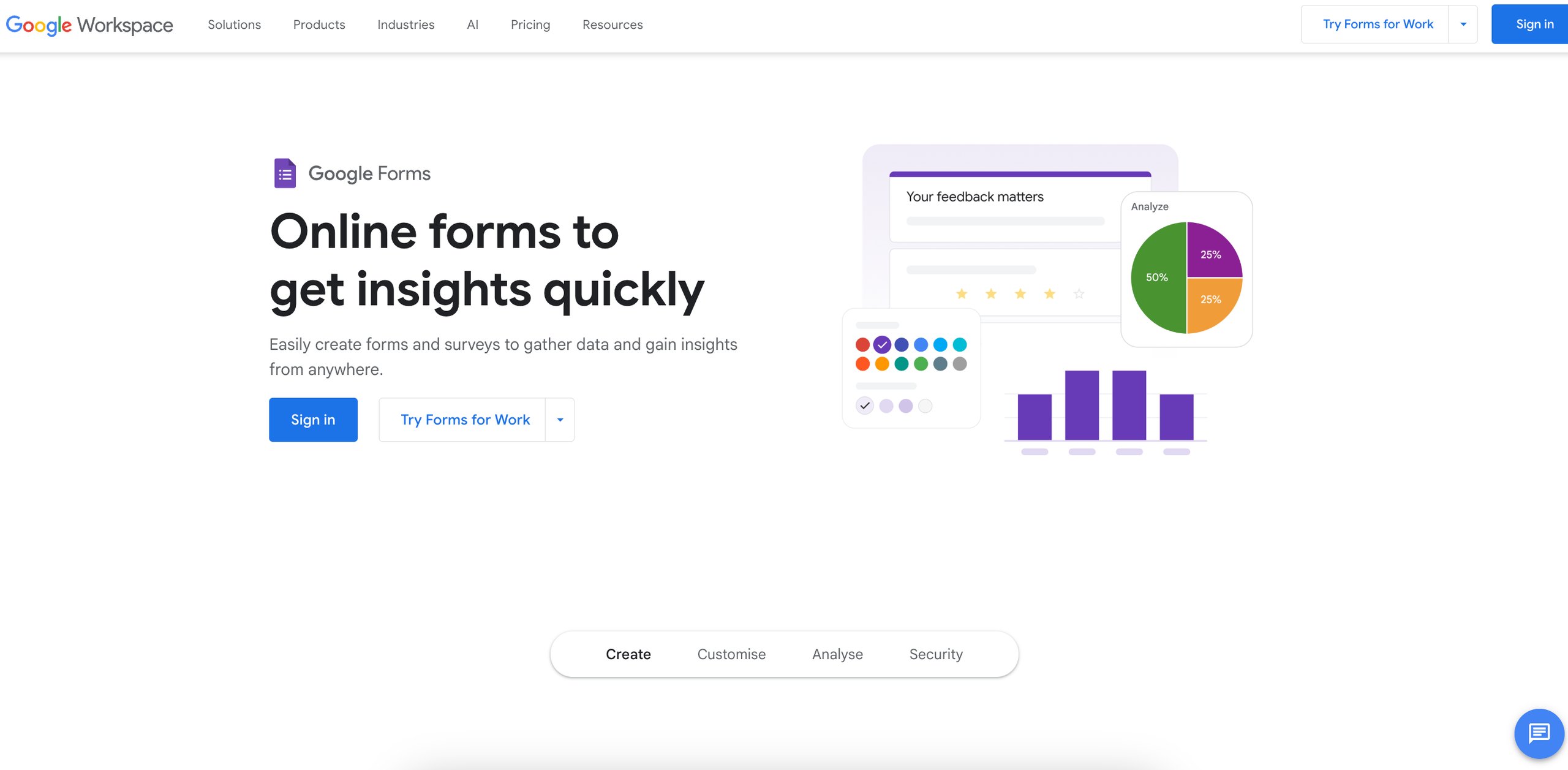
Google Forms is a free, user-friendly tool within the Google Workspace suite that enables businesses to create custom forms, surveys, and quizzes effortlessly. Its user-friendly interface enables users to create forms with diverse question types, such as multiple-choice, drop-downs, checkboxes, and linear scales.
It includes conditional logic, enabling forms to adapt based on respondents’ inputs, enhancing question relevance, and improving data quality.
Additionally, users can customize forms with themes, images, and videos to align with brand identity and engage respondents effectively. It allows multiple team members to work together in real-time, sharing and editing forms while analyzing data seamlessly.
Top features
- Variety of question types
- Conditional logic
- Real-time collaboration
- Customization options
- Seamless integration with Google Workspace
Pros
- Free to use with essential features
- Pre-built templates and drag-and-drop tools for fast, easy form creation
- Seamless integration with Google Workspace, streamlining workflows and eliminating the need for additional apps.
Cons
- Limited advanced features
- Offers limited options for extensive design customization
Pricing
- It is completely free for personal use with a Google account
- For businesses, it comes as part of Google Workspace, with pricing plans starting at $6/user/month
How to choose the best marketing survey tool for your business
Below are the essential factors to consider when selecting a marketing survey tool, ensuring you make an informed choice that aligns with your goals.
1. Define your objectives
Before choosing a tool, identify what you want to achieve with your surveys. Are you conducting market research to understand industry trends or gather customer feedback? Each objective requires specific features, market research may need detailed analytics tools, while customer feedback surveys might focus on NPS or CSAT. Defining your objectives ensures you choose a tool that aligns with your needs, saving time and effort.
2. Consider your audience
Your survey’s success depends on how well it reaches the right audience. Understanding your audience’s size, location, and demographics helps you design questions that resonate and choose the right distribution channels.
3. Assess ease of use
Prioritize tools with intuitive interfaces and pre-built templates, especially if you lack technical expertise. A user-friendly tool makes it easier for teams to get started quickly, reducing the time spent on setup and execution. This ensures faster adoption across teams and more efficient survey deployment.
4. Check integration capabilities
Ensure the tool seamlessly integrates with your existing CRM, email marketing software, or analytics platforms. A well-integrated survey tool allows for a free flow of data across systems, enabling deeper customer insights, personalized marketing campaigns, and automation.
5. Analyze pricing
Compare pricing plans and choose a tool that fits your budget. Look for free plans or trials to test before committing. Investing in the wrong tool can lead to hidden costs or unnecessary spending. Trials allow you to evaluate features before making a long-term investment, ensuring you get value for money.
6. Look for scalability
Choose a tool that can handle increasing survey volumes and evolving business needs. Scalability ensures that as your business grows, your survey tool can keep up with evolving needs, whether through advanced segmentation, multilingual support, or complementing feedback with real-time behavior analytics. This way, you can continuously gather valuable insights without disruptions.
7. Prioritize data quality and security
Ensure the tool provides accurate data and complies with data privacy regulations. High data quality means better decision-making, while strong security safeguards customer trust. Compliance with regulations like GDPR or CCPA prevents legal risks and ensures ethical data handling, which is essential for businesses dealing with sensitive customer information.
How Encyclopedia Britannica used VWO to improve click-through rate and engagement
Encyclopedia Britannica, a leading digital publishing and EdTech company, aimed to optimize user experience and increase subscriptions.
They leveraged VWO Testing to experiment with CTA variations, link colors, and content layouts. To enhance engagement, they used VWO for session recordings to optimize link colors and on-page surveys to identify user queries on high-traffic articles.
Based on the insights, they introduced Q&A accordions, preventing users from leaving the site for answers.
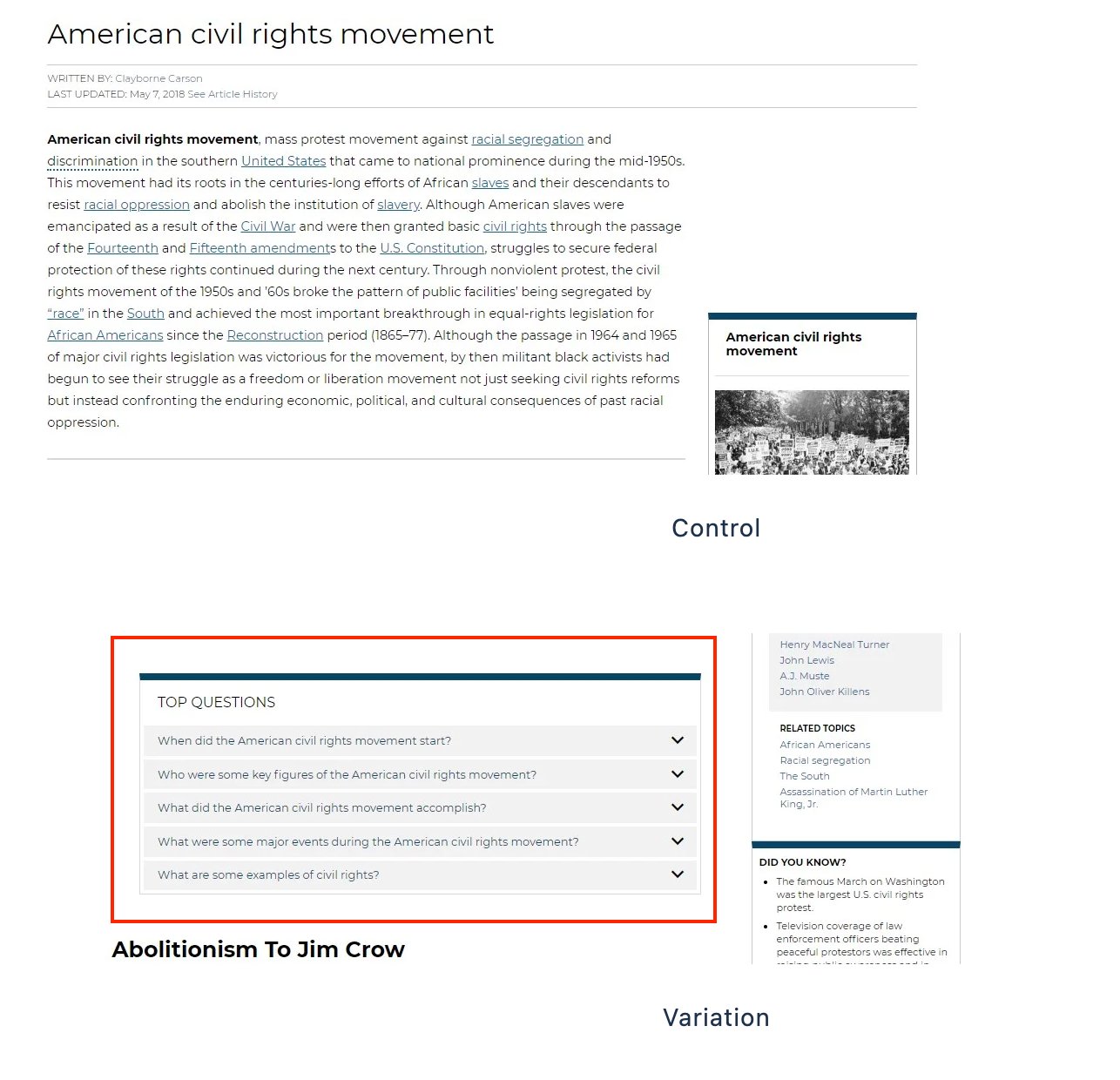
This led to a 10% increase in click-through rate and a 23% boost in engagement, improving content interaction and retention.
Request a free demo today and optimize your digital experiences with VWO!
Conclusion
Understanding your audience is the key to marketing success and surveys are one of the most effective ways to gain those insights. Surveys do more than just collect responses; they reveal customer needs, shape brand perception, and validate marketing strategies.
By choosing the right survey tool, you can turn feedback into action, refine your campaigns, and drive better results. Explore the tools we’ve covered and start making smarter, data-backed decisions today.
FAQs
Yes, Google Forms is a free survey tool that allows users to create, distribute, and analyze surveys.
To choose the right marketing survey tool, consider factors like your budget, the number of responses you need, question types, integrations with other tools (like CRM or email platforms), and ease of use.
The best marketing survey tools for small businesses include:
Google Forms (Free and easy to use)
SurveyMonkey (User-friendly with advanced analytics)
To conduct a marketing survey:
Define your goals – Determine what insights you want to gather.
Identify your audience – Choose the right demographic for your survey.
Select a survey tool – Use the platforms that fit your needs.
Create your questions – Keep them clear, concise, and relevant.
Distribute your survey – Share it via email, social media, or your website.
Analyze the results – Use analytics tools to interpret the data and make informed decisions.
a. Customer satisfaction (CSAT) surveys – Measure customer happiness and feedback.
b. Product research surveys – Gather insights before launching or improving products.
c. Market research surveys – Understand industry trends and target audience preferences.
d. Brand awareness surveys – Assess how well customers recognize and perceive your brand.
Categories: