Imagine this: A potential lead visits your website, starts filling out your form, and then stops. They hesitate, abandon, and vanish—taking a valuable conversion opportunity with them. Frustrating, isn’t it?
With approximately 34% of individuals failing to complete a form they start, it shows that even minor friction points in your forms can lead to significant missed opportunities, leaving businesses scrambling to identify the root cause.
That’s where form-tracking software comes in.
These tools take the guesswork out of the equation by showing where users encounter friction, hesitate, or abandon their forms. They provide actionable insights to optimize your forms, making them more intuitive and engaging.
In this blog, we’ll explore the top 9 form tracking tools to help you uncover what’s holding your forms back and turn those missed opportunities into measurable wins. Let’s get started!
What is form tracking?
Form tracking, also called form analysis, helps you understand how users interact with web forms to understand the user journey and improve their performance from where they start typing to where they stop or abandon the process.
It tracks key metrics such as:
Interaction time – how long users spend on each field
Hesitation time – how long users pause before typing
Abandonment rate – when users start but don’t finish filling out the form
The actionable insights from this analysis help refine form usability and design, making the process smoother and more intuitive. This, in turn, increases form completion rates and reduces frustration for users, creating a more seamless and enjoyable experience while driving better business outcomes.
– Free: Session recordings and heatmaps for up to 2500 sessions/month. – Paid: Starts from $33/month, billed annually – Form analytics plans start from $ 127/month onwards.
Formstory
– 24/7 Form monitoring – Recovery of abandoned leads – Instant notifications – Performance recaps – Broken form alerts – Form error fixation – AI-powered analytics – Scoring
– Free trial: Available to explore the features. – Free: Forever tracking limited to 1 website and form. – Paid: Starts from $7.5/month, billed annually. – Form analytics plans start from $24/month.
Jess
– Cost per lead calculation – ROAS tracking – CRM Integration – Spam removal – Marketing campaign comparison
– Paid: Form tracking starts from $50/month.
Whatconverts
– Iframe form tracking – Marketing Attribution – Detailed form insights – Customizable tracking – Lead management – Email alerts – Google Analytics form tracking – Append marketing data
– Free trial: 14 days for all features. – Paid: Starts from $30/month – Form tracking starts from $60/month.
9 best form tracking software
1. VWO
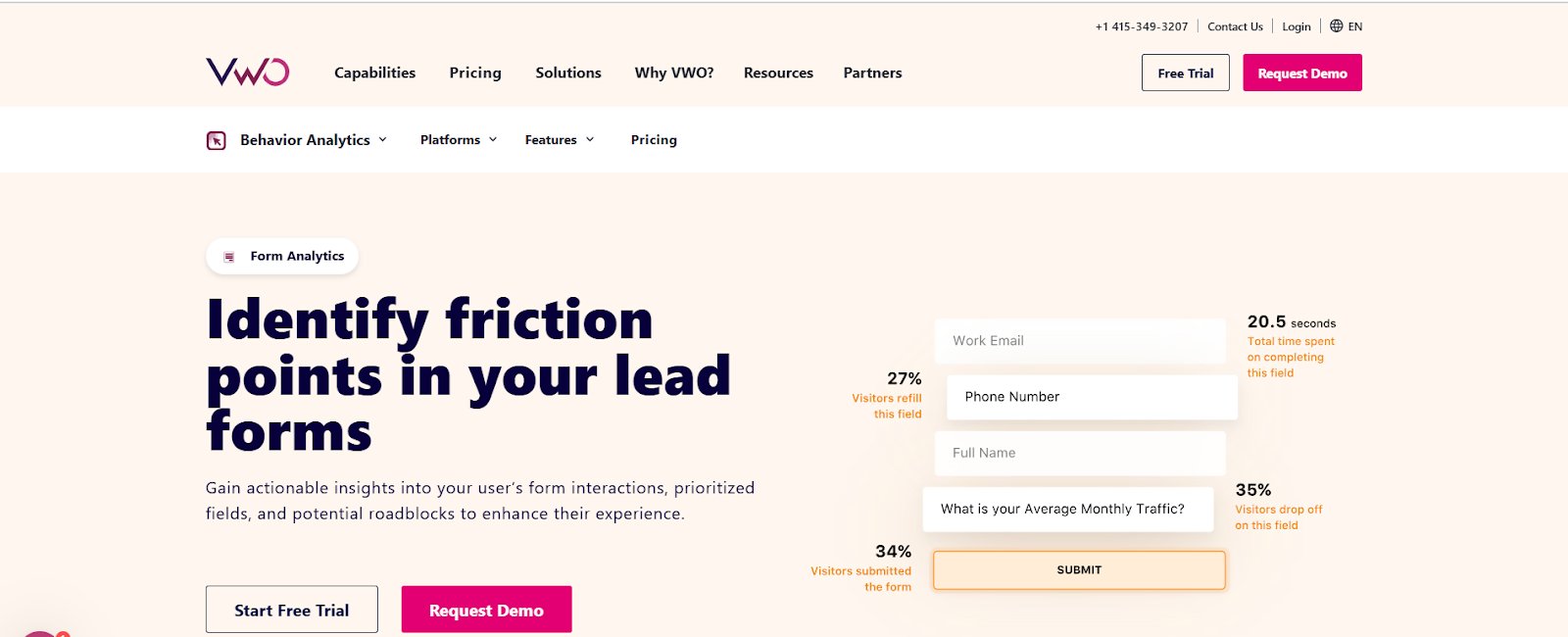
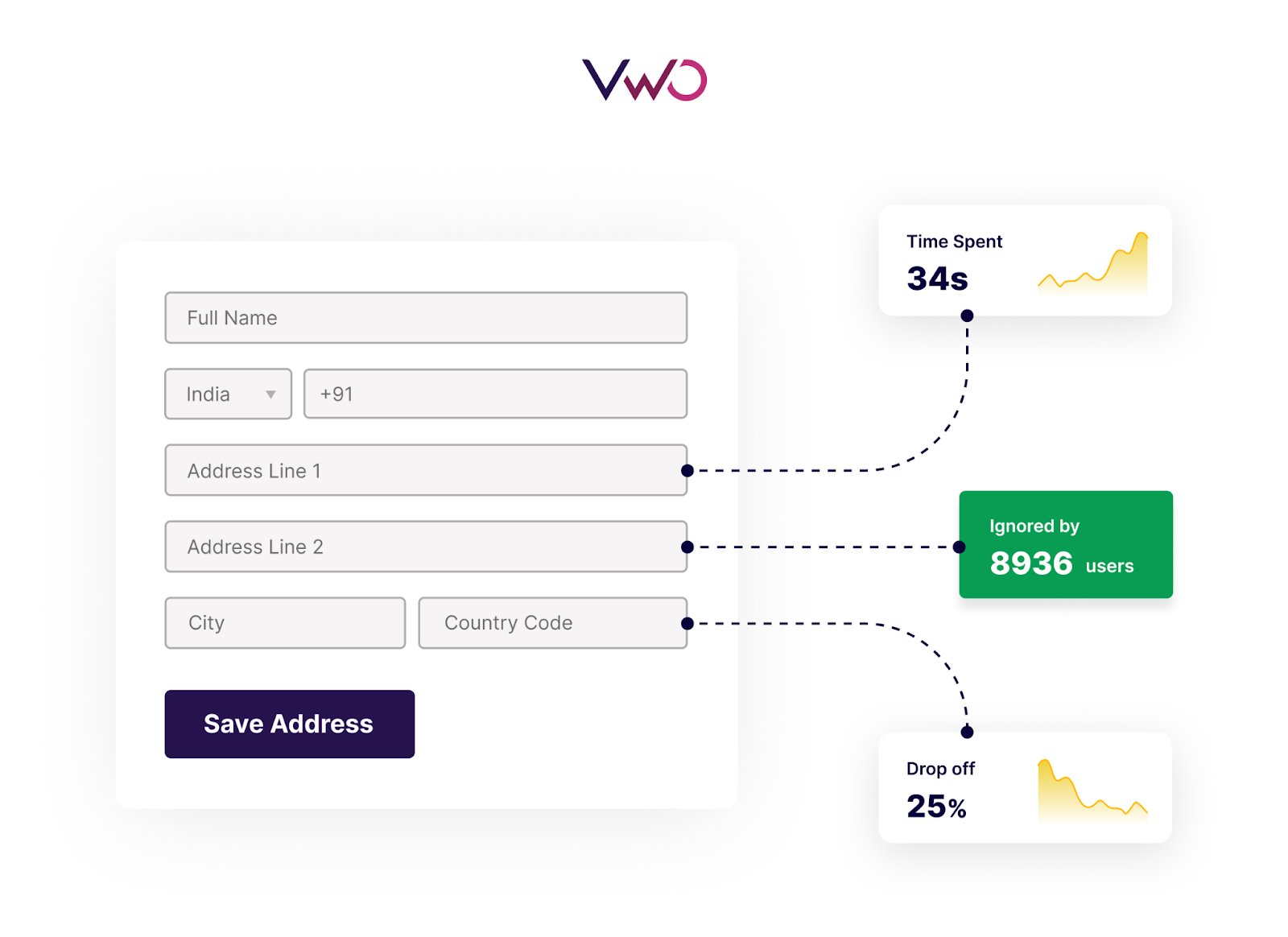
VWO Form Analytics equips businesses with actionable insights to optimize online forms and boost conversions. Analyzing key metrics such as hesitation time, refill rates, and drop-offs highlights friction points and provides a clear picture of user interactions. Businesses can track form performance in real time, visualize the user journey, and make data-driven decisions to create smoother and more effective form experiences.
Key features:
Field-level insights: Analyze hesitation time, refill rates, interaction time, and ignored fields to pinpoint where users face difficulties.
Real-time tracking: Stay updated with live insights into form interactions, ensuring timely issue responses.
Auto and manual form tracking: Auto-detect forms on your site or manually track specific forms for more tailored insights.
Time metrics: Measure total form completion time to evaluate efficiency, track hesitation time to identify fields causing confusion or delays, and analyze refill rates to detect problematic fields requiring corrections. Additionally, analyze interaction time to understand how long users actively engage with each field and idle time to spot areas where users pause without making progress. These insights help you fine-tune your forms, streamline the user journey, and improve conversion rates.
Annotations and observations: Capture snapshots and add notes to unusual patterns or significant changes, ensuring no critical insights are overlooked.
Collaboration: Share form analytics data with your team for brainstorming and developing optimization strategies.
When used together, these tools (heatmaps, session recordings) and form analytics provide a comprehensive view of how your forms are optimized to other page aspects.
Here is an example: Let’s say a SaaS company noticed a high drop-off rate on their lead capture form through tracking software.
To investigate further, they used heat maps that revealed insufficient clicks on the form. Session recordings showed users struggling to find the form, and user surveys confirmed that users felt frustrated because they couldn’t easily find the form, causing them to leave.
Based on the identified pain points, the team hypothesized that repositioning the form higher on the page and testing a sticky version could increase conversions. This in-depth analysis allowed the team to understand the form’s performance in isolation and on the overall page.
Pro Tip!
Use VWO’s advanced filtering to identify which segments of users drop off or complete form submissions. You can do this by segmenting form field analytics based on predefined user attributes such as visitor type, traffic source, device & OS, and location & language.
Watch this webinar to see real examples of how form analysis can uncover hidden opportunities in your conversion funnel.
The success story of Qualicorp
Qualicorp, a leading healthcare organization in Brazil, used VWO Form Analysis and Testing to streamline its lead generation process and improve user experience. Key insights revealed redundant fields, unclear labels, and optional yet critical fields that caused drop-offs.
By addressing these friction points through targeted A/B tests—such as removing duplicate fields, making the “profession” field mandatory, and enhancing field clarity—Qualicorp significantly improved form usability and engagement.
The results were transformative: form sign-ups increased by 24.68%, and visits to the critical “Request Received” page rose by 16.93%.
The forms feature in the VWO Insights product is the most appealing to me so far. The ability to get detailed quantitative and qualitative insights on how your website forms are performing is really great in furthering your conversion rate optimization efforts. One use case we’ve been able to understand early in our engagement with VWO is how our website audience is engaging with our contact forms and how we can use those insights to learn where conversion friction occurs.
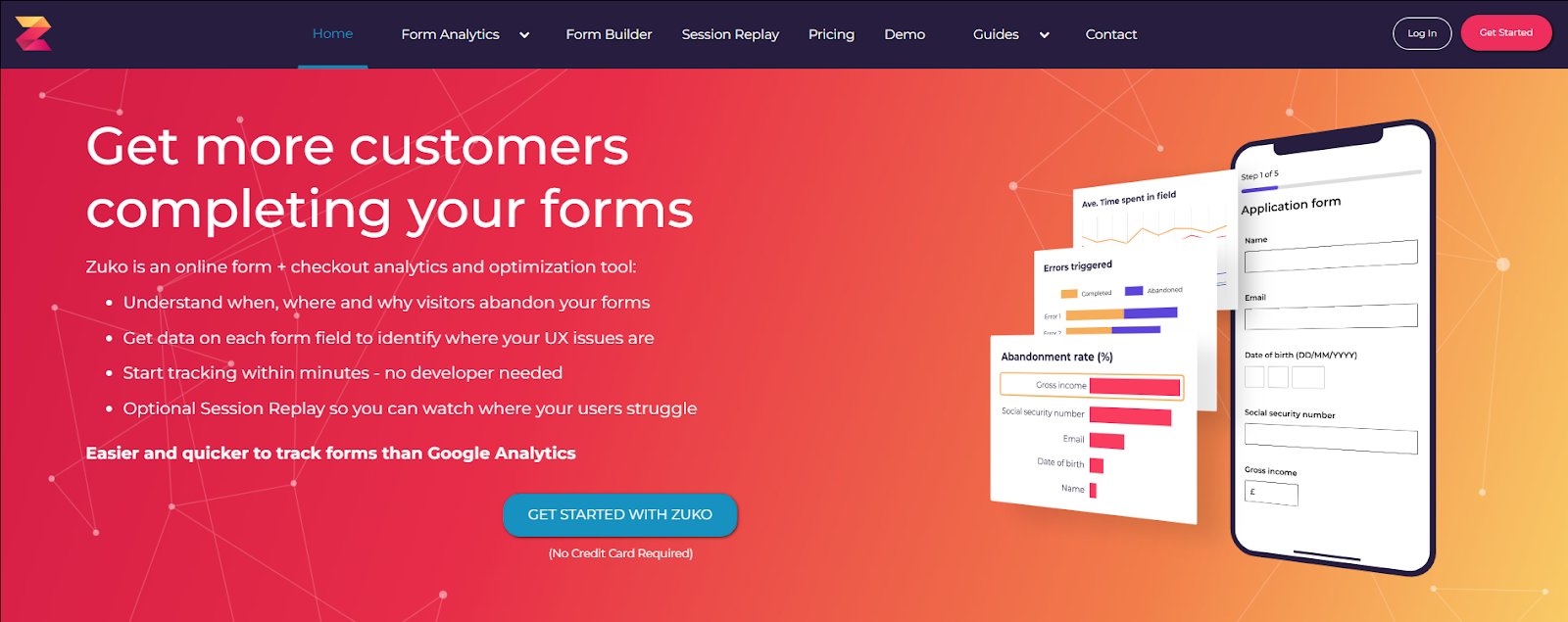
Zuko is a form and checkout analytics tool that dives deep into user behavior, showing where visitors drop off, why they abandon, and what’s holding them back. The best part? It’s easy to set up—simply add two tags, and you’re ready to access valuable insights—no need for complex developer involvement or tedious tagging processes.
Ideal for long or complex forms, Zuko excels in high-cost acquisition and competitive markets, where even minor improvements can significantly impact.
Key features:
Abandonment analysis
Field-level metrics
Event & attribute tracking
Session replays
Custom dashboards
User journey analysis
Field flow function
Funnel builder
Behavior alerts
Pricing:
Plan Type
Details
Free Trial
1,000 visits included for all paid plans
Paid Plan
Starts from $56/month, billed annually
3. Lucky Orange
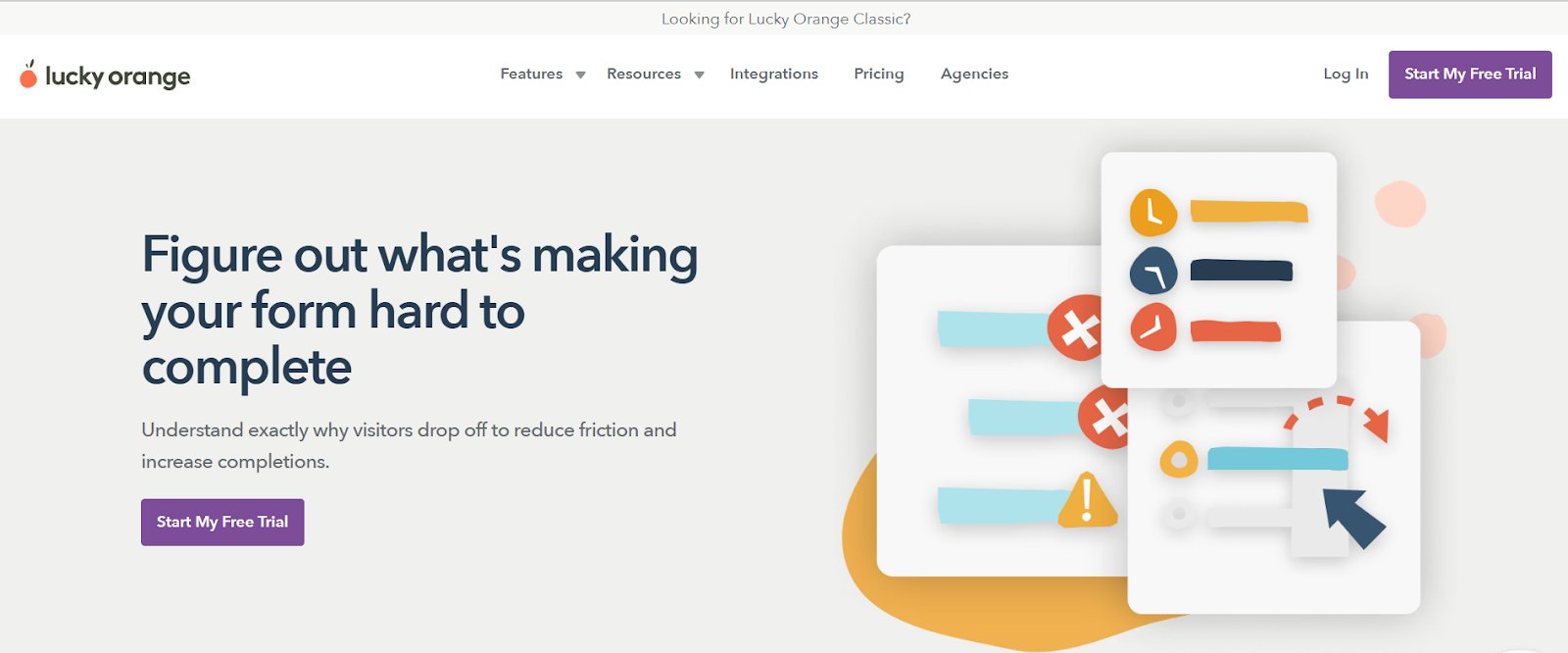
Lucky Orange empowers businesses by providing tools to understand why visitors abandon forms. Instead of guessing what’s wrong, companies can uncover trouble spots field by field. Whether users hesitate due to confusion or abandon mid-way, Lucky Orange pinpoints where and why it’s happening. The result is a smoother, more intuitive form experience that drives completions.
Form analytics data seamlessly integrates with heatmaps, offering a comprehensive view of user behavior. Whether auto-detecting or manually adding forms, Lucky Orange makes tracking performance and refining forms simple and effective.
Key features:
Auto-detect
Heatmap integration
Session recordings
Visitor profiles
Surveys
Dashboards
Pricing:
Plan Type
Details
Free Trial
7 days of access to every feature of every plan
Free Plan
Track up to 100 sessions per month
Paid Plan
Starts from $32/month, billed annually
A customer experience as per G2 reviews:
It’s very detailed in extrapolating and showing the right data about visitors, yet very simple to use. At a glance, it can give you extremely useful info on traffic that helps you shape your website and sales strategy.The feature that records and lets you view the customer activity on the website as a video is the game-changer, as it gives you a different point of view on what works and what doesn’t.
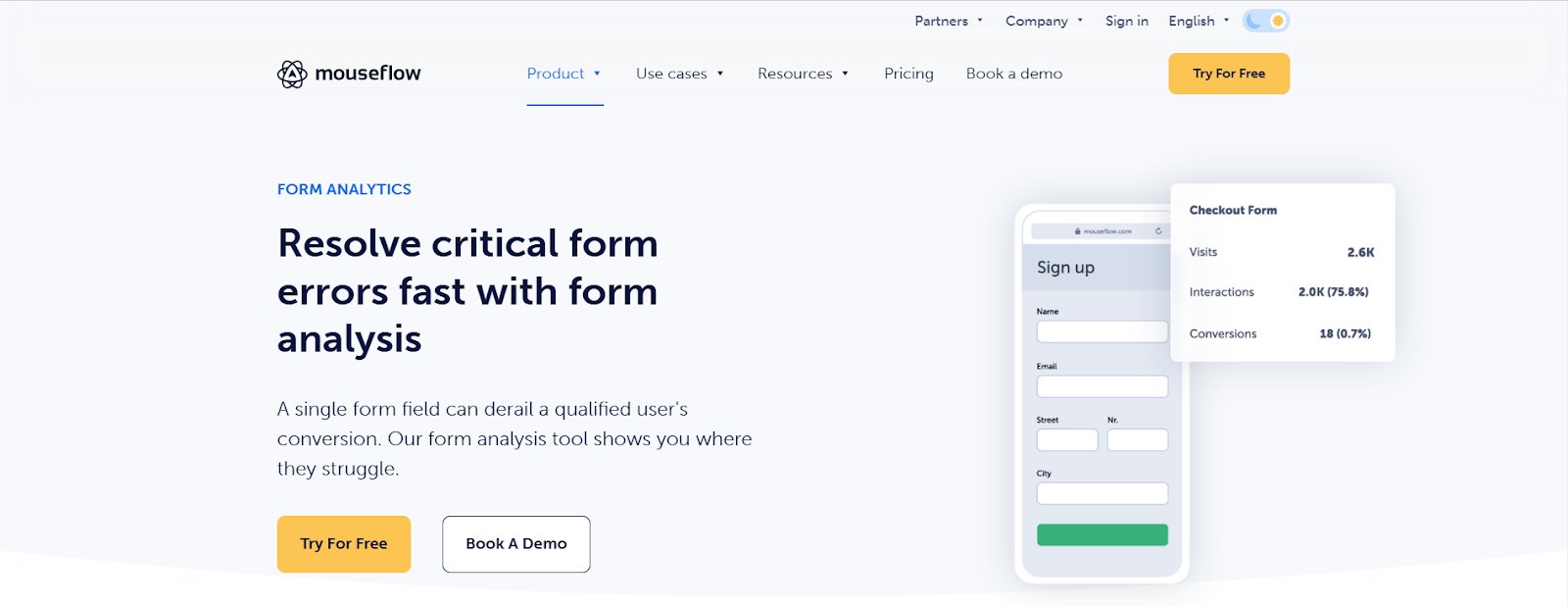
Mouseflow is a digital experience analytics platform designed to help businesses improve performance and boost conversions. Its form analytics feature tracks the conversion rate for each form field and the form as a whole, breaking down every field into a step in the user’s journey. This detailed analysis helps identify critical errors, uncover friction points, and resolve issues quickly, ensuring forms are optimized for better user experiences and higher ROI.
Key features:
Abandonment reduction
Session recordings
Segmentation
Easy integrations
Historical data
Heatmaps
Friction scores
Automatic form detection
Pricing:
Plan Type
Details
Free Trial
Available for all paid plans
Free Plan
For up to 500 sessions per month
Paid Plan
Starts from $31/month, billed annually
5. Jotform
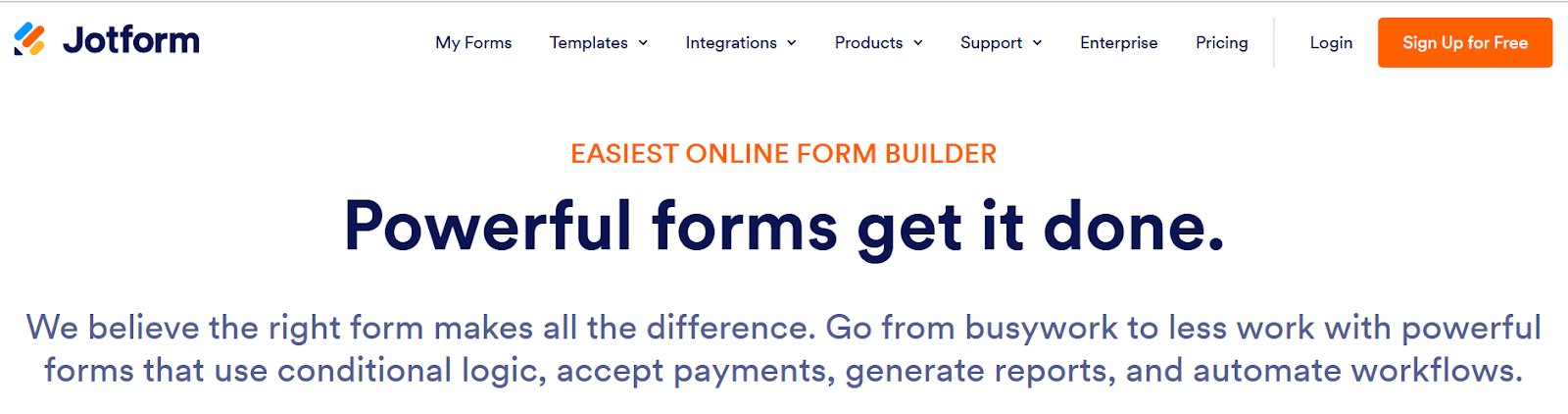
Jotform is an all-in-one form creation and management platform that offers a built-in Form Analytics tool to help businesses gain actionable insights into user behavior. This feature allows us to track form performance metrics, understand user interactions, and identify valuable trends, such as submission rates, user locations, and device preferences. By leveraging these insights, businesses can optimize forms to boost conversion rates and improve user engagement.
Jotform’s Form Analytics dashboard offers a clear picture of form activity- views, responses, conversion rate, average, etc., enabling you to track traffic, submission trends, and user behavior.
Key features:
Report builder
Location details
Dashboard
Device details
Google Analytics integration
Browser information
Pricing:
Plan Type
Details
Free Plan
Limited to 5 forms with all standard features included
Paid Plan
Starts from $34/month, billed annually
A customer experience as per G2 reviews:
Jotform is by far the most user-friendly survey creation tool I’ve ever used. It’s incredibly intuitive and straightforward, and the end result always looks clean, modern, and professional. It has every feature I need for both internal and customer-facing surveys, and the customization options are fantastic. A solid 10/10 in my book!
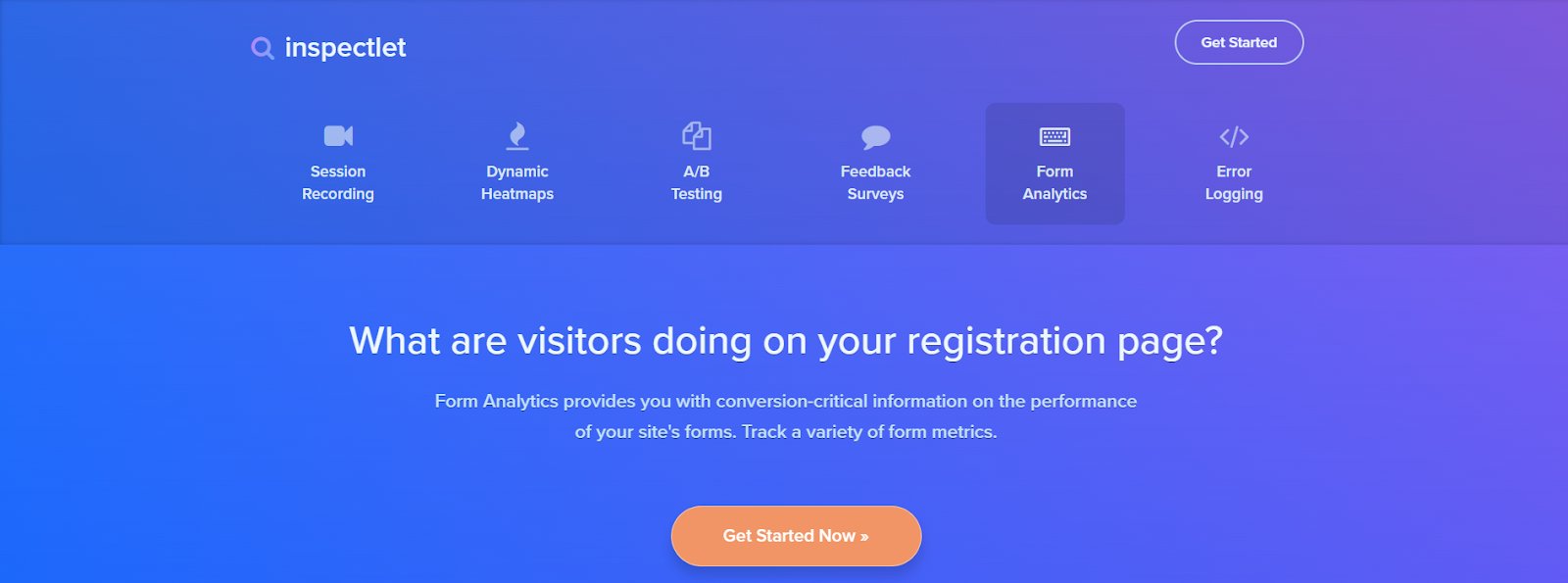
Inspectlet makes it easy to understand why visitors abandon your forms. Its form analytics tracks key metrics like hesitation time, abandonment rates, and field completion frequency, showing strictly where users get stuck. Setup is quick and easy—add a few lines of JavaScript, and you’ll start gathering insights immediately.
Beyond form analytics, Inspectlet offers session recordings and heatmaps to view user behavior comprehensively.
Key features:
Conversion report
Hesitation report
Fill report
Ignored field report
A/B testing
Error logging
Heatmaps
Session recording
Feedback surveys
Pricing:
Plan Type
Details
Free Plan
Session recordings and heatmaps for up to 2,500 sessions per month
Paid Plan
Starts from $33/month, billed annually; Form analytics plans start from $127/month onwards
7. Formstory
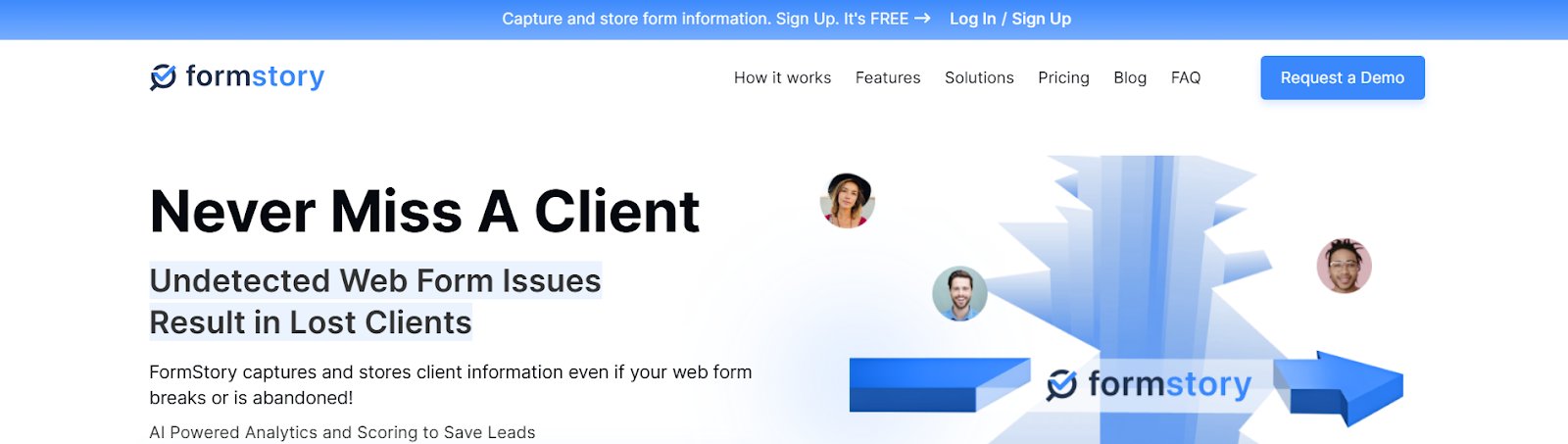
FormStory’s powerful form analytics provide real-time insights into submissions, bounces, and conversions, helping you identify and fix bottlenecks to improve form performance. You can optimize your forms with actionable data for higher completion rates and a better user experience.
What sets FormStory apart is its ability to capture and store user inputs, even when forms are abandoned or technical issues are experienced. For businesses that rely on web forms, FormStory is essential to maximize leads and drive results.
Key features:
24/7 Form monitoring
Recovery of abandoned leads
Instant notifications
Performance recaps
Broken form alerts
Form error fixation
AI-powered analytics
Scoring
Pricing:
Plan Type
Details
Free Trial
Available to explore all features
Free Plan
Forever free; limited to 1 website and 1 form
Paid Plan
Starts from $7.5/month, billed annually; Form analytics plans start from $24/month
A customer experience as per G2 reviews:
Simple to use, does what it promises to do, great support.
Anahit A. Business Development Manager
8. Jess
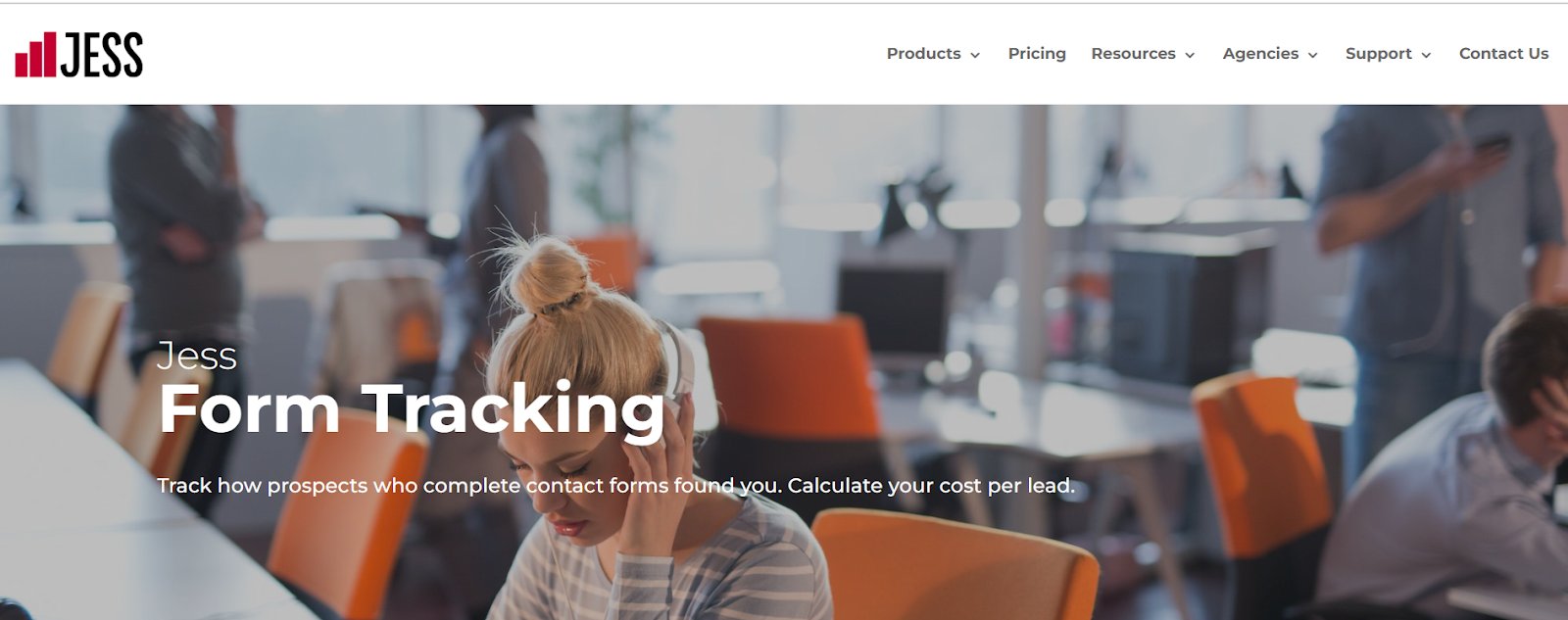
Jess is a form-tracking software that helps businesses uncover which marketing efforts drive qualified leads. By connecting advertising sources, campaigns, and keywords to lead generation, Jess goes beyond counting form submissions, offering insights into the buyer’s journey from contact to closed sales.
It is easy to set up, compatible with most websites, and integrates with existing forms. It even filters out spam and unqualified leads, ensuring you focus on high-value opportunities while streamlining campaign optimization.
Key features:
Cost per lead calculation
ROAS tracking
CRM Integration
Spam removal
Marketing campaign comparison
Pricing:
Plan Type
Details
Free Plan
Marketing & Analytics plan available at $0/month.
Free Trial
14-day free trial available.
Paid Plan (Form Tracking add-on)
Form tracking starts from $50/month (add-on price) on top of any plan.
9. Whatconverts
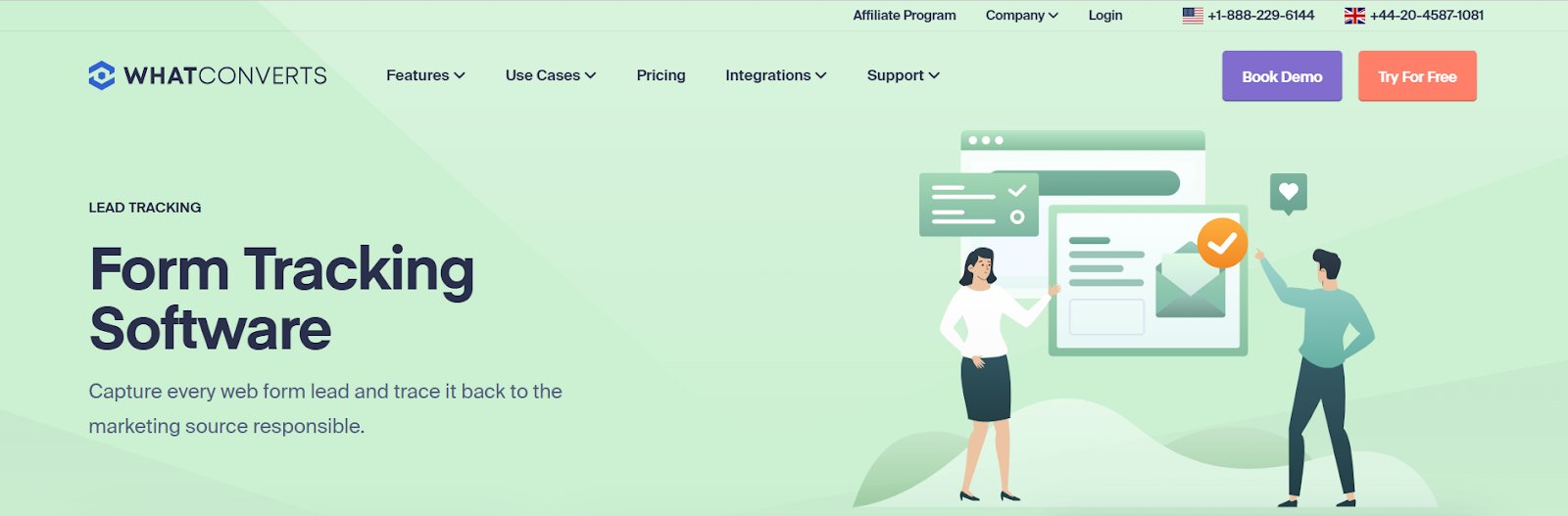
WhatConverts is a form tracking and lead management software designed for PPC and SEO professionals to capture and evaluate leads effectively.
It captures every web form submission and attributes it to its marketing source. It offers real-time insights into how forms perform, helping businesses identify which campaigns, keywords, or channels drive qualified leads.
With its seamless setup, you can select and track specific forms without the hassle of complex configurations, ensuring consistent and reliable tracking across your website.
Key features:
Iframe form tracking
Marketing Attribution
Detailed form insights
Customizable tracking
Lead management
Email alerts
Google Analytics form tracking
Append marketing data
Pricing:
Plan Type
Details
Free Trial
14 days of access to all features
Paid Plan
Starts from $30/month; Form tracking starts from $60/month
A customer experience as per G2 reviews:
Calltracking is definitely a solution that enables all of our offline conversion tracking. Optimizing our ads with solid data from Whatconverts allowed our business to scale campaigns that actually bring us good returns. Whole Whatconverts CRM is very functional and easy to use. Connor is super helpful, and I just love this guy – more people like him, please!
What results can you achieve with form tracking software?
Results achievable with form tracking software:
1. Increased conversion rates
Identifying friction points in forms helps website owners understand user behavior and pinpoint areas for improvement. This allows CRO teams to develop insights-driven hypotheses, such as placing labels above form fields, which can then be tested to determine their impact on creating a smoother user experience and boosting conversions.
2. Reduced form abandonment
Nearly 27% of visitors abandon forms due to their length and complexity, particularly in industries like travel bookings. Insights into where users drop off can help identify these friction points, enabling optimization to keep users engaged and reduce abandonment rates.
3. Improved user experience
Simplifying forms and removing unnecessary fields or steps makes the process smoother and more intuitive. For example, hard-to-navigate forms drive away 67% of users, highlighting the need for intuitive design.
4. Higher quality leads
By refining form design and ensuring mandatory fields are relevant, the quality of collected leads improves significantly.
5. Data-driven optimization
With detailed metrics like interaction time, hesitation time, and error tracking, decisions are based on user behavior, leading to practical improvements. By optimizing and creating easy-to-use forms, the rate of first-time submissions without errors can improve significantly—from 42% to 78%.
6. Enhanced business outcomes
Better form performance translates into increased engagement, improved lead generation, and higher revenue potential.
7. Integrated analysis
Form analytics works with other behavioral tools by offering detailed, form-specific insights beyond general user behavior. While behavioral tools provide a broad view of interactions on a page, form analytics dives deeper into form usability and performance, helping businesses optimize forms in the overall user journey.
Conclusion – Maximize your form performance with the right tools
Optimizing forms is more than a task—it’s a strategic approach to improving user experience, reducing abandonment, and increasing conversions. By leveraging the tools highlighted in this guide, you gain the insights and capabilities needed to identify friction points, make data-driven improvements, and deliver meaningful results for your business.
VWO Form Analytics provides a robust solution for understanding user interactions and refining form performance. In fact, VWO’s suite of advanced behavior analytics and integrated testing capabilities on a single platform empowers teams to implement impactful improvements and drive measurable growth.
Take a free demo and discover how the platform can transform your business.
FAQs
Q1. Who needs to use form tracking software?
Form-tracking software is invaluable for businesses that use online forms for lead generation, feedback, sign-ups, or sales. Different roles derive unique benefits: marketers can optimize conversion rates and campaign performance, product managers can streamline processes to align form-related features with business goals, and UX designers can refine usability to improve flow and reduce abandonment. Any business with forms on its site can leverage these insights to boost performance and achieve its objectives.
Q2. What types of forms can form tracking software monitor?
Form-tracking software can monitor all online forms, including contact, registration, lead-generation, feedback, and checkout forms.
Q3. How does form tracking software ensure the security of form data?
Form tracking software ensures data security through encryption, secure storage, and compliance with privacy regulations like GDPR and CCPA. Enterprise-grade solutions often include advanced security features to protect sensitive information.
Q4. Is there free form tracking software available?
Yes, many form-tracking tools offer free plans with limited features or usage, such as tracking a small number of forms or sessions. Examples include basic plans from Inspectlet, Jotform, and Lucky Orange.
Q5. Can I upgrade or downgrade my form tracking software plan at any time?
Most form-tracking software providers allow users to upgrade or downgrade plans based on their needs, though some may require a notice period or adjustments to billing cycles.
Q6. How do visitors flow through the form?
Visitors move through forms step by step, interacting with fields and progressing toward submission. Form tracking software visualizes this journey through funnel reports, showing drop-off points, interaction times, and completion rates.
Q7. How to do form tracking?
Form tracking involves using specialized software to monitor and analyze user interactions with forms. This typically requires adding a tracking code or integrating the software with your website to collect data like field interactions, submission rates, and abandonment points.
Q8. Does Google Forms have tracking?
Google Forms does not have built-in advanced tracking features, but you can use Google Tag Manager to track form submission events. Additionally, connecting Google Forms to Google Analytics or third-party tools allows you to automate the tracking of metrics such as response rates, completion times, drop-off points, and commonly selected options.
Q9. What is form builder software?
Form builder software allows users to create and customize online forms without coding. These tools often include features like templates, drag-and-drop editors, and integrations with other platforms. Examples include Jotform, Typeform, and Google Forms.
Q10. What is CallRail form tracking?
CallRail form tracking is a feature within the CallRail platform that tracks form submissions alongside call and chat interactions. It provides attribution data, connecting submissions to their marketing sources to evaluate campaign performance.
Q11. What is the best free-form tracking software?
The best free-form tracking software depends on your requirements. Tools like Jotform and Lucky Orange offer free plans for limited tracking needs. In contrast, VWO provides a 30-day free trial.
Q12. How do I get a better track form?
To improve form tracking, choose a reliable tool, define clear goals, and track metrics like drop-off points, field interaction times, and completion rates. Use insights to make data-driven optimizations, such as simplifying fields and improving usability. Regularly test and iterate for continuous improvement.
I've worked as a writer and editor in the B2B SaaS space for over 6 years. I read and write on all things CRO and experience optimization.
I'm a chai fanatic and a paranoid parent. When I'm not copyediting or working on marketing projects, I love to spend my time reading. Besides B2B content, my passion lies in modern, behavioral astrology. I'm a dreamer and wish to write stories for children someday :)
Uncover hidden visitor insights to improve their website journey
One of our representatives will get in touch with you shortly.
Awesome! Your meeting is confirmed for at
Thank you, for sharing your details.
-
, you're all set to experience the VWO demo.
I can't wait to meet you on at
Account Executive
, thank you for sharing the details. Your dedicated VWO representative, will be in touch shortly to set up a time for this demo.
We're satisfied and glad we picked VWO. We're getting the ROI from our experiments.
Christoffer Kjellberg
CRO Manager
VWO has been so helpful in our optimization efforts. Testing opportunities are endless and it has allowed us to easily identify, set up, and run multiple tests at a time.
Elizabeth Levitan
Digital Optimization Specialist
As the project manager for our experimentation process, I love how the functionality of VWO allows us to get up and going quickly but also gives us the flexibility to be more complex with our testing.
Tara Rowe
Marketing Technology Manager
You don't need a website development background to make VWO work for you. The VWO support team is amazing
Elizabeth Romanski
Consumer Marketing & Analytics Manager
Trusted by thousands of leading brands
Awesome! Your meeting is confirmed for at
Thank you, for sharing your details.
Your Roadmap to Better Results
1:1 Demo customized to your industry and optimization goals.
Feature deep-dive into the user behaviour tools you need most.
No-pressure advice on the best path forward for your team.






 ChatGPT
 Perplexity
 Gemini
 Claude
 Grok
Grok