Conversion Rate Optimization Solutions for Revenue Growth
VWO’s end-to-end CRO platform helps brands understand visitor behavior, make observations, build a testing pipeline, execute the tests for statistical results, and engage through new-age channels.
A 5% increase in customer retention can lead to up to 95% more profit.
While businesses often focus heavily on acquiring new customers, the real growth lies in keeping the ones you already have.
Retention isn’t just about sending a few follow-up emails or running loyalty programs. It’s about understanding your customers, anticipating their needs, and creating seamless, personalized experiences that make them want to stay. That’s where customer retention software comes in.
In this blog, we break down the best tools, from feedback and onboarding to analytics and optimization, to help you find the right mix of solutions to reduce churn, deepen loyalty, and drive sustainable growth.
What is customer retention software?
Customer retention software is a set of tools designed to help businesses keep their existing customers engaged, satisfied, and loyal. It tracks customer behavior, identifies churn risks, and supports efforts to improve retention through personalized experiences and proactive communication.
These platforms often include features like automation, segmentation, feedback collection, and loyalty management, making it easier for teams to build long-term relationships and increase customer lifetime value.
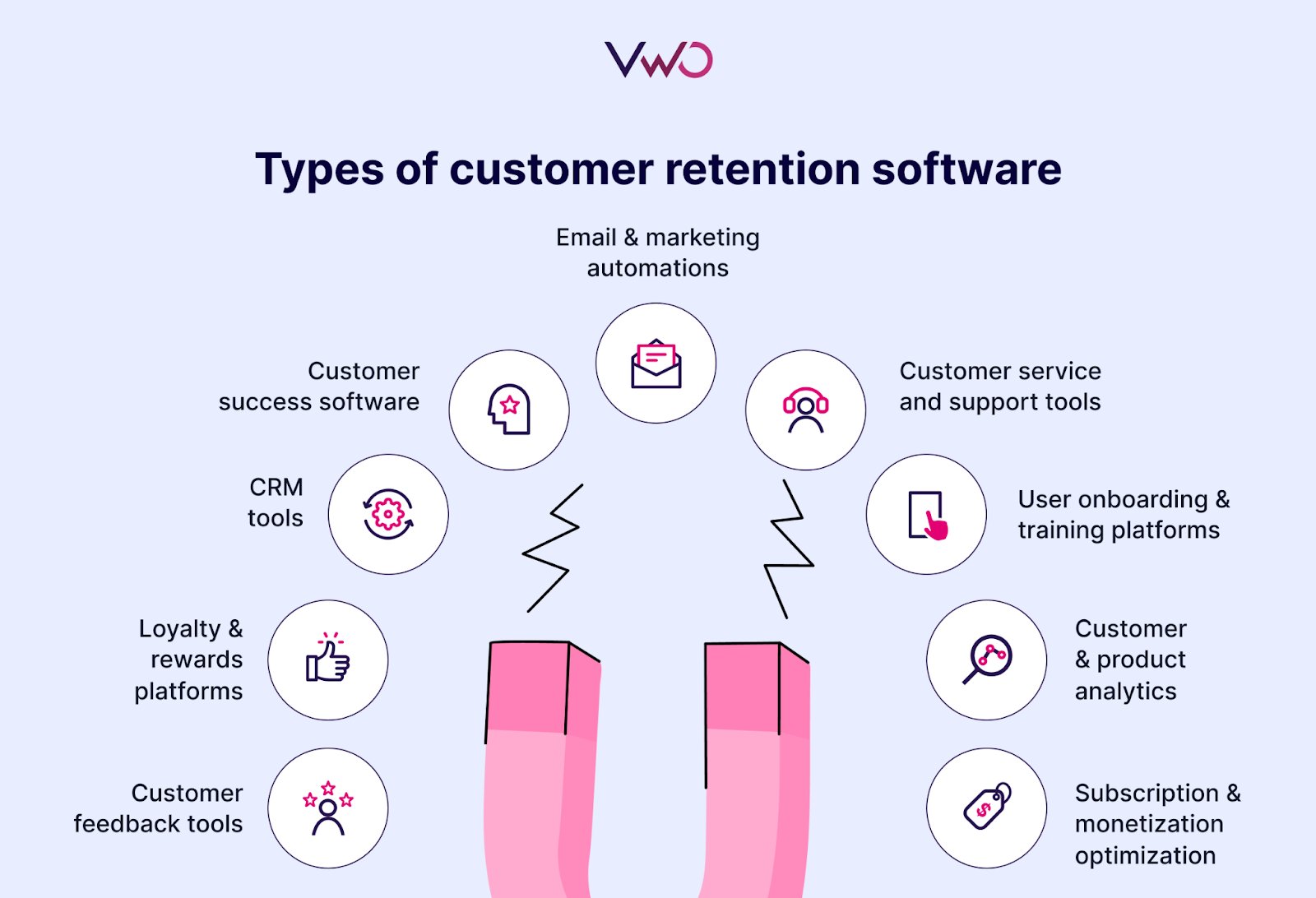
Types of customer retention software
Customer retention relies on a combination of tools that support engagement, satisfaction, and loyalty across different touchpoints. Here’s how each type plays a unique role in keeping customers around:
1. Customer feedback tools
These tools help businesses collect, analyze, and act on customer opinions. By understanding pain points, expectations, and satisfaction levels, companies can identify trends and make informed improvements that reduce churn and strengthen trust.
2. Loyalty & rewards platforms
Loyalty software incentivizes repeat behavior through customer loyalty programs by rewarding purchases, referrals, or engagement. It helps build emotional loyalty, encouraging customers to stay longer and spend more over time.
3. CRM (Customer Relationship Management) tools
CRMs store and organize customer data, enabling teams to deliver personalized communication, track interactions, and manage follow-ups, essential for maintaining ongoing relationships and improving retention.
4. Customer success software
These platforms are built to proactively help teams stay ahead of customer needs and maintain strong engagement. By tracking usage through machine learning, flagging risks, and supporting renewals or upsells, they help ensure long-term success and satisfaction.
5. Email & marketing automations
Automation tools allow businesses to send timely, relevant messages based on user behavior or lifecycle stage. They’re key for onboarding, re-engagement, and maintaining consistent communication.
6. Customer service and support tools
Efficient support tools, like live chat, helpdesks, and ticketing systems, help resolve issues quickly. Fast, helpful support builds trust and is often a make-or-break factor in retaining satisfied customers.
7. User onboarding & training platforms
First impressions matter. Onboarding tools guide users through product features and workflows, ensuring they find value early and reducing early-stage drop-off.
8. Customer & product analytics
These tools provide insights into how customers use your product and where they may be struggling. Data-driven improvements based on real usage trends help create better experiences and reduce churn.
9. Subscription & monetization optimization
Tools in this category help manage billing, pricing, and failed payments. A customer retention platform with features like dunning management and cancellation insights helps recover lost revenue and retain subscribers.
10. Optimization tools
These platforms support continuous improvement through A/B testing, behavioral targeting, and personalization. By refining digital experiences based on user behavior, they help remove friction, improve satisfaction, and ultimately increase customer retention.
– Always On Customer Feedback – Gaugie AI For Instant Follow-Ups – Automated Team – Based Dashboards – Benchmark Data – Survey Builder – Churn Prediction
Info is not available on the website; a demo can be requested.
A free trial is not available; a demo can be requested.
Plans are not available on the websites.
Baremetrics
– Segmentation – Smart Dashboards – Recover – People Insights – Email Reports – Augmentation – Control Center – Trial and Cancellation Insights
14 days available to try all features.
Starts from $83/month, billed annually; can be customised further based on features required.
18 Best Customer Retention Software: In-Depth Overview
Disclaimer: The pros and cons listed are based on reviews and feedback from third-party sites such as G2, TrustRadius, and other sources.
1. CustomerGauge – Voice of the customer (VOC)
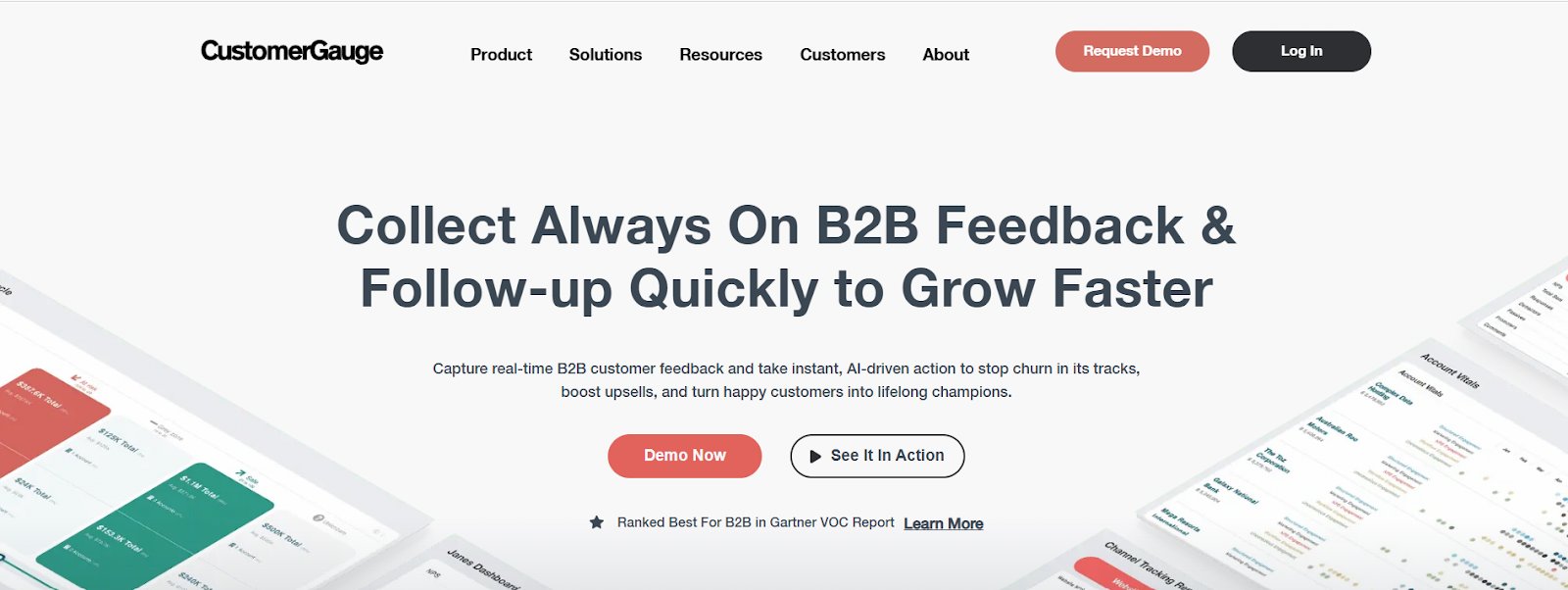
CustomerGauge is a B2B customer experience platform built on the Net Promoter System, helping businesses collect multi-stakeholder feedback, track real-time insights, and drive follow-up actions. What sets it apart is its ability to link customer feedback directly to revenue, enabling teams to prioritize improvements based on business impact and make retention efforts more targeted and measurable.
Best features
Always On Customer Feedback
Gaugie AI For Instant Follow-ups
Automated Team-Based Dashboards
Benchmark Data
Survey Builder
Churn Prediction
Free trial
Info is not available on the website; a demo can be requested.
Starting price
Plans are not available on the website.
Pros & cons
Pros
Cons
Combines NPS feedback with client data to highlight the business value of each account.
Primarily focused on NPS, with limited flexibility to support other metrics.
Powerful reporting helps identify trends and patterns in customer feedback, making it ideal for senior-level presentations.
Follow-up reminders are basic; automated email nudges would improve tracking of open cases without manual effort.
2. Survicate – Fast, targeted customer feedback
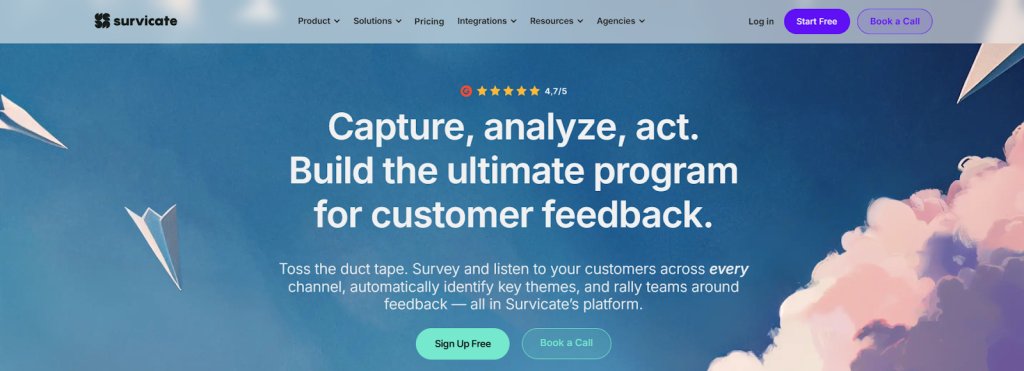
Survicate is a customer feedback platform that helps businesses boost retention by identifying satisfaction drivers and churn risks. It enables targeted surveys (CSAT, NPS, CES) across key channels and uses AI to automatically analyze responses, spot trends, and surface insights for faster, data-backed decisions.
Best features
Customer Surveys, Pre-Built Surveys
AI-Assisted Survey Creation
Advanced Targeting
Real-Time Dashboards
Partial Response Capture
AI-Powered Insights Hub
Automated Flows
Auto-Generated Topics
Free trial
Available for 10 days to explore all features of the Growth plan.
Starting price
Free: 25 responses, 1 active survey/month, 30-day data retention.
Paid: Starts from $49/month.
Pros & cons:
Pros
Cons
The platform is easy to use, with quick survey creation, smart logic, custom audience targeting, and seamless integrations.
Limited ability to capture technical user data, which could help with internal survey tracking.
The survey reports are clear, well-structured, and visually engaging.
Some audience settings lack bulk upload and advanced alerts, making setup more manual and prone to small errors.
A customer experience as per G2 reviews:
This tool is straightforward to set up and offers a variety of display options, including native mobile, web, and standalone formats. Its clear content hierarchy makes it easy to organize projects into folders, which helps keep everything structured. The flexible survey placement also enhances both reach and adaptability.
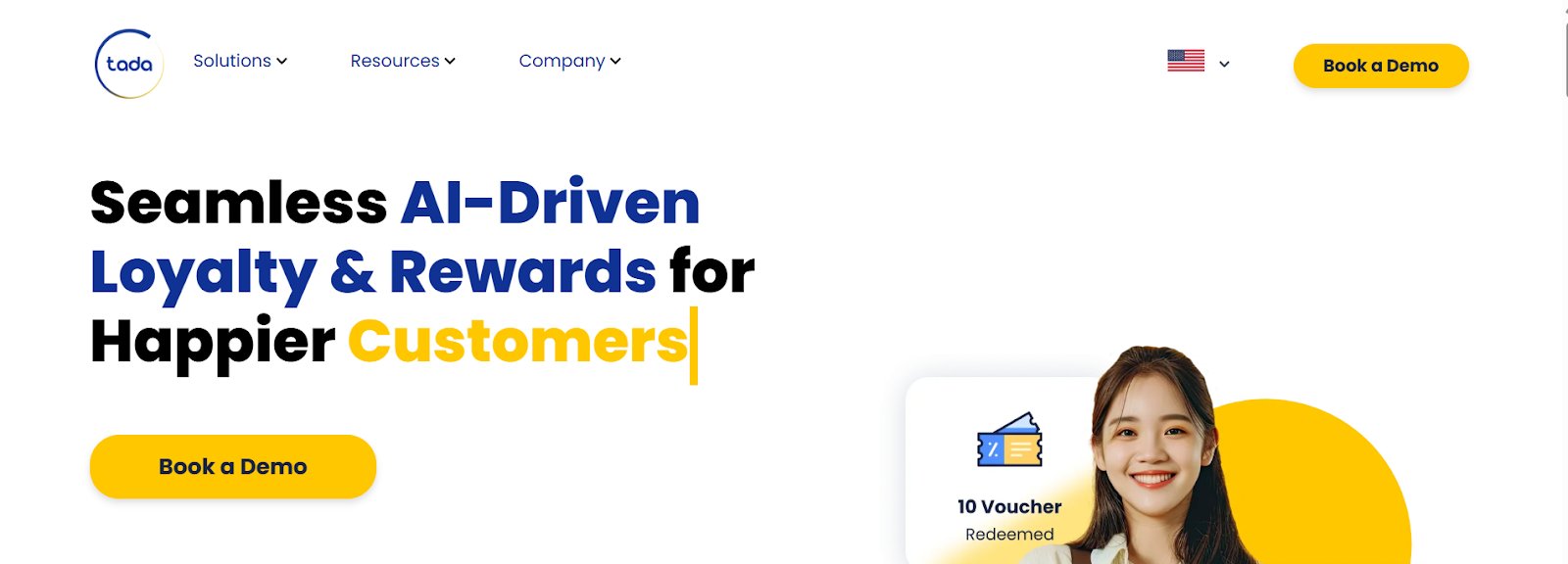
Tada is a B2B2C loyalty and rewards platform that helps businesses boost retention by delivering AI-driven engagement across customers and trade partners. It supports digital memberships, subscriptions, referrals, and rewards, while offering real-time analytics and campaign tools to personalize experiences, track performance, and drive repeat behavior, whether via SaaS, private cloud, or on-premise deployment.
Best features
Loyalty Engine
Personalization
Gamification
Rewards
Membership
Loyalty Analytics
Localization
Loyalty Cards
Insights Dashboard
Free trial
Information not provided on the website; a demo can be booked.
Starting price
Information is not provided on the website.
Pros & cons
Pros
Cons
The accurate reward delivery and detailed reporting support business tracking and decision-making.
The dashboard may occasionally experience performance issues.
The campaign features align well with business goals and help attract and retain customers.
Campaign coordination can take time, and some costs may not be communicated upfront.
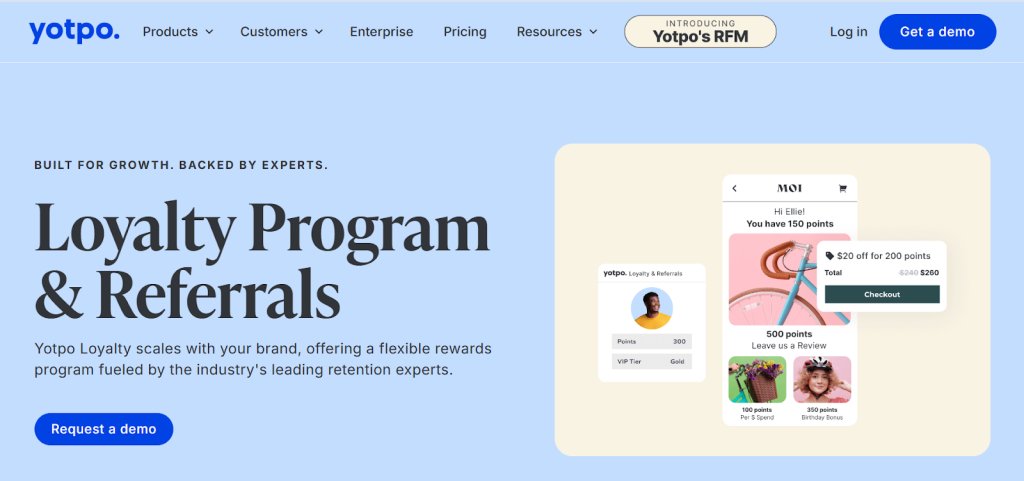
4. Yotpo – Loyalty program for eCommerce brands
Yotpo is an eCommerce retention platform that enables brands to build lasting customer relationships through a unified loyalty program, SMS, email marketing, and review tools. Connecting these channels and personalized marketing campaigns enables tailored, consistent experiences that drive engagement, repeat purchases, and long-term loyalty.
Best features
Tier-Based Programs
Advanced Segmentation
Campaign Scheduling
Referral Program
Repeat Referral Incentives
Dashboard & Advanced Analytics
Customer Management
Personalization
Loyalty Performance Metrics
Free trial
Information is not available on the website. A demo can be requested.
Starting price
Free: Basic features are available.
Paid:
Loyalty & referrals start from $199/month, based on the monthly order value.
Reviews & UGC starts from $15/month, depending on the monthly order value.
Pros & cons:
Pros
Cons
It is easy to use, well-supported, and integrates smoothly with the website.
More granular filters would improve review tracking and analysis.
It helps gather honest customer feedback and rewards them for sharing improvement areas.
The admin panel can be glitchy at times and may require occasional refreshing.
A customer experience as per G2 reviews:
Yotpo has been a great partner to work with. The team is supportive and genuinely helpful. The platform’s UX is clean and intuitive, integrations with our ecommerce stack were seamless, and it’s been a huge advantage having reviews, syndication, and loyalty all managed within one platform.
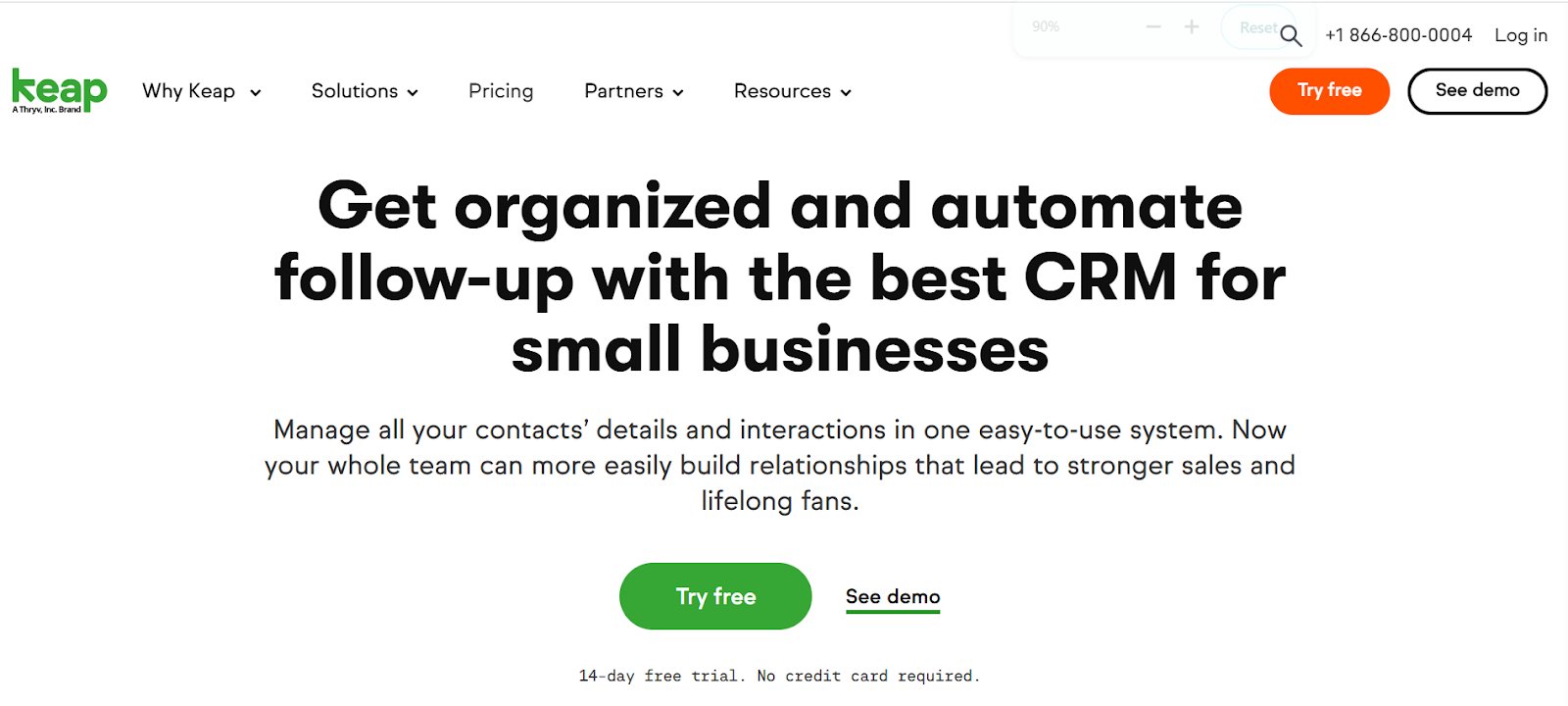
Keap is a CRM and automation platform for small businesses that combines lead capture, contact management, and sales pipeline tracking in one system. It’s built-in automation streamlines follow-ups, emails, and task management, helping businesses stay organized, nurture relationships, and improve customer retention.
Best features
Automated Lead Capture
Personalized Follow-Ups
Appointment Scheduler
Email Marketing
Text Marketing
Reporting
Sales Automation
Lifecycle Automation
Free trial
14 days available with limited features, such as 25 25-email sending limit.
Starting price
Paid: Starts from $249/month, billed annually, for the entire software platform.
Pros & cons:
Pros
Cons
Centralized contact management makes it easy to send broadcasts and manage tasks.
The search function could be more flexible, and task alerts could be more visible.
Offers a good balance of power and ease of use, with versions that suit different stages of business growth.
The email builder lacks some options, like using saved templates or sending plain text emails.
6. Pipedrive – Sales-focused CRM
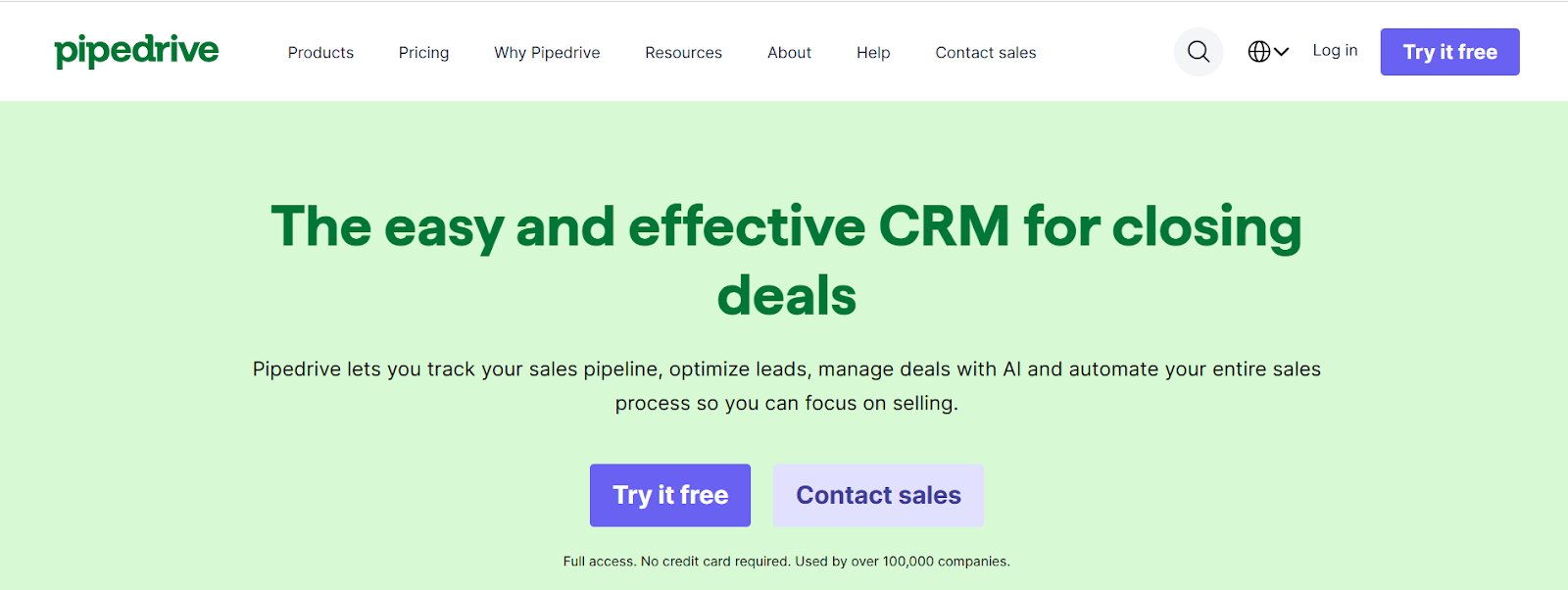
Pipedrive is a web-based CRM that helps sales teams manage leads, automate workflows, and track pipelines through a customizable, intuitive platform. With AI-driven insights, reminders, and performance tracking, it supports timely follow-ups and stronger customer relationships, making it a valuable tool for driving long-term retention.
Best features
Sales Automation
Lead Management
Reports & Insights
Marketing Automation
Email Segmentation
AI Suggestions
Kanban Dashboard
Automated Follow-Ups
Task Management
Personalized Onboarding
Free trial
A 14-day free trial is available for all the paid plans.
Starting price
Paid plans start from $14/seat/month, billed annually.
Pros & cons:
Pros
Cons
Offers strong customization, even on basic plans, ideal for small business needs.
Marking an activity as done doesn’t automatically create the next one, and the setting isn’t easy to find.
Dashboards are simple to create and provide detailed insights without any coding.
Having leads in a separate tab feels unnecessary; it would be more convenient to manage them within the deals tab.
A customer experience as per G2 reviews:
Very focused on the right activities, and not on burdensome forms or tick-boxes. The integrations between computer and phone access are instantaneous and really helpful. I use it every day, wherever I am. Having used a few other CRMs over many years, I firmly believe Pipedrive is the best for my needs, which are sales-focused with a lot of service follow-through.
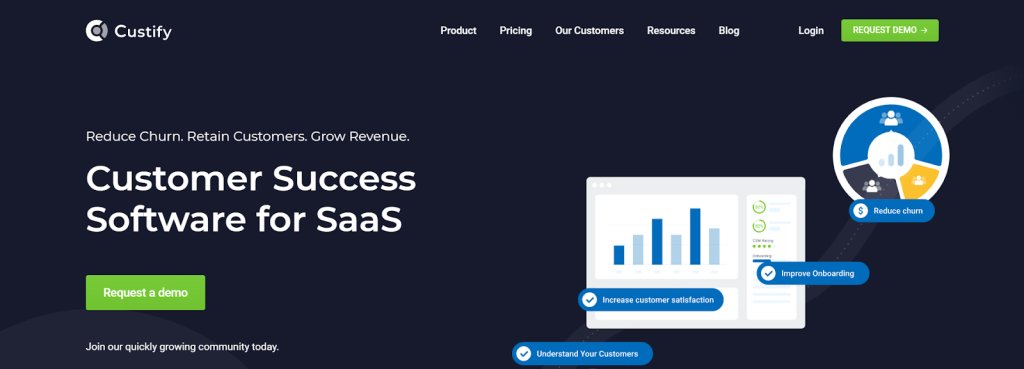
Custify is a customer success platform for SaaS businesses that centralizes customer data to deliver personalized interactions, track engagement, and identify upsell opportunities. With real-time health scores, predictive analytics, and automated alerts, it helps teams spot at-risk accounts early and take action to reduce churn and boost retention.
Best features
Automation
Tasks Management
Custom Alerts
Dashboards & Reports
Surveys
Customer Portal
Calculated Metrics
Customer 360
Segmentation
Free trial
Information is not available on the website; a demo can be requested.
Starting price
Pricing plans are not available on the website; a custom quote can be requested.
Pros & cons:
Pros
Cons
The platform is intuitive and helps the team stay aligned on customer health and engagement.
Deeper integration with daily workflows, especially email, would make the experience more seamless.
The tool is easy to use, with simple implementation and easy-to-understand API documentation.
Adding push notifications would help ensure important tasks and alerts aren’t missed.
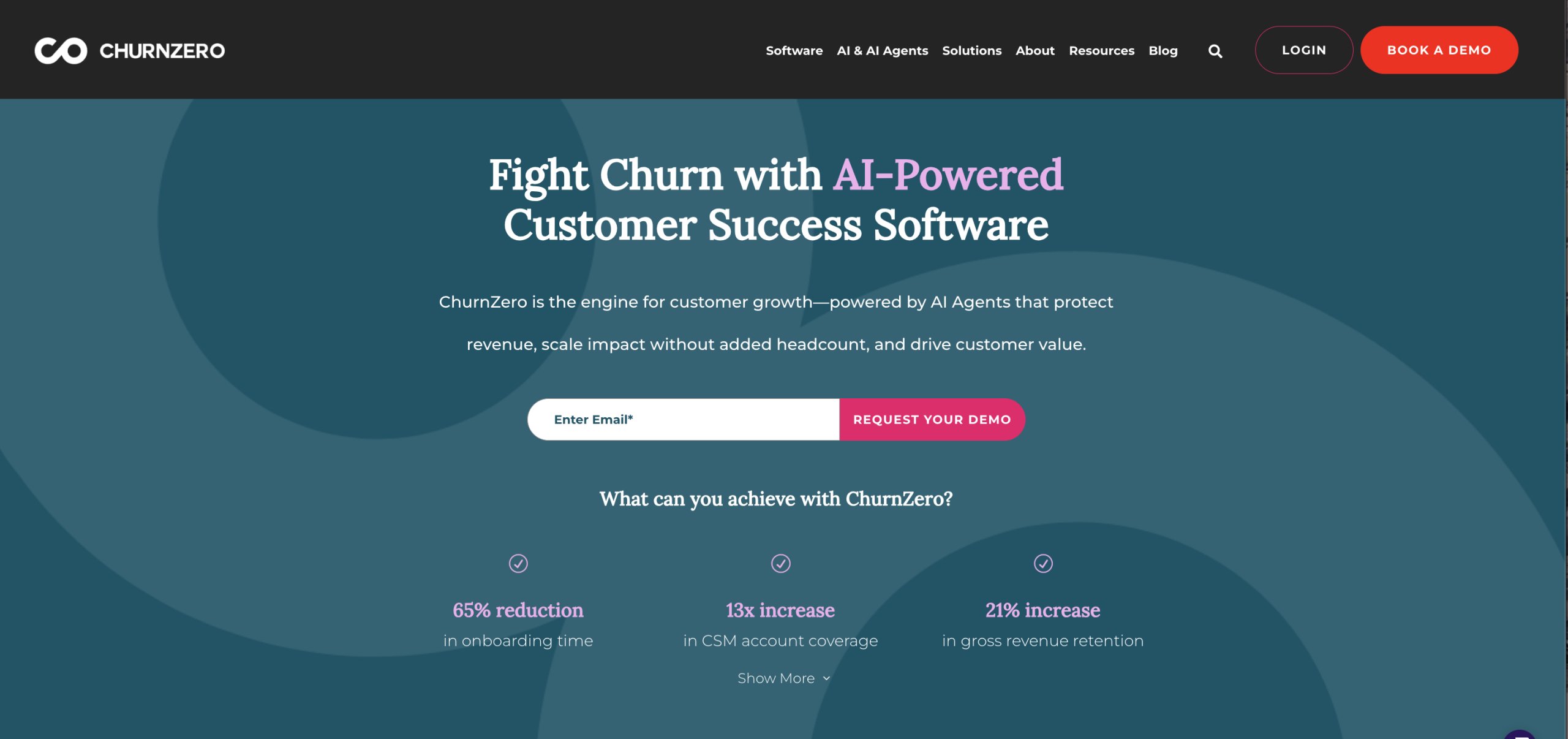
8. Churnzero – AI-powered churn management
Churnzero is a customer success platform that uses real-time analytics, automation, and AI to reduce churn and drive growth. With dynamic health scores and behavior insights, it helps identify risks and opportunities for the customer service teams, while automated journeys and personalized communication keep customers engaged throughout their lifecycle.
Best features
Customer Success AI
Collaboration Chatbots
Segments
Real-Time Alerts
Surveys
In-App Communications
Walkthroughs
Renewal & Forecast Hub
Account Insights
Advanced Reporting
Playbooks
Free trial
No details are available on the website; a demo can be requested.
Starting price
Plans are not available on the website.
Pros & cons:
Pros
Cons
Centralized customer data from across tools, with timely alerts and automations, supports proactive customer management.
The user interface could be more polished and intuitive.
Tasks and milestones are easy to add, update, or remove.
It can be a bit difficult to find specific information in the Knowledge Base at times.
A customer experience as per G2 reviews:
I appreciate the automation, user-friendly interface, and the convenience of having all my account information accessible in a single dashboard. The playbooks have been especially helpful for managing recurring communications. ChurnZero has become the tool I rely on most for my daily tasks. Our Success Manager, Elise, is excellent at providing education and solving problems. I genuinely enjoy our interactions, and I always leave each call with actionable to-dos and real solutions.
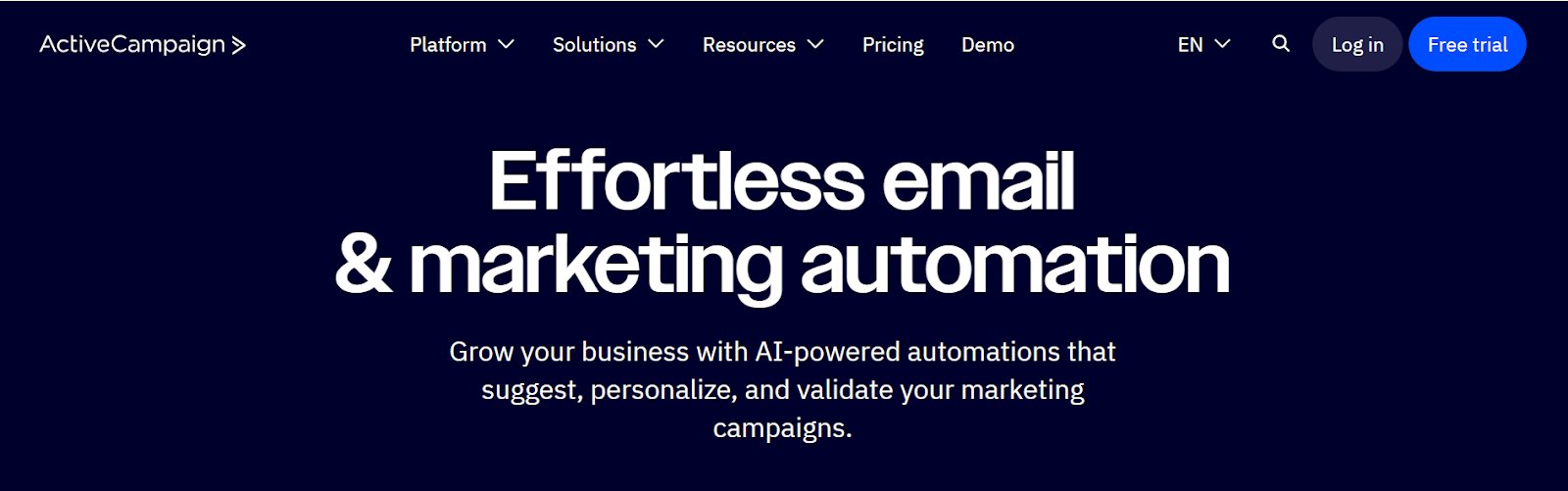
9. ActiveCampaign – Email and marketing automation
ActiveCampaign is a customer experience automation platform that lets businesses create and scale personalized marketing across email, SMS, and digital channels. Its AI-powered automations optimize campaigns, improve engagement, and streamline workflows, keeping customers connected and driving long-term retention.
Best features
Automation Triggers
Conditional Flows
AI-Powered Drag-And-Drop Automation Builder
Sales Engagement Tools
Event Tracking
Split Testing
Audience Management
Segmentation
Analytics & Reporting
Free trial
14-day trial available for most of the features.
Starting price
Paid plans start from $15/month.
Pros & cons
Pros
Cons
Managing campaigns is simple thanks to the intuitive and efficient design.
The campaign builder interface and loading speed could be more efficient.
Support is quick to respond and helpful, making the overall experience smooth and pleasant.
Having live chat support would make it easier to get quick help when needed.
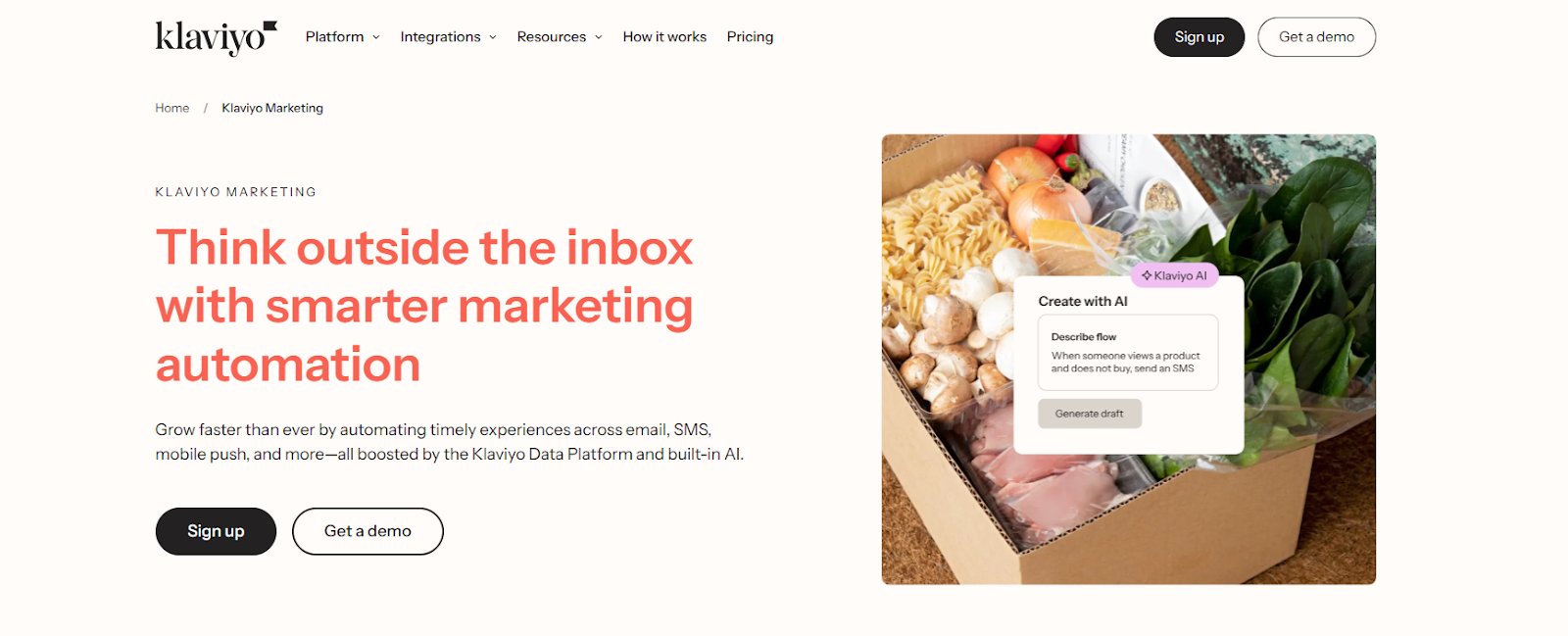
10. Klaviyo – Marketing automation
Klaviyo offers a marketing automation platform for B2C brands that centralizes real-time customer data to deliver personalized engagement across email, SMS, push notifications, and more. It’s built-in customer data platform enables precise segmentation and behavior-triggered flows, ensuring timely, relevant messaging that drives retention with minimal effort.
Best features
AI Insights & Optimizations
Pre-Built Automation Flows
Personalization
Customer Segmentation
Klaviyo Analytics
Review Management
Performance Tracking
No-Code Setup
Drag-and-Drop Automation Builder
Free trial
A free trial is not available.
Starting price
Free: 500 emails for up to 250 active profiles/month.
Paid: Starts from $20/month, based on the number of active profiles.
Pros & cons:
Pros
Cons
The platform is user-friendly, visually appealing, and well-suited for eCommerce email marketing, with excellent customer support.
Pricing can increase significantly as your subscriber list grows.
Automation flows work effectively, and advanced segmentation helps target customers in ways that drive real results.
Push notification metrics are limited, making it harder to track campaign performance.
A customer experience as per G2 reviews:
Klaviyo is straightforward for day-to-day email work. The template builder is clean, and it doesn’t take long to set up simple campaigns or pop-ups. Ease of implementation was surprisingly smooth — I had forms and basic flows running pretty quickly. I also appreciate that most features work out of the box without extra integrations. For a small team, it’s the right balance of functionality and simplicity.
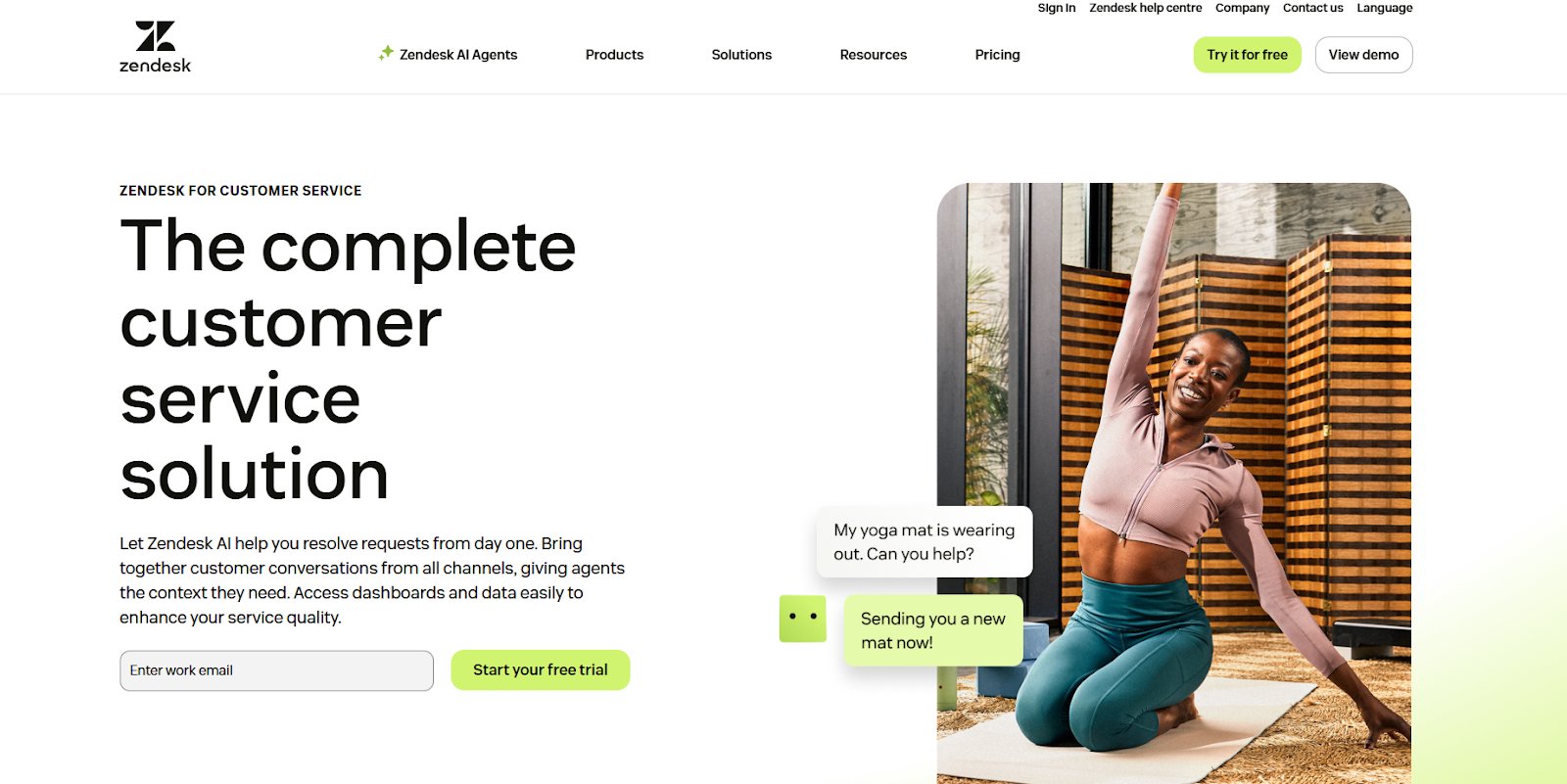
Zendesk is an AI-driven customer service platform that helps businesses deliver fast, personalized support across email, phone, messaging, and more. Its AI agents resolve up to 80% of issues instantly, while a unified workspace equips teams with the context and tools to engage customers efficiently, improving satisfaction and retention at scale.
Best features
Customized Conversation Flows
Contextual Responses
Analytics & Reporting
Generative AI
Messaging & Live Chat
Ticketing System
Free trial
It offers a free trial with full access to the Professional plan features.
Starting price
Starts from $19/agent/month, billed annually.
Pros & cons:
Pros
Cons
The clean, intuitive interface allows agents to manage tickets efficiently across channels like email, chat, and social media.
Help center documentation feels limited and could be more comprehensive.
Automation tools like macros, triggers, and SLAs help streamline tasks and keep response times on track.
Retrieving images or files attached to tickets can sometimes be difficult.
12. Sentisum – AI support ticket analytics
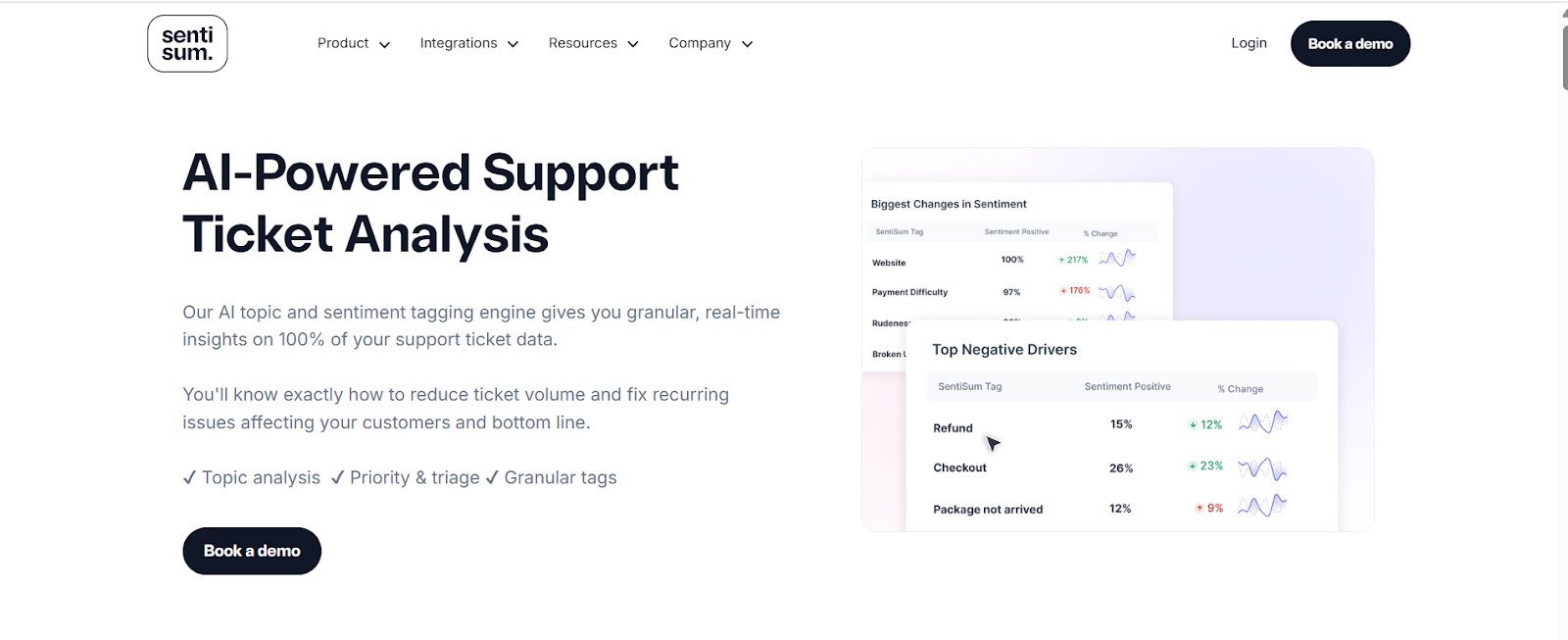
SentiSum is an AI-powered sentiment and ticket analysis platform that analyzes 100% of customer conversations in real time across emails, chats, calls, and surveys. With accurate tagging in over 100 languages, it uncovers drivers behind CSAT and NPS scores, flags issues early, and helps teams act quickly to improve satisfaction and retention.
Best features
Automated Tagging Engine
Auto-Prioritisation
CSAT Analytics
Feedback Analytics AI
Social Monitoring AI
Topic Analysis
Granular Tags
Free trial
A free trial is not available; a demo can be requested.
Starting price
Plans are not available on the website.
Pros & cons:
Pros
Cons
The interface is intuitive, and the tagging accuracy is reliable and consistent.
There is a learning curve to fully explore and use all available features.
Data can be viewed at a high level or in granular detail, which adds flexibility.
The visual presentation of reports could be more polished and engaging.
A customer experience as per G2 reviews:
I love the fact that the product is so versatile! You get the benefit of using the product’s AI to review the tickets; however, you also have the option to dive deeper into specific drivers/topics by creating your own set of parameters. I enjoy how easy it is to scrub through tickets so that you can accurately calculate a trend or to better investigate ongoing issues.
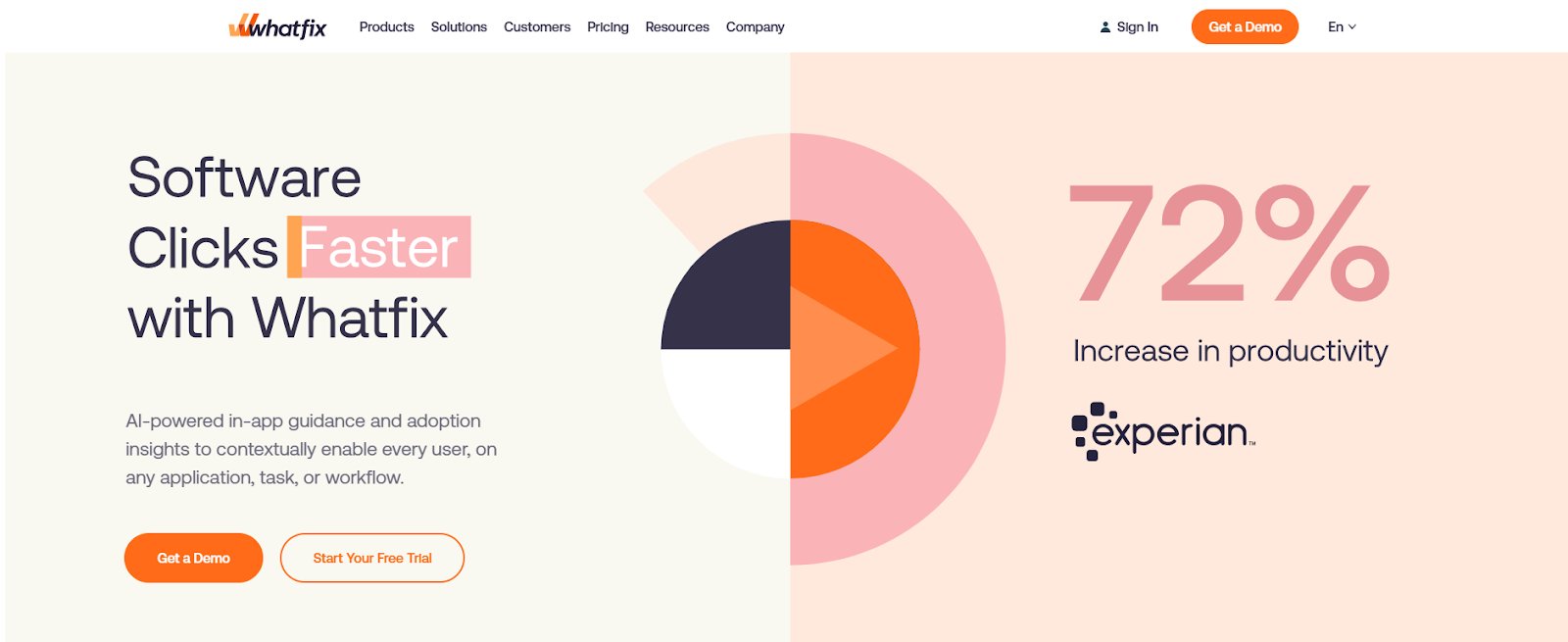
Whatfix is a digital adoption platform that boosts retention by simplifying onboarding and reducing support queries through interactive, in-app guidance. Its AI-powered walkthroughs offer contextual support, while content auto-converts into formats like videos or slideshows, ensuring users stay engaged across every touchpoint.
Best features
In-App Guidance
Surveys
Guidance Analytics
Self-Help
In-App Flows
Task Lists
No-Code Content Editor
Smart Context
Auto Translation
Free trial
Yes, available to test all the features of the Digital Adoption platform.
Starting price
A custom subscription cost is available based on the product and plan required.
Pros & cons:
Pros
Cons
Real-time guidance is dynamic and adapts based on reporting, keeping support relevant and up to date.
Keeping workflows updated can be challenging when systems change frequently.
Flows can be easily previewed and adjusted on the go, making updates quick and efficient.
Reports can’t be filtered by a full year, which limits long-term analysis.
14. Userpilot – User onboarding and product growth
Userpilot is a no-code platform that helps Product, UX, and Marketing teams boost retention through personalized onboarding and in-app experiences. It enables contextual walkthroughs and tooltips to guide users to value faster, while feature usage tracking, cohort analytics, and session replays provide insights to improve engagement and reduce churn.
Best features
Onboarding Guides
Checklists
No-Code Visual Editor
Segmentation
Product Analytics
Surveys
Cohort Analysis
Session Replays
Product Tours
Free trial
A 14-day trial to try the features.
Starting price
Paid plans start from $249/month, billed annually.
Pros & cons:
Pros
Cons
The interface is intuitive and makes it easy to create interactive guides and user journeys.
Pricing can feel a bit high for some users.
Flows can be easily segmented for different user types or companies.
Managing flows and the resource center can be overwhelming without tagging or better search options.
A customer experience as per G2 reviews:
I like how quickly we can create in-app flows, tooltips, and checklists to guide new users without depending on engineering. The personalization options are excellent — we can target different user segments with customized onboarding and product tours. The analytics help us understand how users interact with onboarding flows and where they drop off.
Kissmetrics is a behavior analytics platform that tracks individual user interactions across the customer journey, linking actions to user profiles for a complete view. Funnel and cohort analysis help teams spot churn trends, optimize onboarding, and tailor experiences based on real usage, boosting engagement and lifetime value.
Best features
Funnel Visualization
Cohort Analysis
Customer Segmentation
Advanced BI Reporting
Churn Rates
Feature Usage Analysis
Free trial
A free trial is not available; a demo can be requested.
Starting price
Plans are not available on the websites.
Pros & cons:
Pros
Cons
The interface is clean and easy to use, with helpful charts and visualizations that simplify complex data.
Data can load slowly at times when handling a large number of events.
Funnel and cohort analysis offer clear insights into customer behavior, helping improve marketing and user engagement strategies.
There’s a bit of a learning curve for users new to analytics tools.
16. Mixpanel – Product and user engagement analytics
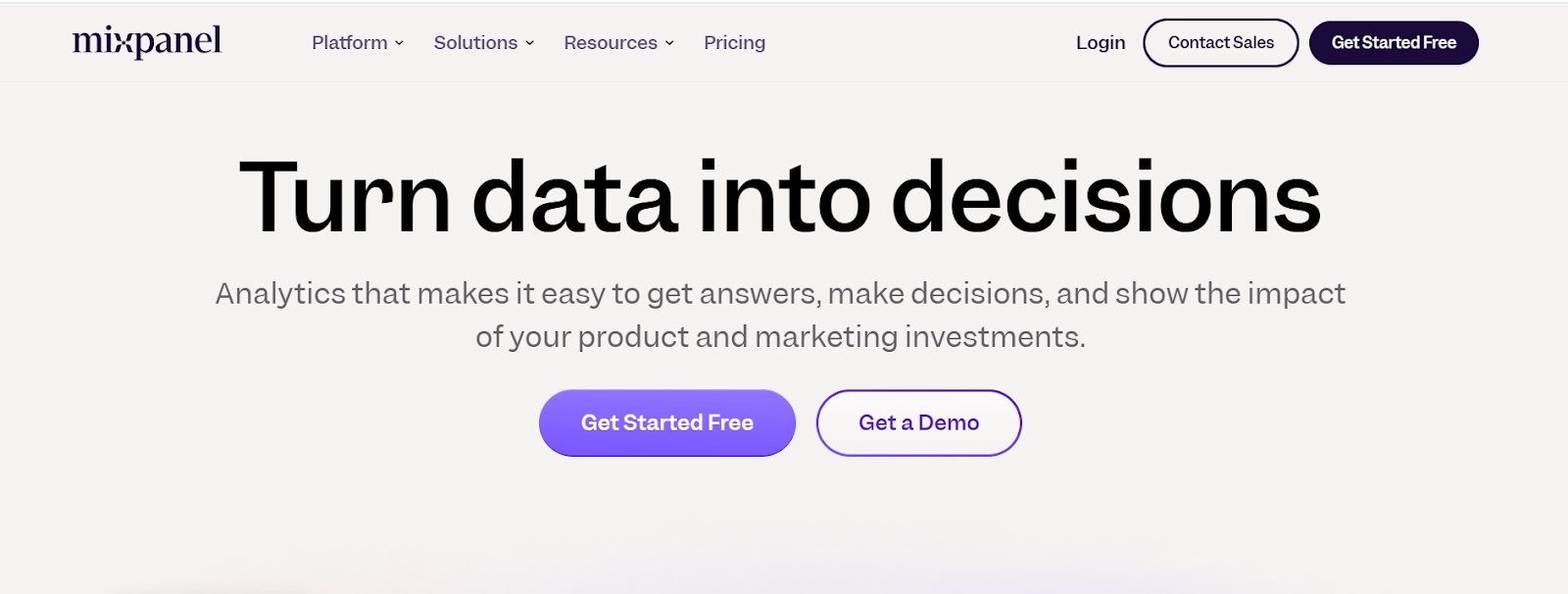
Mixpanel is a product analytics platform that helps teams understand user behavior, measure engagement, and make quick, data-driven decisions. By unifying product and marketing insights, it reveals what drives retention. Self-serve analytics and session replays help identify friction points and improve the product experience over time.
Best features
Custom Events
Anomaly Detection
Funnels
Flow Reports
Session Replays
Insights
Retention
Cohort Analysis
Root Cause Analysis
Free trial
A free trial is not available; a demo can be requested.
Starting price
Free for forever, limited to 1M events/month.
Paid: It is calculated based on events; 1M events free/month, post this – $0.00028 per event.
Pros & cons:
Pros
Cons
Event tracking and analytics are smooth and user-friendly, with no steep learning curve.
Integration with some external tools can be limited, which may lead to incomplete data.
Handles large data volumes efficiently, and filtering events is quick and simple.
The platform can become expensive as your user base grows.
A customer experience as per G2 reviews:
Their focus is exclusively on analytics, unlike Amplitude, which I find too broad. I appreciate having statistical significance displayed directly in the reports. The idea of alerts is also excellent, although unfortunately, they do not function as intended.
17. Baremetrics – Subscription optimization and analytics
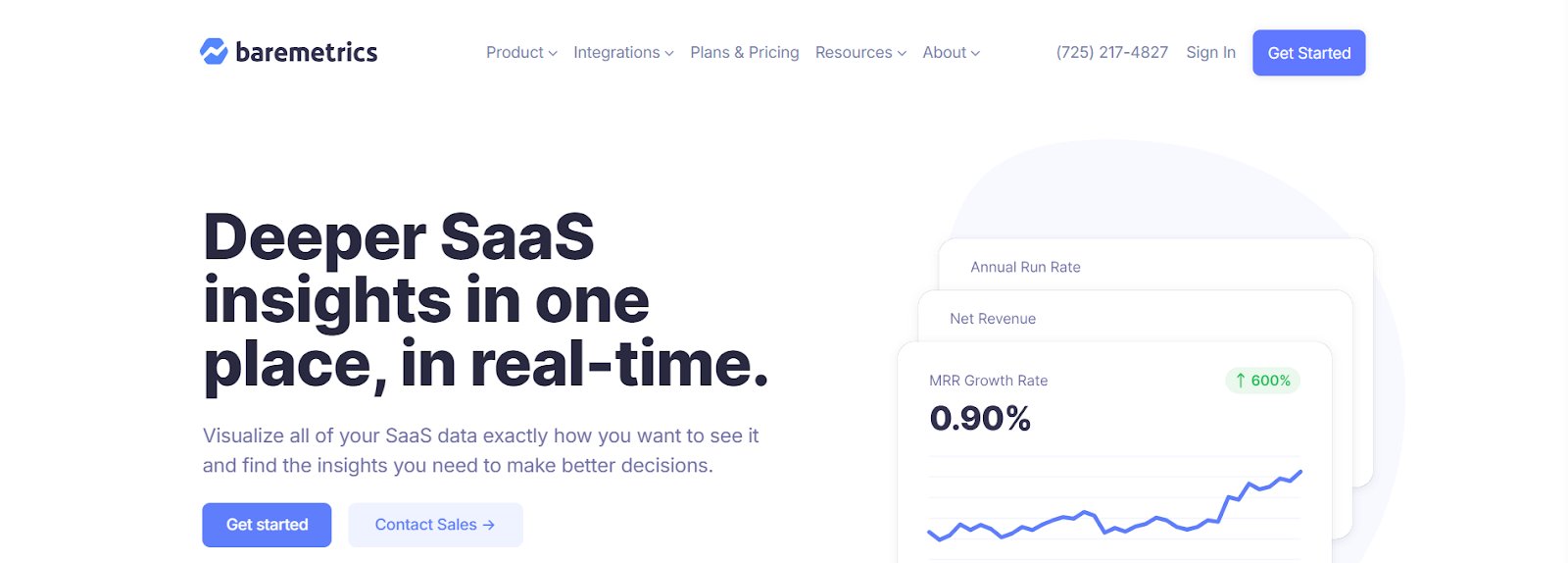
Baremetrics is a subscription analytics platform that gives SaaS businesses real-time insights into revenue, churn, and customer behavior through a one-click, zero-setup dashboard. Features like Cancellation Insights and Recover help identify why users cancel and recover failed payments, making it easier to reduce churn and boost retention.
Best features
Segmentation
Smart Dashboards
Recover
People Insights
Email Reports
Augmentation
Control Center
Trial and Cancellation Insights
Free trial
14 days available to try all features.
Starting price
Starts from $83/month, billed annually; can be customized further based on features required.
Pros & cons:
Pros
Cons
The segmentation tool is highly effective for breaking down key metrics.
The pricing can feel high if you’re not using all of the platform’s features.
Charts are automatically generated and display all essential SaaS metrics without extra setup.
The cancellation flow could be more dynamic to capture more detailed user feedback.
18. VWO – Driving retention through continuous optimization
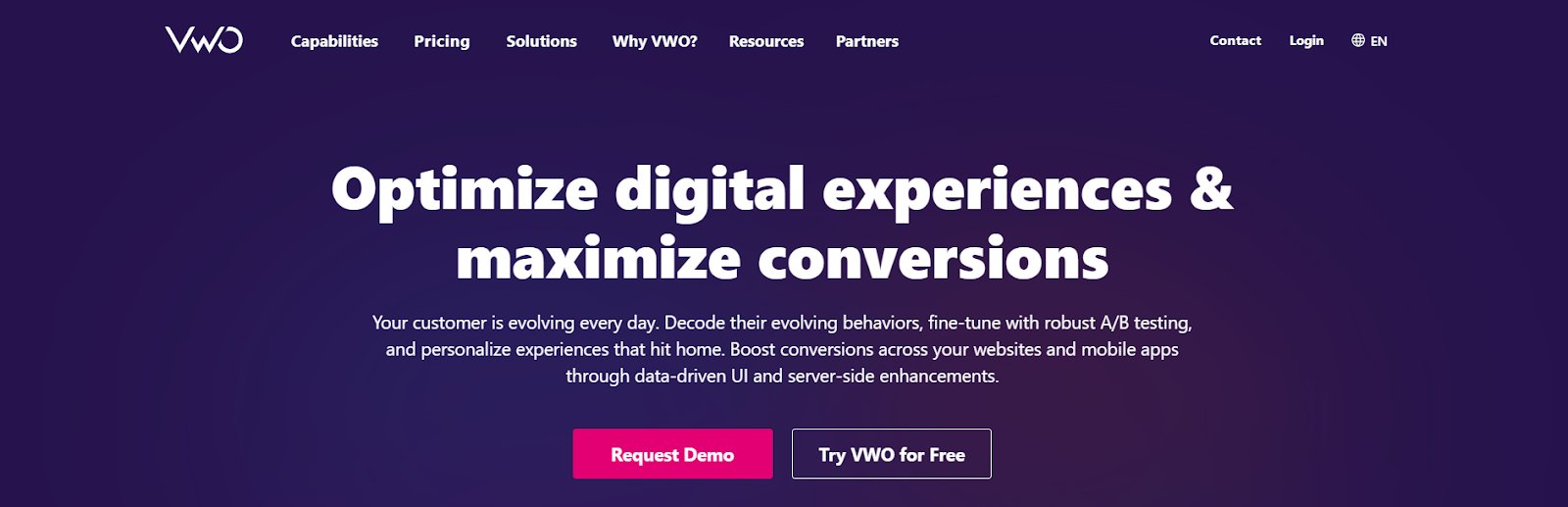
VWO is an all-in-one experience optimization platform that helps businesses reduce churn by continuously improving digital journeys based on real user data. Designed for cross-functional teams, it enables continuous testing and personalization to boost engagement and loyalty.
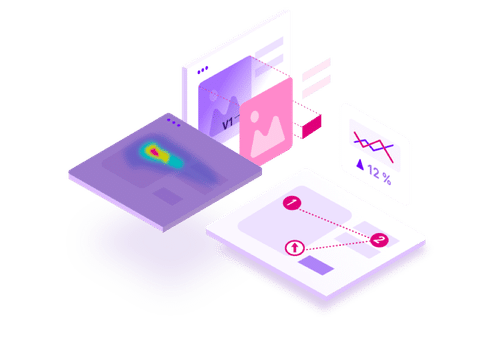
VWO Insights uncovers user behavior across digital touchpoints through heatmaps, session recordings, form analytics, and on-page surveys, helping teams identify pain points and prevent drop-offs before they lead to churn.
VWO Testing enables businesses to act on these insights by running A/B tests, multivariate tests, and split URL experiments to identify which versions of CTAs, messaging, and layouts improve conversion rates. By optimizing these elements, businesses can create smoother user experiences that support long-term customer retention.
Pro Tip!
Use VWO Copilot to accelerate your optimization workflow, automate hypothesis generation, variation creation, user behavior analysis, and audience targeting so you can launch more campaigns, faster and at scale.
VWO Personalize allows businesses to run personalization campaigns targeted to specific user segments. It helps deliver relevant CTAs, banners, and content based on user attributes and behavior, improving engagement, reducing bounce rates, and fostering customer loyalty.
VWO CDP Data360 collects behavioral data from multiple touchpoints, including websites, mobile apps, and third-party sources, and builds unified customer profiles. This centralized view helps teams understand user intent, segment audiences more effectively, and activate data across VWO’s optimization tools.
Watch the webinar to learn what makes a great user experience in the fast-changing eCommerce and retail space:
Free trial
A 30-day trial is available to explore most of the features.
Starting price
Paid: Custom plans that align with your unique business goals.
Pros & cons:
Pros
Cons
The interface is easy to use, and website changes can be made with little to no coding experience.
Some retention aspects, such as email campaigns and predictive churn analysis, are not handled by the platform.
The support team is responsive and helpful, especially during the initial setup.
—
In our client’s words:
We highly recommend VWO to other companies in our industry. Its powerful features, user-friendly interface, and excellent customer support have significantly enhanced our ability to deliver optimization results for our clients. Beyond the platform, the expertise and support from the VWO team have been invaluable in helping us drive impactful results. Their collaboration enables us to execute with confidence and efficiency, making them a key partner in our clients’ success.
Fernando Gavarrón Global CRO Area Manager at Making Science
Additional tools for various customer retention strategies
Customer retention software plays a crucial role in strengthening long-term relationships and reducing churn. Retaining existing customers is significantly more cost-effective than acquiring new ones, and these tools help maximize the value of each customer over time.
With its multiple features, retention software enables businesses to:
Identify churn risks early and take proactive steps to re-engage customers.
Deliver personalized experiences that boost satisfaction and loyalty.
Streamline communication with rule-based workflows and targeted messaging.
Track key metrics like churn rate, lifetime value, and engagement trends.
Uncover actionable insights through real-time analytics and feedback collection.
Support cross-functional teams, from sales to support, with data to inform retention strategies.
Ultimately, customer retention software helps improve customer satisfaction, increase revenue predictability, and build a loyal customer base that supports long-term growth.
Choosing the right customer retention tools: Key factors to consider
With a growing number of customer retention tools available, selecting the right one can significantly impact how effectively your business reduces churn and strengthens customer relationships.
Choosing a tool that checks the boxes below not only improves retention efforts today but also builds a strong foundation for long-term customer loyalty.
Functionality: Look for tools that go beyond basic tracking and offer features like behavior analytics, automation workflows, personalization, and feedback collection. Tools that combine multiple capabilities in one platform often offer better long-term value and reduce tech bloat.
Ease of use: A user-friendly interface is essential; your team should be able to implement and navigate the platform without heavy technical support. Low-code or no-code tools help speed up adoption and execution within the team.
Data integration: The tool should integrate seamlessly with your existing tech stack (CRM, email marketing, analytics, etc.) to ensure consistent and unified data across platforms. Unified data across platforms enables consistent messaging and more informed decision-making.
Customization & segmentation: Effective retention relies on personalized experiences. Choose a tool that allows detailed customer segmentation and tailored messaging based on real-time behavior, purchase history, or lifecycle stage.
Scalability: As your customer base grows, your retention tool should be able to scale with it, handling increasing data volumes, new channels, and additional features without compromising performance.
Analytics & reporting: Deep insights into churn, engagement, and campaign performance are vital. Prioritize tools that offer visual dashboards, cohort analysis, and actionable reporting.
Support & community: Strong onboarding, documentation, and customer support can make a big difference, especially if your team is new to retention platforms. A good support system ensures smooth implementation and faster problem resolution.
Conclusion
Customer retention is critical for sustainable business growth because loyal customers generate higher revenue, repeat purchases, and long-term profitability.
Effective retention requires understanding why customers stay or leave, testing what works, and continuously optimizing experiences based on real user behavior.
With VWO, teams can adopt a continuous optimization approach to retention. Behavioral analytics reveal where customers experience friction, A/B testing validates which changes improve retention, and personalization delivers tailored experiences to keep different segments engaged.
This integrated approach helps you optimize every customer interaction, converting potential drop-offs into loyal customers that drive long-term growth.
Customer retention software helps businesses track user behavior, identify churn risks, and engage customers through personalized experiences, automation, and analytics to improve loyalty and reduce attrition.
Q2. How does customer retention software function?
It collects and analyzes customer data Monitors engagement patterns Automates follow-ups Delivers personalized content These efforts keep users engaged and reduce churn.
Q3. In what ways can customer retention software benefit my business?
Increases customer lifetime value (CLTV) Reduces churn Improves customer engagement Provides actionable insights for product, support, and marketing teams
Q4. How do I select the best customer retention tool for my business?
Look for tools that: – Align with your business goals – Integrate with your existing tech stack – Offer strong analytics and personalization – Are scalable and easy to use – Provide reliable customer support
Q5. Is it possible for customer retention software to integrate with my current tools?
Yes. Most modern tools integrate seamlessly with: – CRMs – Email marketing platforms – Product analytics tools – Customer support platforms – Data warehouses
Q6. What is net retention software?
Net retention software calculates Net Revenue Retention (NRR) — the revenue from existing customers including expansions, minus losses due to churn or downgrades. It’s a vital SaaS metric that shows how well a business retains and grows its current customer base.
Retention can be monitored by: – Tracking churn and renewal rates – Measuring product usage frequency – Collecting customer feedback – Using analytics or CRM platforms to analyze long-term engagement
Q9. How do I calculate customer retention in Excel?
Use this formula: Customer Retention Rate = ((E–N)/S) × 100, where: E = Number of customers at the end of the period N = New customers acquired during the period S = Number of customers at the start of the period Input your data into Excel and apply the formula using cell references.
I've worked as a writer and editor in the B2B SaaS space for over 6 years. I read and write on all things CRO and experience optimization.
I'm a chai fanatic and a paranoid parent. When I'm not copyediting or working on marketing projects, I love to spend my time reading. Besides B2B content, my passion lies in modern, behavioral astrology. I'm a dreamer and wish to write stories for children someday :)
Uncover hidden visitor insights to improve their website journey
One of our representatives will get in touch with you shortly.
Awesome! Your meeting is confirmed for at
Thank you, for sharing your details.
, you're all set to experience the VWO demo.
I can't wait to meet you on at
Account Executive
, thank you for sharing the details. Your dedicated VWO representative, will be in touch shortly to set up a time for this demo.
We're satisfied and glad we picked VWO. We're getting the ROI from our experiments.
Christoffer Kjellberg
CRO Manager
VWO has been so helpful in our optimization efforts. Testing opportunities are endless and it has allowed us to easily identify, set up, and run multiple tests at a time.
Elizabeth Levitan
Digital Optimization Specialist
As the project manager for our experimentation process, I love how the functionality of VWO allows us to get up and going quickly but also gives us the flexibility to be more complex with our testing.
Tara Rowe
Marketing Technology Manager
You don't need a website development background to make VWO work for you. The VWO support team is amazing
Elizabeth Romanski
Consumer Marketing & Analytics Manager

 DE
DE
 BR
BR




 ChatGPT
 Perplexity
 Gemini
 Claude
 Grok
Grok