Conversion Rate Optimization Solutions for Revenue Growth
VWO’s end-to-end CRO platform helps brands understand visitor behavior, make observations, build a testing pipeline, execute the tests for statistical results, and engage through new-age channels.
65% of consumers say a positive experience with a brand is more influential than good advertising (Source).
That’s a wake-up call for businesses still pouring resources into campaigns while overlooking the actual customer journey. In today’s experience-driven economy, how customers feel when interacting with your brand has become the strongest driver of trust, loyalty, and growth.
Delivering standout customer experiences isn’t just a competitive edge anymore. It’s a necessity. As digital-first interactions continue to rise, the tools you choose to manage and improve those experiences can make or break your brand’s reputation. That’s where customer experience (CX) software comes in.
This guide covers the top 17 CX platforms that help businesses understand their users better, deliver personalized experiences, and build loyalty at every touchpoint. Whether you need deep behavioral insights, omnichannel communication, or journey-based optimization, there’s a tool here to match your needs.
What is customer experience (CX) software?
Customer Experience (CX) software refers to a suite of digital tools that help businesses understand, manage, and improve every interaction a customer has with their brand, across all channels and touchpoints. These platforms collect feedback, track user behavior, and generate insights to create seamless, personalized experiences that boost satisfaction, retention, and customer loyalty.
From analyzing behavior patterns to sending tailored messages and collecting feedback, CX platforms enable teams to deliver smoother, more relevant experiences. With 77% of customers willing to recommend a brand after a positive experience, the right software doesn’t just improve satisfaction, it drives business growth by addressing customer pain points.
Best customer experience software and platforms: At a glance
– Workflow Automations – Advanced Agent Routing – Field Service Management – Multilingual Conversations – Pre-Defined Reports & Dashboards – Customized Dashboards – Freddy AI – CRM
– Free trial: 14 days on all paid plans. – Free plan: Up to 2 agents, including all basic features. – Paid plan: Starts at $15/agent/month, billed annually.
– Free trial: Available on all paid plans except for the Enterprise plan. – Free: Basic features are free for everyone. – Paid: Starts from $19/maker/month, billed annually.
Top 17 Customer experience platforms: Detailed overview
Disclaimer: The pros and cons listed are based on reviews and feedback from third-party sites such as G2, TrustRadius, and other sources.
Customer feedback & experience management tools
These tools help collect, analyze, and act on customer feedback in real time. They uncover sentiment, preferences, and pain points through surveys, ratings, and open-ended input to guide experience improvements.
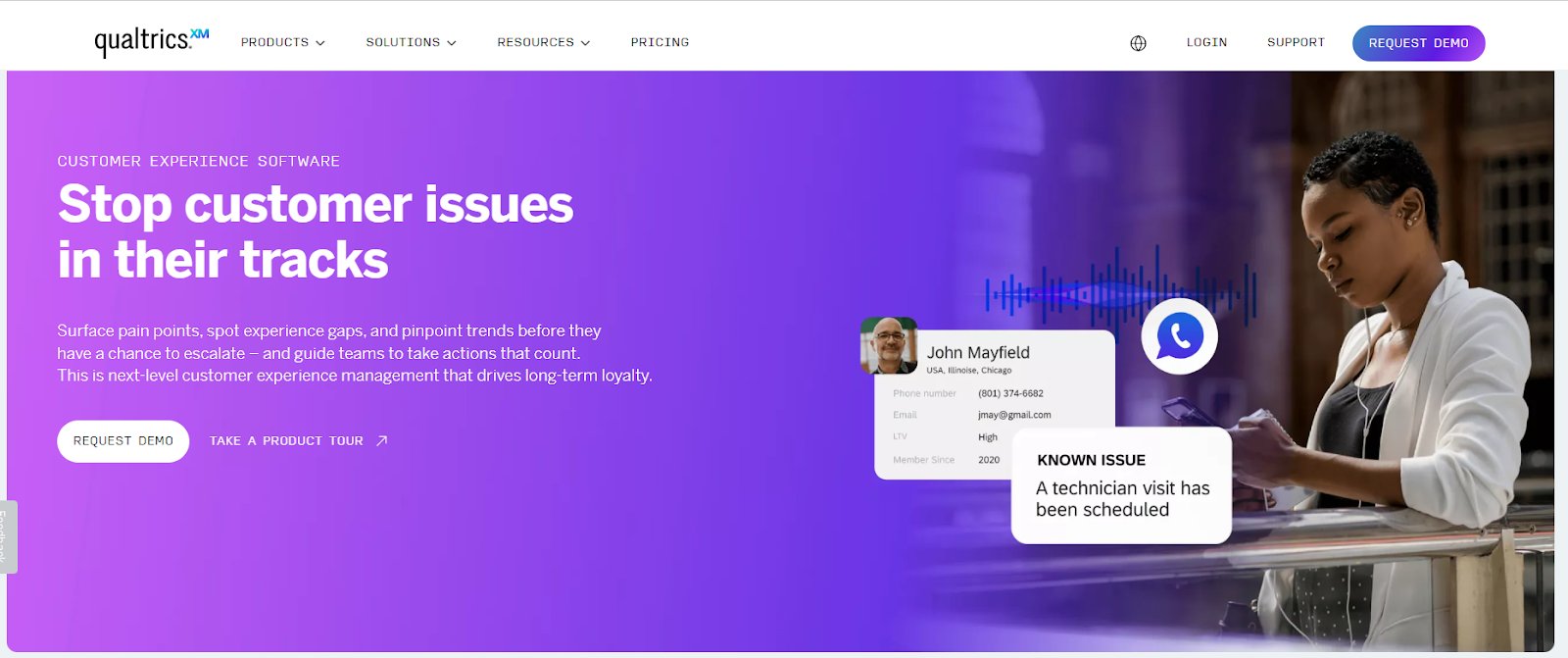
1. Qualtrics XM
Qualtrics XM is an experience management platform that enables businesses to deliver seamless, omnichannel customer experiences. It helps capture, analyze, and act on insights across every touchpoint, web, app, chat, calls, social media, and reviews. The platform identifies friction points, prevents issues before they escalate, and equips teams with personalized tools to improve service.
With a combination of AI-driven recommendations and real-time behavioral analysis, Qualtrics equips frontline teams with tools to improve service delivery, while also offering deep insights across the customer journey, from online reviews to app interactions.
Best features
Digital Experience Analytics
Online Reputation Management
Website & App Feedback
Customer Surveys
AI-Generated Insights
Location-Level Analytics
AI-Powered Insights
Quality Management
Pricing
Custom plans are available on request.
Pros & cons
Pros
Cons
Dashboards provide strong visibility into key customer areas, helping companies stay connected with their audience.
Manual updates can be difficult, and using .csv imports for simple tasks feels unnecessarily complex.
Surveys are easy to create, and the sentiment analysis widget is handy for understanding open-text responses.
Some tasks can only be done through the API, not directly through the interface.
A customer experience as per G2 reviews:
What I like best about the Qualtrics Customer Experience is its Dashboard, which is very easy to use. It can collect data from raw data, which can be collected through emails, surveys, SMS, websites, apps, and other social media platforms, using NLP (Natural Language Processing) in real time. It can easily be integrated with tools like support tools and CRMs. Customer support is good. Implementation is easy.
Blaghul R. Network Engineer
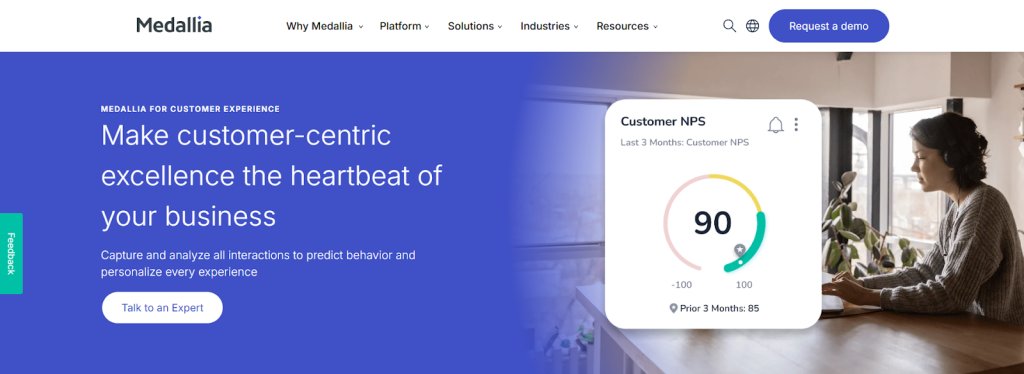
2. Medallia Customer Experience
Medallia Experience Cloud is a leading CX platform that captures feedback and signals across web, apps, messaging, social, and connected devices to provide a unified view of the customer journey.
Powered by AI and machine learning (Medallia Athena), it delivers real-time insights, predicts behavior, and helps organizations take targeted actions to reduce churn, boost loyalty, and drive revenue. Medallia empowers both frontline teams and leadership to improve experiences and operational efficiency across every touchpoint.
Best features
Surveys
Alerts
Workflow Automation
Personalized Messaging
Role-Based Reporting
AI-Driven Analytics
Text Analytics
NPS
VoC
Retention
Video Feedback
Pricing
Experience Data Record-based pricing plans are available on request.
Pros & cons
Pros
Cons
It adapts easily to different data visualization needs and updates in real time as customer responses come in.
Users could have more control over basic tasks like adding filters, editing dashboards, and setting up automated reports.
You can add or remove questions in Voice Programs anytime, making it flexible to adjust feedback collection as needed.
Engagement reporting features could be enhanced for deeper insights.
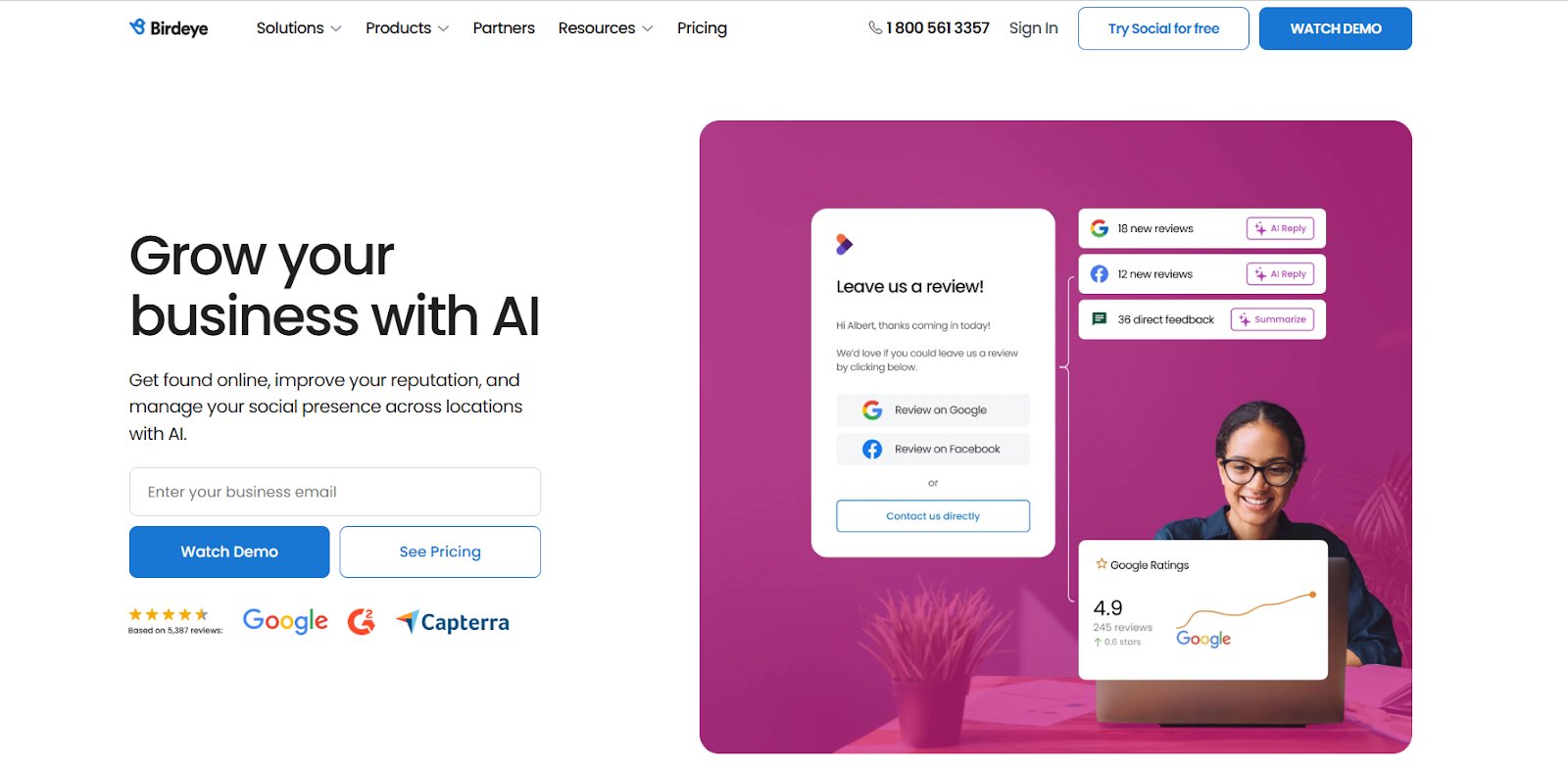
3. Birdeye
Birdeye is an AI-powered CX platform designed for multi-location businesses to manage reputation, collect feedback, and improve customer interactions from one dashboard. It helps teams generate and respond to reviews, run surveys, publish social content, and manage listings.
Powered by BirdAI, Birdeye delivers actionable insights through AI-driven surveys and sentiment analysis, enabling businesses to enhance customer experience, stay on-brand, and drive growth across locations.
Best features
AI-Powered Agents
AI Chatbot
Conversation Summaries
Chat Widget
Surveys AI
Sentiment Analysis
AI Summaries
No Code Survey Builder
Issue Resolution
AI-Driven Analysis
AI Recommendations
Pricing
Free trial: 30 days available for social media management plans.
Paid: Customized plans are available on request.
Pros & cons:
Pros
Cons
The ticketing system makes it easy to collect feedback from teams and respond to reviews quickly.
Issue resolution can be slow at times when multiple departments are involved.
The AI features speed up review responses while still keeping them high-quality.
The platform has a learning curve due to its wide range of features.
A customer experience as per G2 reviews:
Birdeye is very user-friendly and offers convenient filtering options, making it easy to find exactly what you need without hassle. I find it extremely helpful to be able to view, track, monitor, update, respond to, and manage reviews from all platforms and locations, all on a single page. I use Birdeye daily. It is easy to integrate a new business profile and link it to my Birdeye profile. I would also like to mention that the customer support team, the IT team, and the reps at Birdeye are nothing short of spectacular.
April J. Public Relations and Reputation Management Coordinator
4. Help Scout
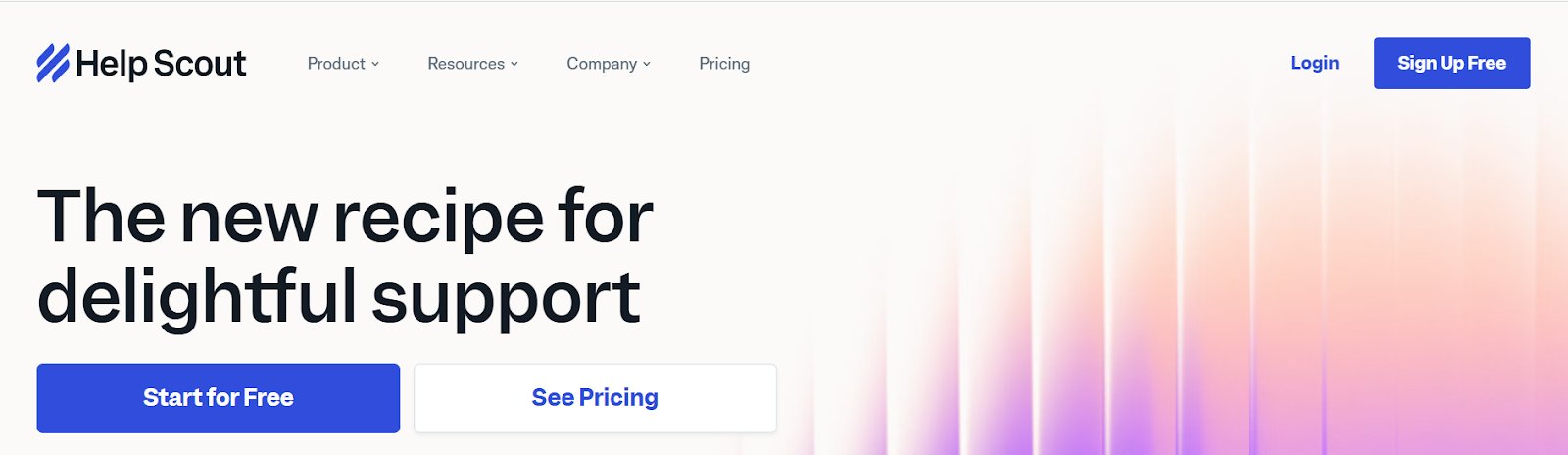
Help Scout is a customer service platform centered around a shared inbox system that helps businesses strengthen customer relationships through efficient, collaborative support. The 24/7 self-service AI assistant instantly answers customer questions using help content, with a seamless handoff to the support team when needed.
Its reporting and analytics tools give teams clear visibility into performance metrics, response times, and customer trends, helping identify what’s working and where to improve. Help Scout enables teams to manage and resolve customer queries together, making it ideal for businesses that prioritize customer service and experience.
Best features
AI Summarize
AI Drafts
Automated Workflows
Custom Filters
In-App Messaging
Help Widget
Surveys & NPS
CSAT
Pre-Built & Custom Reports
Pricing
Free trial: Available on all paid plans.
Free: For 50 contacts/month and unlimited users.
Paid: Starts from $50/month with 100 contacts each month.
Pros & cons
Pros
Cons
The team responds well to feature requests, and many suggestions are implemented.
Filtered email data can’t be downloaded as a CSV file.
The clean, organized interface helps you stay focused and work efficiently.
It’s not open source, so features can’t be customized from the user end.
Customer support & engagement tools
Customer service is directly tied to loyalty for 96% of customers, making responsive, reliable support non-negotiable. These tools help deliver on that expectation by enabling real-time assistance, automating helpdesk workflows, and unifying communication across channels, creating smoother support experiences that build trust and foster exceptional customer service.
5. Zendesk
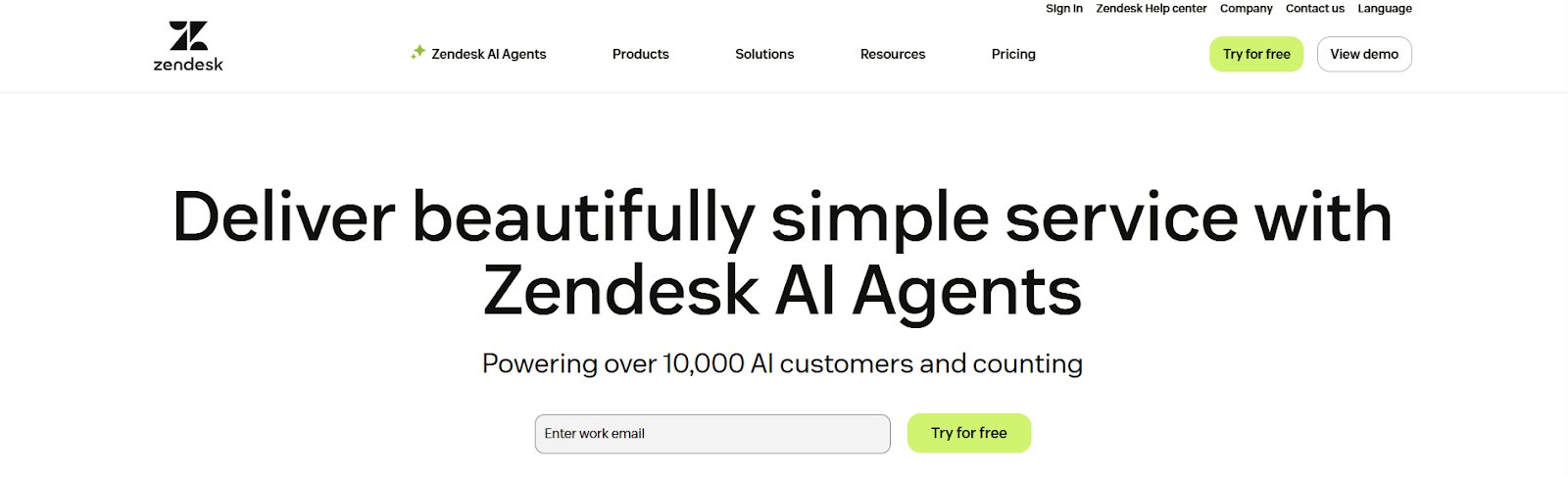
Zendesk is an AI-powered customer service platform that helps businesses deliver fast, personalized support across email, phone, messaging, and chat. Its AI agents work alongside human teams to resolve issues instantly or assist agents in real time, creating a fully connected support experience.
Zendesk Voice adds seamless call support with advanced routing, intelligent IVR, and automation, ensuring faster resolutions across contact centers.
Best features
Generative AI, Contextual Responses, Messaging & Live Chat, Customized Conversation Flows, Analytics & Reporting, Ticketing System, AI Automation, Workforce Management
Pricing
Free trial: Access to all features of the Professional plan.
Paid: Starts from $19/agent/month, billed annually.
Pros & cons
Pros
Cons
Tickets are well-organized by platform, making it easy to track and manage requests.
Attaching and retrieving images or files in tickets can be tricky and not very user-friendly.
The detailed reporting helps track important metrics and improve support performance over time.
The chat widget feels outdated, and the experience isn’t smooth for either users or support staff.
A customer experience as per G2 reviews:
I find Zendesk to be a very convenient tool. It is easy to access, and everything is clearly detailed and well-organized. As a customer service representative, I have certain metrics to meet, such as average call handling time. Zendesk simplifies my work because all I need to do is select the appropriate options, choose the title, set the dispositions, and indicate whether a case is pending or solved.
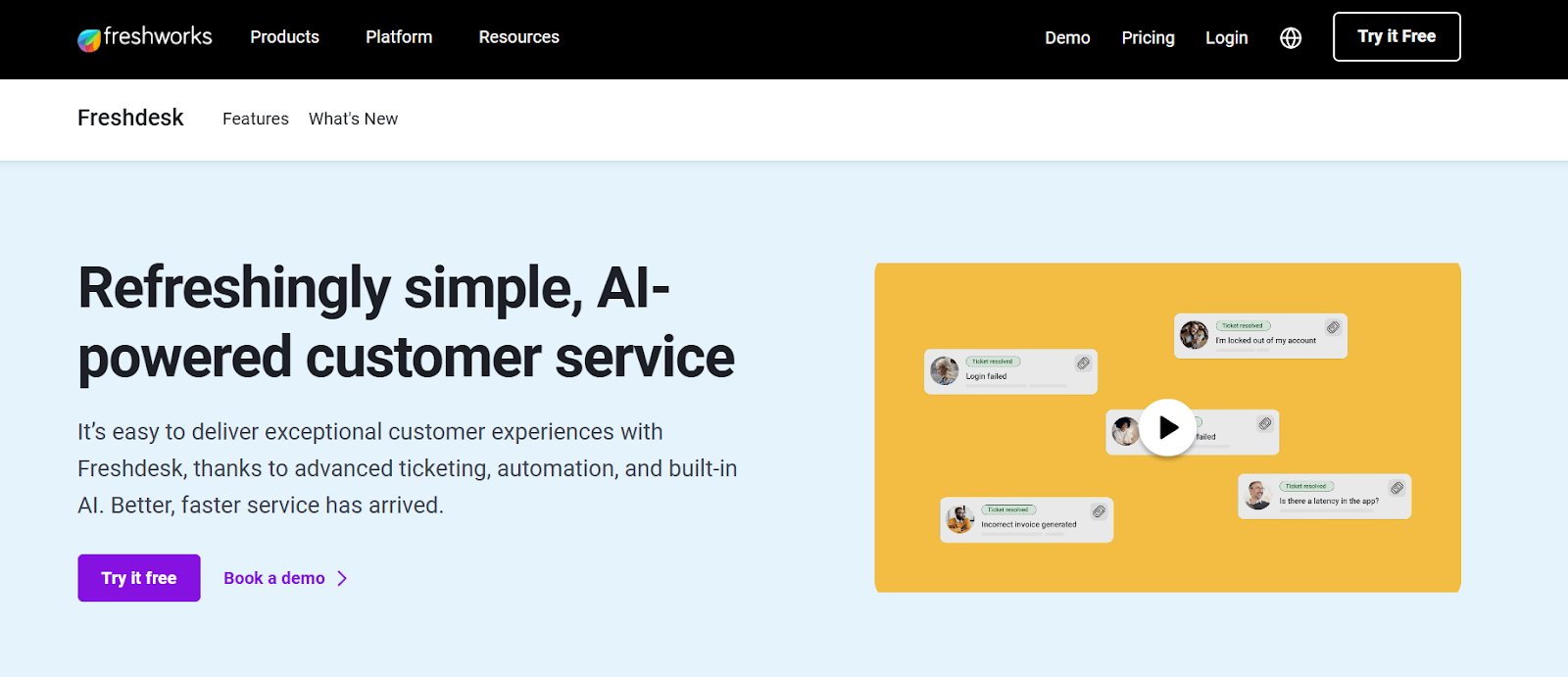
Freshdesk is a cloud-based customer experience platform that helps businesses manage and resolve customer queries across email, phone, chat, social media, and web from a unified ticketing system. Its most powerful feature is Freddy AI, which automates ticket assignment, suggests responses, and boosts agent productivity with intelligent support.
Freshdesk also offers a self-service knowledge base that lets businesses create help articles and FAQs, enabling customers to find answers quickly without needing to raise a support ticket.
Best features
Workflow Automations
Advanced Agent Routing
Field Service Management
Multilingual Conversations
Pre-Defined Reports & Dashboards
Customized Dashboards
Freddy AI
CRM
Pricing
Free trial: 14 days on all paid plans.
Free plan: Up to 2 agents, including all basic features.
Paid plan: Starts at $15/agent/month, billed annually.
Pros & cons:
Pros
Cons
The interface is intuitive, and the modern tools make support management simple.
More customization options would be helpful to better suit specific business needs.
Easy to set up and use, with no need for a dedicated support email.
Agent guidance can sometimes vary during setup, which may cause a bit of confusion and extra follow-up.
7. Intercom
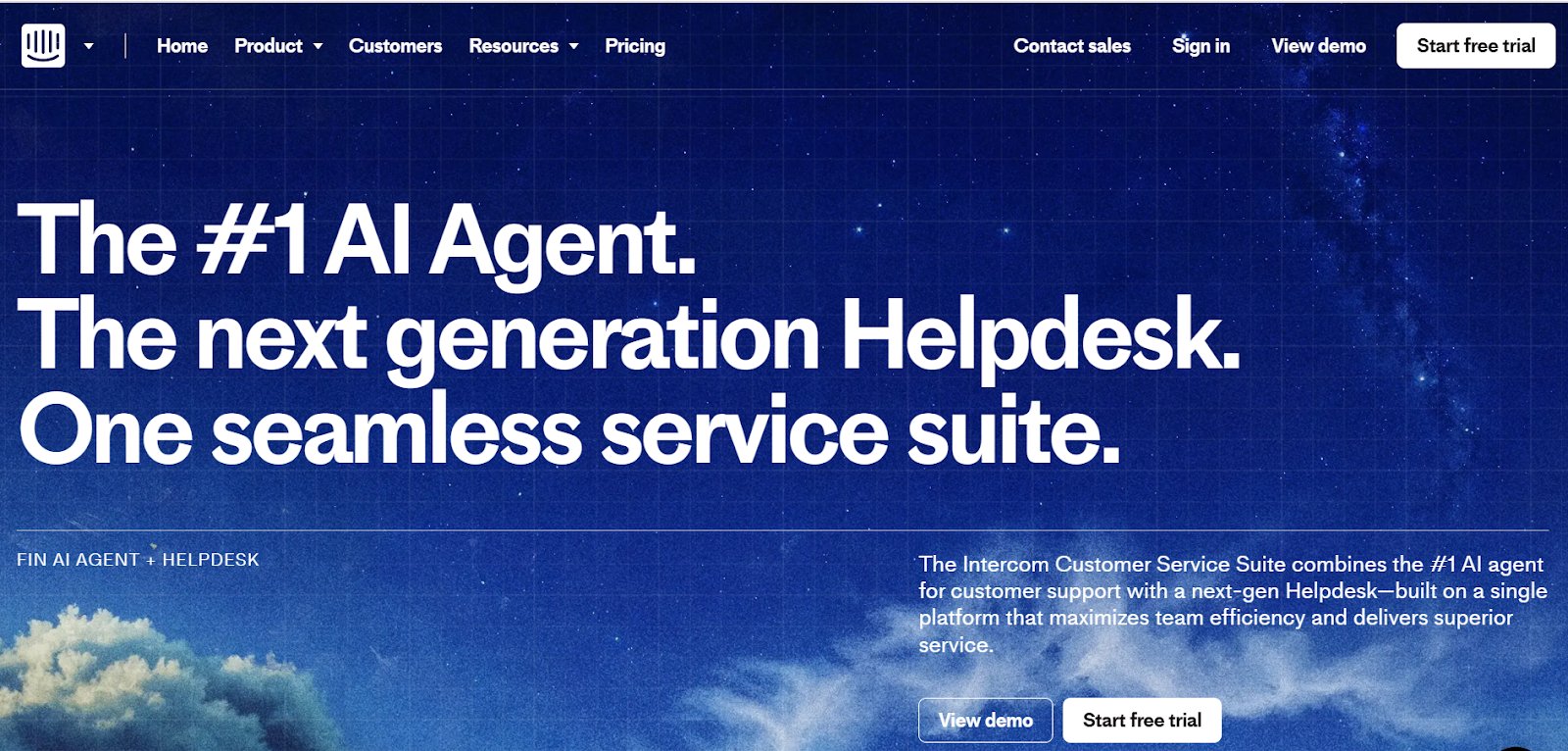
Intercom is a customer service platform that combines AI and human support in one connected system. At its core is Fin, an AI agent built specifically for customer service that instantly resolves most queries, handles complex tasks, and continuously improves through machine learning.
Powered by the Fin AI Engine, it delivers accurate, empathetic responses across channels and languages. With tools to analyze, train, test, and deploy Fin in a no-code workspace, Intercom helps businesses deliver fast, personalized support at scale.
Best features
AI-Powered Suggestions
In-App Chats
Holistic Reporting
Fin Custom Reporting
Topics Explorer
Conversation Monitoring
Dashboard
Knowledge Management
Content Targeting
Batch Testing
Audience Testing
Unlimited Live Chats
Pricing
Free trial: 14-day access to all products and features of all paid plans.
Paid: Starts from 29/seat/month, billed annually.
Pros & cons
Pros
Cons
The notes section makes it simple to collaborate with teammates internally and use macros for faster responses.
Reporting features have room for improvement to offer more flexibility and depth.
Snippets, macros, and auto-replies keep responses fast and consistent, while Custom Bots and Workflows let teams engage leads without coding.
The email feature feels a bit dated and could benefit from some updates.
A customer experience as per G2 reviews:
Intercom is a tool that is easy to use, and its functionality is simple and user-friendly. Since we use Intercom on a daily basis, we appreciate that it is easy and helps us fulfill our tasks, as it has macros that we can integrate into our emails.
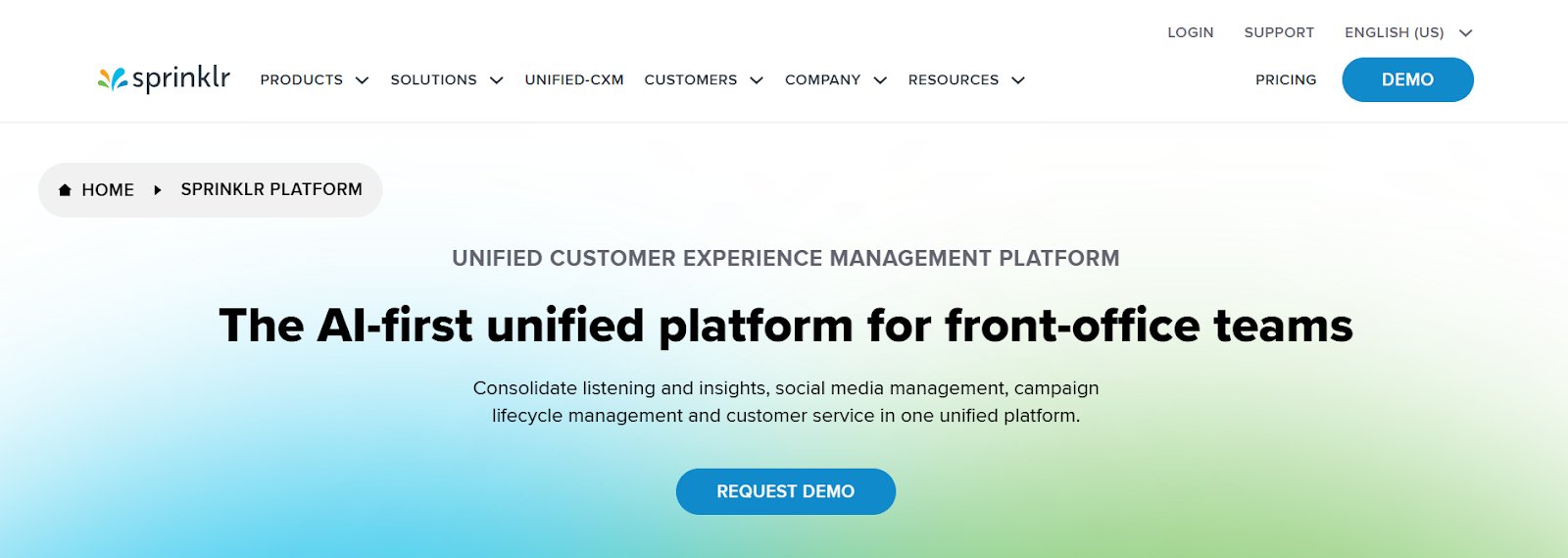
Sprinklr offers a unified, AI-powered customer experience platform that connects interactions across 30+ digital, social, messaging, and voice channels. It equips agents with a 360° customer view, delivers real-time insights for supervisors, and helps leaders drive operational excellence.
The Sprinklr Insights suite analyzes customer, market, and competitor data using advanced AI to provide actionable intelligence across marketing, sales, product, and service teams within a scalable platform.
Best features
Social Media Management
Campaign Lifecycle Management
Customer Service
Generative AI
Product Insights
Visual Insights
Social Listening
Live Chat Support
Conversational Analytics
Omnichannel Surveys
Pricing
Custom pricing is available on request.
Pros & cons:
Pros
Cons
The alerts and AI features make the platform easier to use and more helpful over time.
Due to its many features and options, Sprinklr Insights has a steep learning curve, especially at the beginning.
The dashboards are well-designed and show key data without needing too many filters, saving time.
Too much information is packed into one view, which can make it confusing to navigate at times.
Product experience & onboarding tools
Focused on improving user interaction with digital products, these tools guide users through onboarding, product tours, and self-service support. They help reduce drop-offs, improve feature adoption, and boost retention.
9. Userpilot
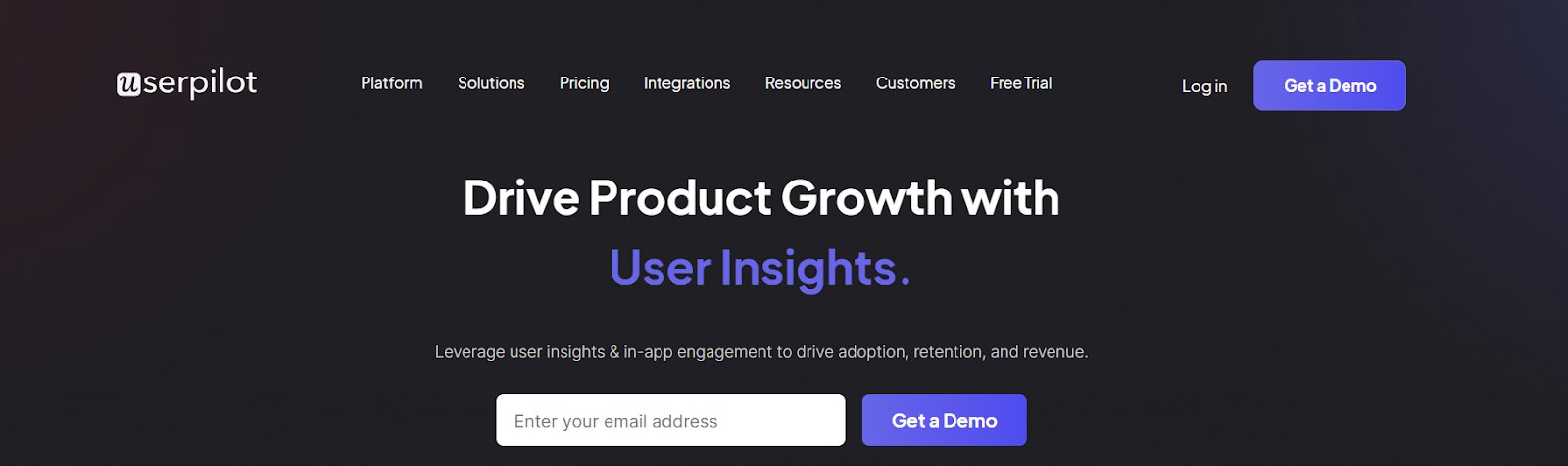
Userpilot is a no-code, all-in-one customer experience platform built for Product, UX, and Marketing teams to drive product adoption and improve user engagement. It helps in building personalized in-app flows and announcements without code, guiding users in real time.
It also offers in-app surveys, product analytics (funnels, trends, paths, cohorts), and session replays to uncover friction, gather feedback, and optimize the user experience through data-driven insights.
Best features
User Onboarding
Segmentation
Product Analytics
Surveys
Analytics Dashboard
Cohort Analysis
Funnel Analysis
Trend Analysis
Session Replay
NPS & CSAT
Pricing
Free trial: 14 days on the Starter plan.
Paid: Starts from $299/month, billed annually.
Pros & cons
Pros
Cons
It offers strong customization and lets you target users based on behavior, making messages more timely and relevant.
The app navigation can be a bit confusing at first and takes some time to get used to.
Customer support is excellent, and the platform is easy to use for building onboarding flows.
Pricing may feel slightly high for some users.
A customer experience as per G2 reviews:
The product is fairly easy to use for almost all the things we want to do with it. Support is phenomenal for all the things that are not easy or straightforward. We use it daily to make business decisions. The new AI features make it even faster for us to derive information, and it even helps find items we were not currently observing. Our developers had the product providing data from our system to our Staging instance the day we signed up.
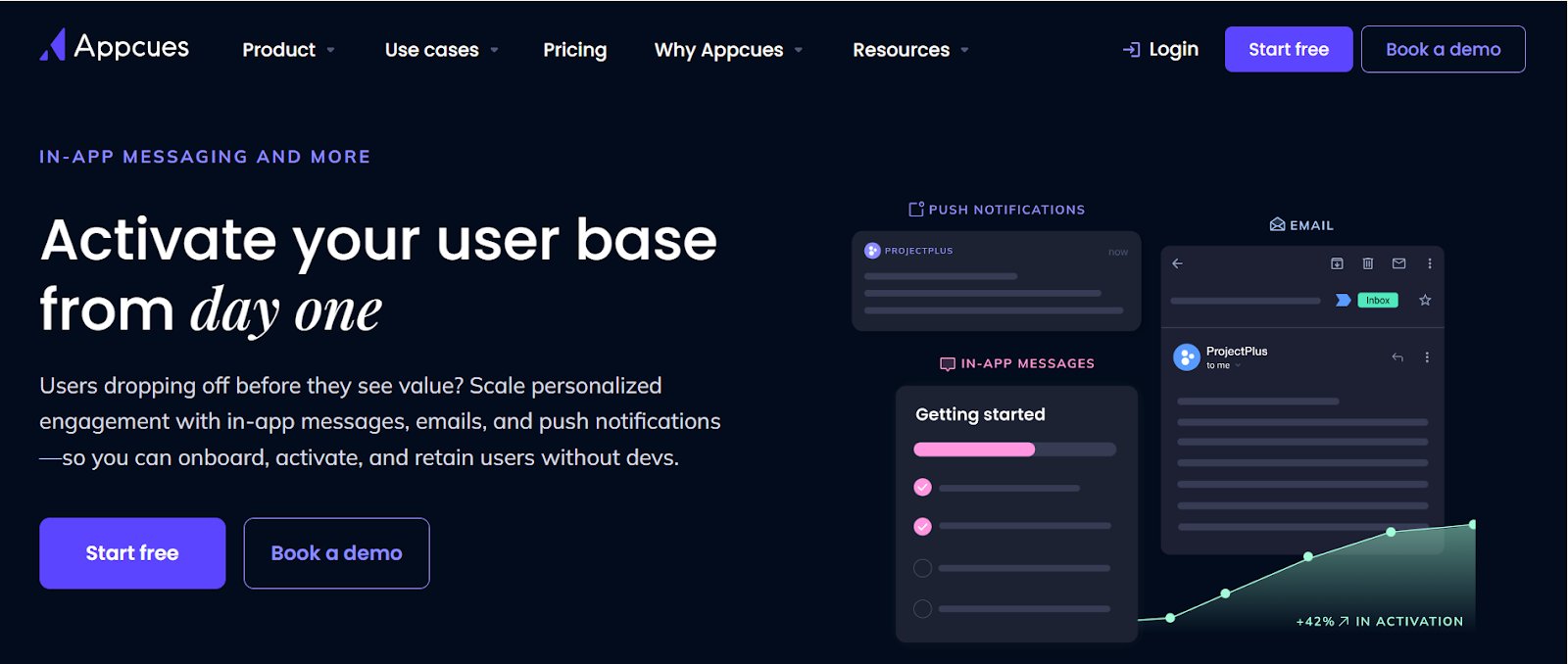
Appcues is a user engagement platform that helps SaaS companies improve customer experience by turning product usage data into meaningful, personalized interactions. It’s contextual in-app guidance, like product tours, checklists, and surveys, that adapt to what users are doing in real time, helping them reach value faster without developer support.
Appcues multi-channel messaging workflows ensure that emails, push notifications, and in-app messages work in sync to guide users through their journey, from onboarding to feature adoption and retention, boosting engagement and reducing churn at scale.
Free trial: 14 days with unlimited flows and tracking for up to 5 events.
Paid: Starts at $300/app/month, billed annually.
Pros & cons
Pros
Cons
It combines an accessible design with advanced audience targeting for high-impact engagement.
Organizing flows can feel cluttered; adding folders or a better structure would be helpful.
The drag-and-drop pop-up builder is flexible and efficient, making it easy to design effective experiences.
Including sentiment-based triggers could enhance the platform’s competitive edge.
11. Gainsight
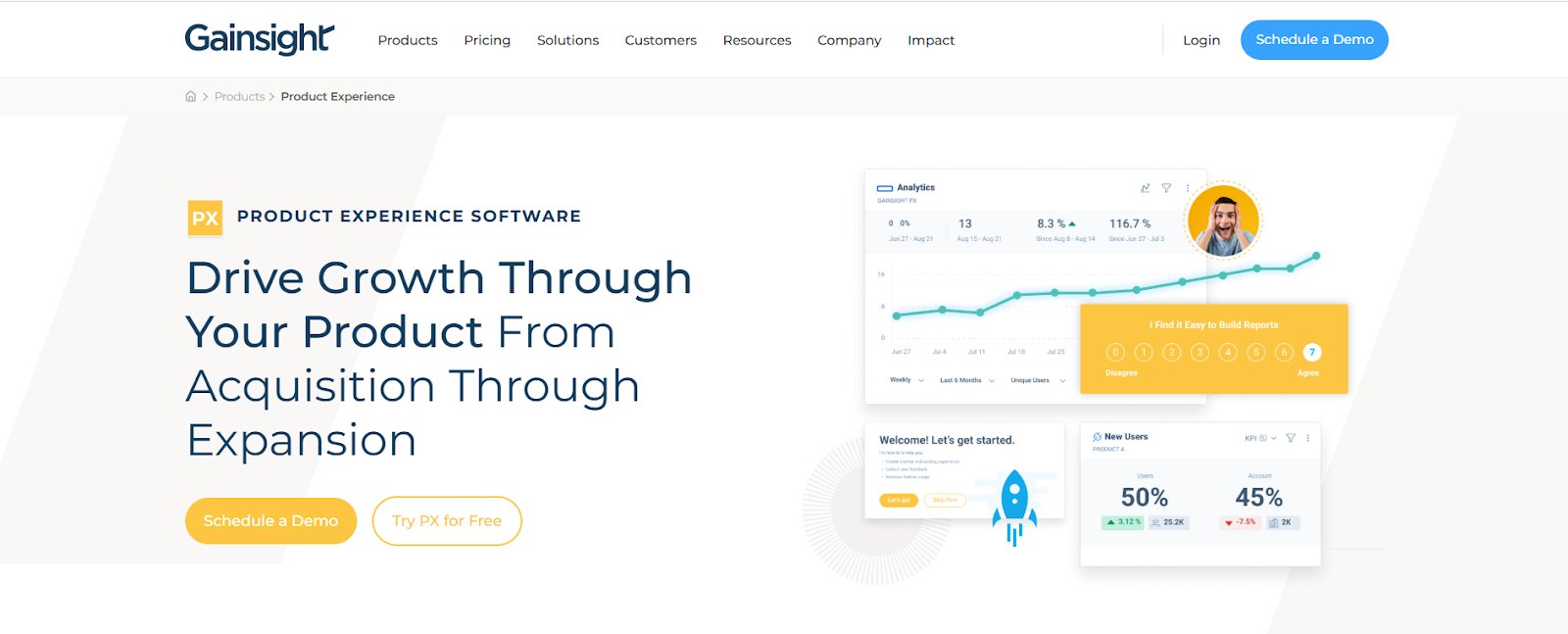
Gainsight is a product experience platform that doesn’t just track user behavior, it turns it into real-time, personalized in-app engagements. It helps teams guide users through onboarding, boost feature adoption, and offer self-serve support, while staying aligned with the full customer journey, providing an effective customer experience solution.
The combination of product analytics and engagement tools within a single platform allows for targeted, contextual guidance without burdening development teams. From no-code event tagging and behavior-driven flows to knowledge bots and built-in feedback loops, Gainsight gives product and success teams the toolkit to drive retention, not just measure it.
Customized plans can be requested. A demo can be scheduled.
Pros & cons
Pros
Cons
Real-time dashboards and visuals make it easier to retain clients and ensure satisfaction.
The suggestion mode in the system mapper isn’t always reliable, often requiring manual in-app mapping, which takes extra time.
Great for tracking usage and guiding customers toward valuable features throughout their journey.
Reporting and export options may not cover all use cases and could use more flexibility.
A customer experience as per G2 reviews:
I love Gainsight Customer Success because it is a solution dedicated to customer success, making it a powerful tool for managing our customer interactions both for customer service and digital needs. It identifies at-risk accounts effectively, which is crucial for maintaining strong client relationships. Additionally, the AI overview is incredibly beneficial as it allows me, as a manager, to quickly update myself on account statuses. This feature is particularly valuable because it helps me keep track of accounts without needing to consult with the customer service representative, saving time and streamlining our workflow.
Ross M.
12. Walnut
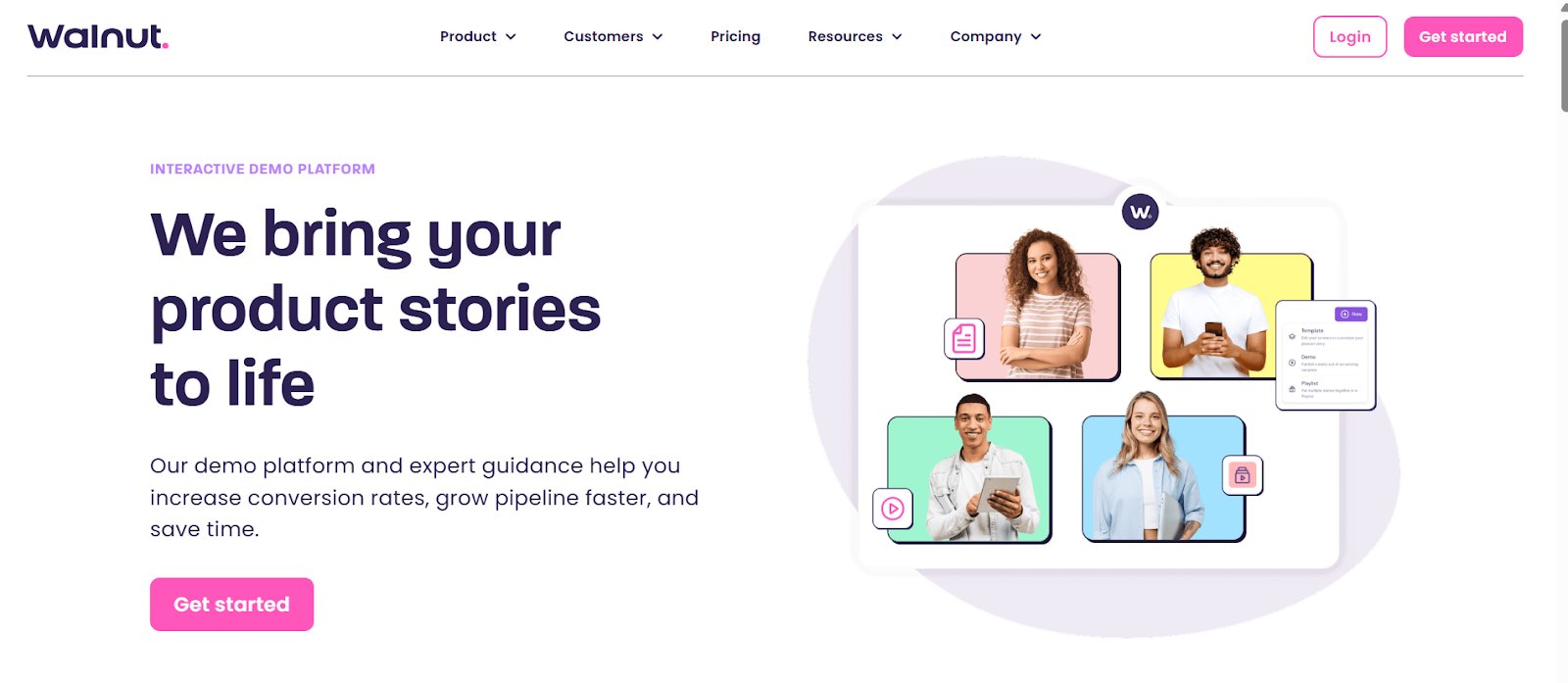
Walnut is a no-code demo platform thathelps SaaS teams create personalized, frictionless product walkthroughs, well before onboarding even begins. By removing dev dependency and allowing full customization, it empowers teams to deliver consistent, interactive demos that resonate with different customer segments.
Tailored walkthroughs show product value clearly and quickly, helping different stakeholders align faster. This speeds up buying decisions and ensures teams are more invested by the time onboarding begins. Users come in feeling informed, not overwhelmed, which leads to faster activation and less friction during setup.
Best features
Customer Success Engagement, Interactive Tutorials, Customer Onboarding, Retention, Demo Analytics, Hubspot & Salesforce Integrations, Playlists, Video Overlay, AI Tools
Pricing
Paid: Plans start from $9,200/year.
Pros & cons
Pros
Cons
Eliminates dependency on pre-prod or test environments; prototypes run flawlessly for live demos.
The editing interface can occasionally feel confusing or laggy.
Intuitive and easy to implement, most teams can build demos with little to no onboarding.
Selecting elements for tooltips sometimes requires multiple tries to register properly.
Digital experience & behavior analytics tools
These tools help track user interactions like clicks, scrolls, and drop-offs to reveal friction points and usability issues. Features like heatmaps, session replays, and funnel tracking enable teams to optimize digital journeys and boost engagement.
13. VWO
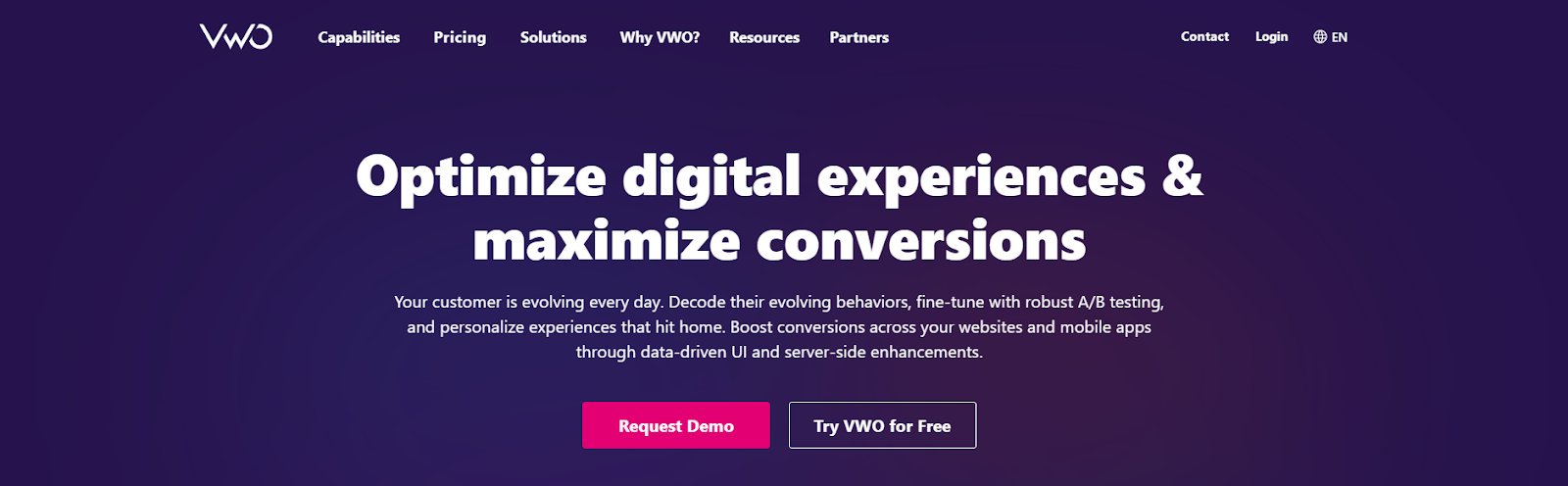
VWO is a complete customer experience optimization platform that helps businesses create seamless journeys by combining behavioral insights, real-time testing, and personalization—all in one unified workflow.
With VWO Insights, teams get a clear view of user behavior through heatmaps, session recordings, form analytics, and AI-powered surveys. It’s like watching a map of your digital space light up where users hesitate, drop off, or engage, revealing what needs fixing and what’s working.
Next, VWO Testing lets you run experiments grounded in behavioral insights, aligned with real user intent. From A/B and multivariate to split URL and server-side testing, you can trigger tests based on scroll depth, device type, exit intent, and more, ensuring every test is timely, relevant, and effective.
Further, VWO Personalize lets you set up tailored experiences by modifying content, CTAs, offers, and layouts based on specific user behavior, preferences, and segments. Once launched, these campaigns ensure that different audience groups encounter the version of your site that’s most relevant to them, improving engagement, satisfaction, and conversions.
To support consistent targeting across touchpoints, VWO’s built-in CDP brings together behavioral data from experiments, surveys, and web interactions. This enables teams to build detailed visitor profiles and deliver more accurate, segment-based experiences.
Watch this webinar to understand how data-driven experimentation frameworks help teams create high-impact customer experiences while driving ROI:
Pro Tip!
Use VWO Copilot to automate your optimization workflow. From generating test ideas and variation copy to summarizing survey feedback and highlighting friction points, Copilot helps you move from insight to impact faster. This way, your team can spend less time figuring out what to do and more time improving customer experience.
Best features
Heatmaps
Session Recordings
On-Page Surveys
Segmentation
Testing
Funnel Analysis
Feature Management
Personalization
Copilot AI
Program Management
Pricing
Free trial: 30 days, inclusive of most of the features
Paid: Custom pricing options based on your business requirements.
Pros & cons:
Pros
Cons
Performance dashboards offer clear insights, with deep analysis across visitor segments.
Native support for multichannel journey mapping is not a core offering.
AI-generated testing ideas spark fresh hypotheses and valuable experiments.
In our client’s words:
VWO is the only experimentation platform with diverse website testing capabilities and insights features. This allows us to centralize our testing efforts and reduce external tools usage. Also, compared to the other alternatives, VWO was the only cost-effective solution, with great support. The support team works more as our partner, rather than customer service, embedding themselves into our business to learn how we can be more successful with VWO. The onboarding and support experience has been impeccable so far.
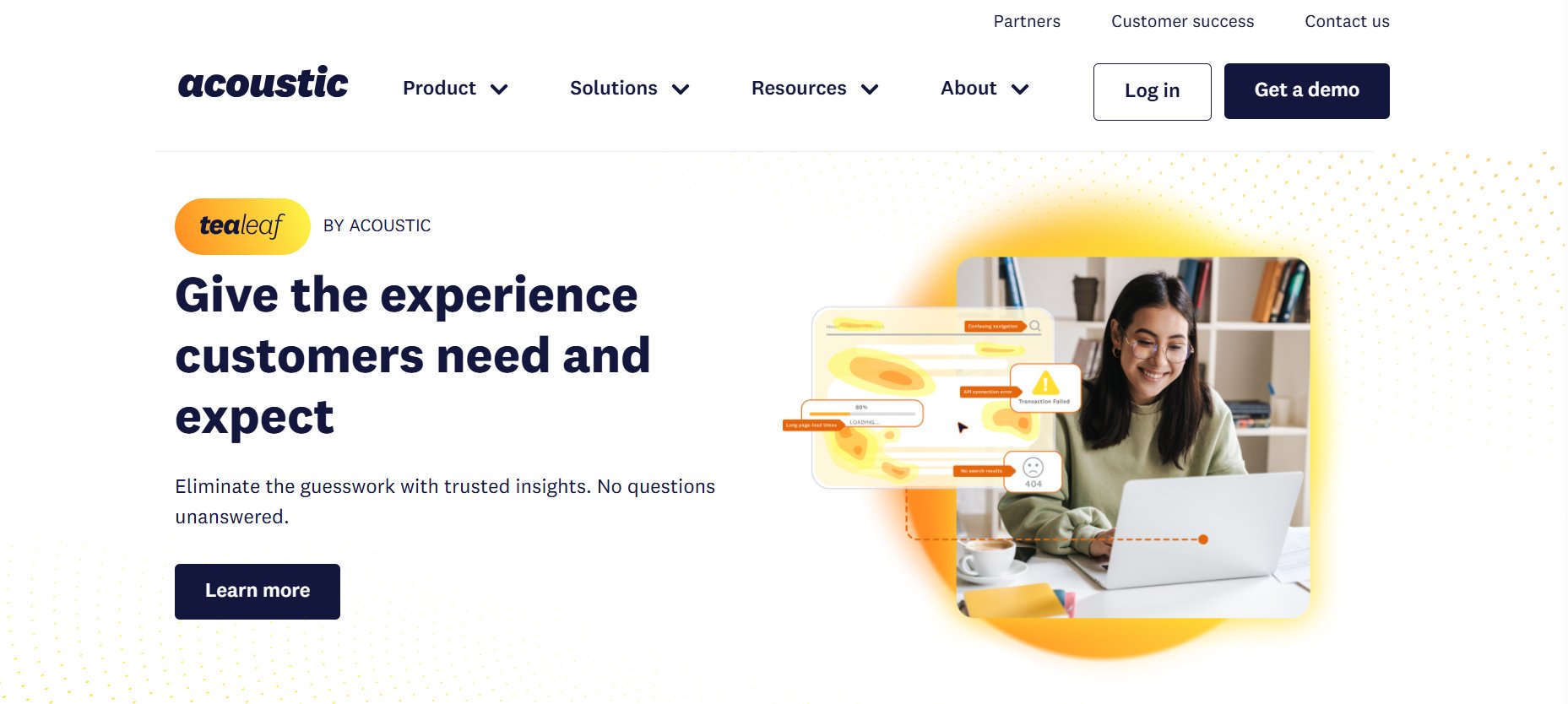
Tealeaf, part of Acoustic Experience Analytics, helps organizations understand the customer journeys across digital touchpoints to improve conversions and optimize customer experiences.
Using session replay, heatmaps, behavioral analytics, and AI-powered anomaly detection, it helps businesses understand the “why” behind user actions and quickly identify pain points. These insights enable teams to take data-driven action, eliminate friction, reduce abandonment, and increase revenue.
Best features
Heatmaps
Session Recordings
Cross-Channel Marketing
Journey Analysis
Segmentation
AI Predictions & Recommendations
Reporting & Analytics
Behavioral Analytics
Predictive Insights
Customer Data Management
Pricing
Plans are not available on the website. A demo can be requested.
Pros & cons
Pros
Cons
Reliable for backtracking and resolving customer checkout issues.
Session replays can get confusing when users have multiple tabs open.
Accurately captures session data across mobile, desktop web, and native apps.
Data is only stored for two weeks, so older session details are lost and can’t be retrieved.
15. Zoho CRM Plus
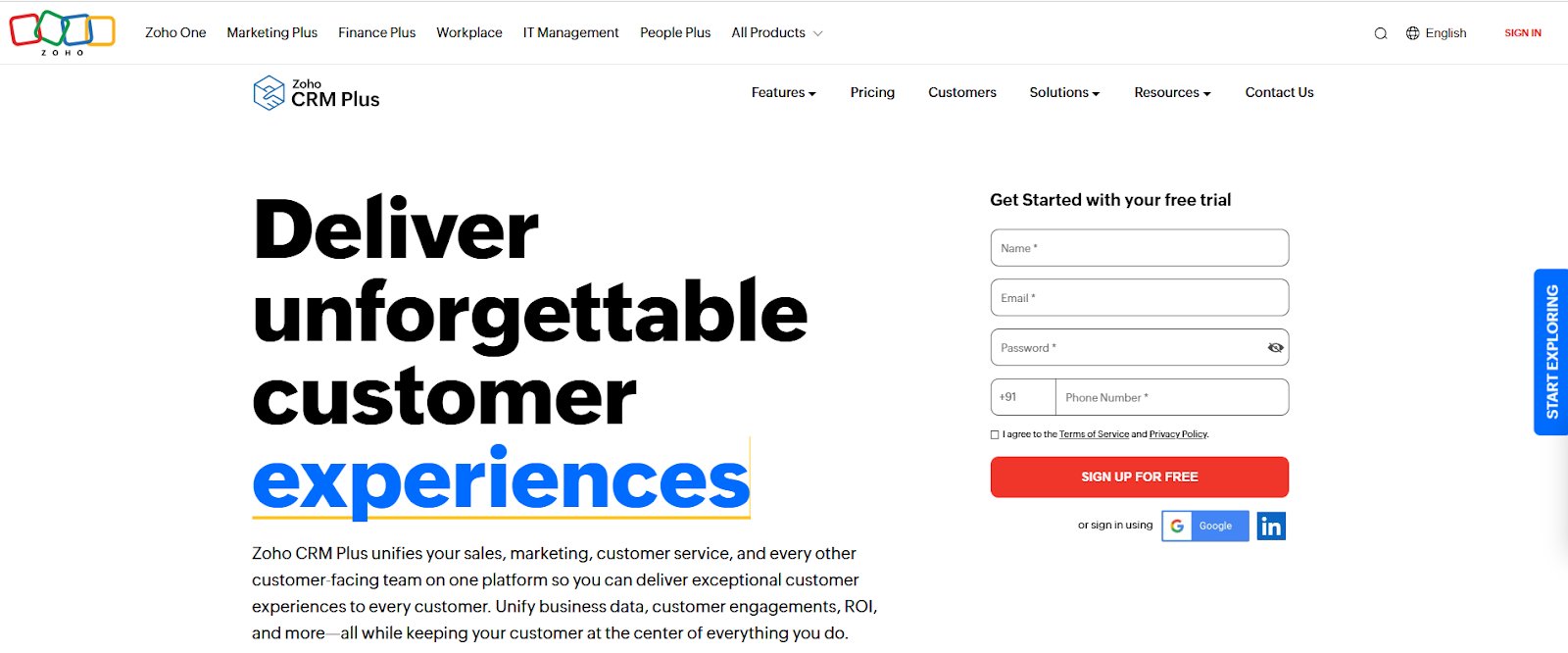
Zoho CRM Plus is a unified CX platform that aligns sales, marketing, and service teams to deliver personalized, context-aware engagement across every channel. It’s 360-degree customer view provides real-time insights into every interaction. The built-in AI assistant, Zia, predicts trends, detects sentiment, and suggests the best times to engage.
The Experience Command Center allows teams to collaborate through chat, screen sharing, and instant approvals, streamlining workflows across departments and turning insights into action.
Best features
Omnichannel Engagement, Collaboration, Process Management, Analytics, Unified Analytics, Dashboards, AI Assistant, AI Recommendations, Anomaly Detection, Sentiment Analysis, Customizable Dashboards, AI-Powered Voice & Text Commands, Surveys
Pricing
Free trial: 30-day access to all features and capabilities.
Paid: Starts from $57/month, billed annually.
Pros and cons
Pros
Cons
One-click integrations and a wide range of lead filters are great for sales teams.
Task filtering by time zone is currently limited.
Seamlessly integrates with other Zoho products to enhance overall functionality.
Working with large datasets can sometimes cause a slight performance lag.
A customer experience as per G2 reviews:
Zoho CRM Plus is an all-in-one platform that integrates email, campaigns, and contact management seamlessly. It’s cost-effective, reliable, and well-suited for managing targeted email campaigns. The automation, reporting, and integration between tools help streamline communication and improve efficiency for our team.
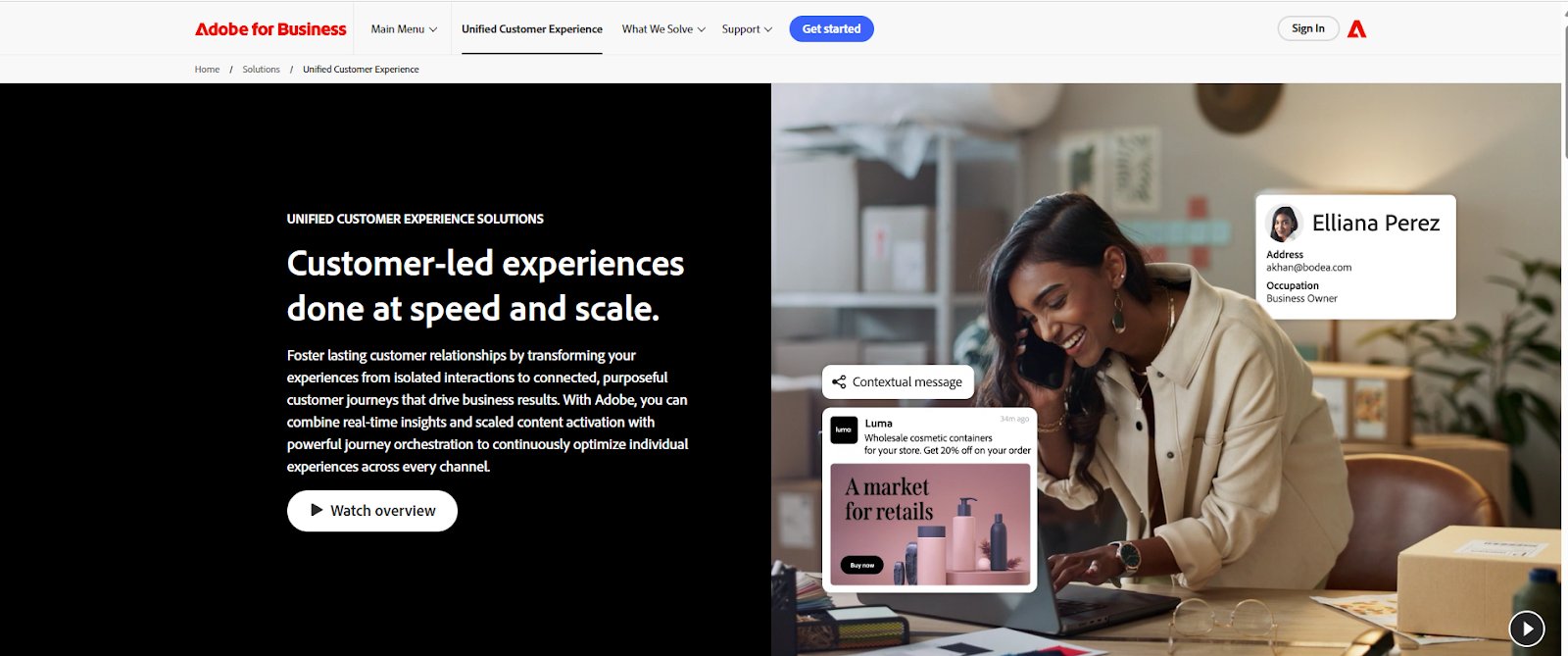
Adobe Experience Manager (AEM) is a content management platform purpose-built to elevate customer experience by delivering the right content to the right person, at the right time, across any channel. It empowers brands to create consistent, personalized journeys by unifying content creation, delivery, and optimization in one place.
With built-in AI and real-time insights, teams can adapt content based on customer behavior, shorten time to market, and orchestrate seamless experiences that feel intuitive to the customer, building trust, increasing engagement, and driving long-term loyalty.
Best features
Data Management
Journey Orchestration
AI-Driven Insights
Customer Engagement
Audience Targeting
Omnichannel Lifecycle Marketing
Customer Journey Analytics
Cohort Analysis
Personalization
Pricing
Info for plans is not available on the website.
Pros & cons
Pros
Cons
You can nest content fragments within each other, making it easy to manage, track, and update content as business needs change.
The platform offers many features, which can lead to a steep learning curve, especially for non-technical users.
It integrates well with other Adobe tools, which helps engagement teams easily target audiences and generate reports.
Performance can slow down at times if the setup isn’t well optimized.
Product management & prioritization tools
These platforms help align product development with customer needs by consolidating feedback, surfacing insights, and prioritizing features. They ensure roadmap decisions are data-driven and closely tied to real user pain points.
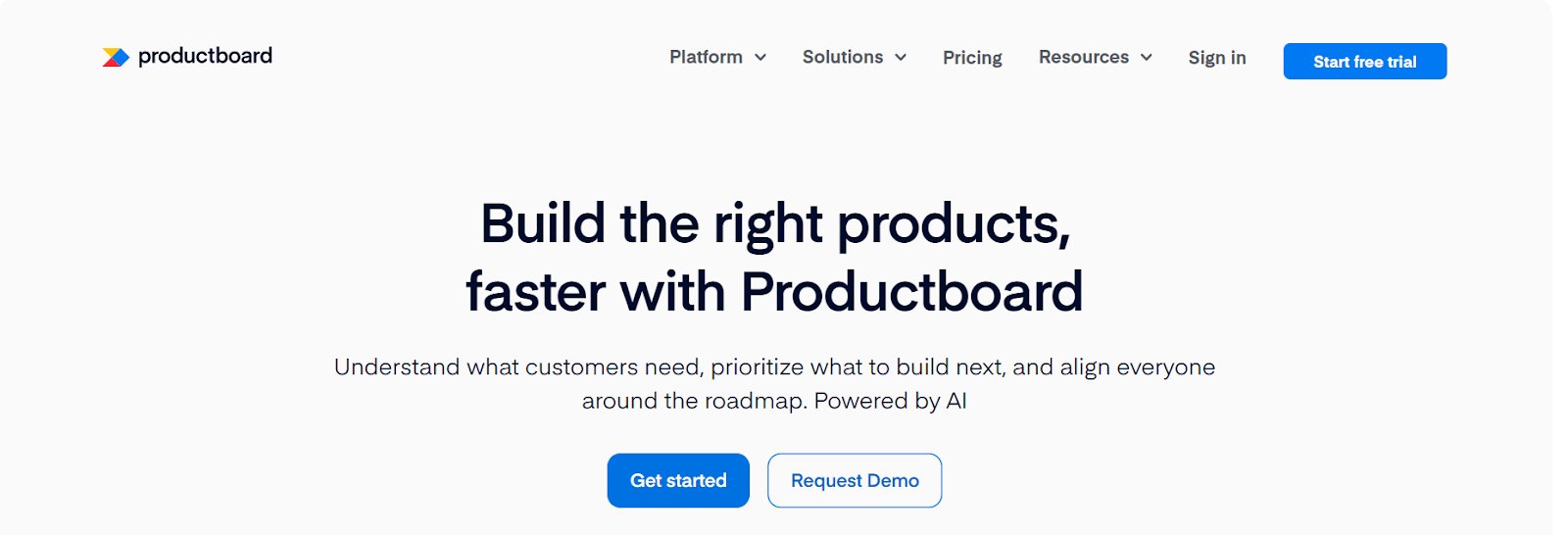
17. Productboard
Productboard is a product management platform that improves customer experience by turning customer feedback into focused product decisions.
Its centralized Insights board lets teams link real user inputs directly to feature ideas, ensuring that development stays aligned with actual needs. This leads to faster, more impactful releases, stronger internal alignment, and a product experience that truly resonates better with users.
Best features
AI-Powered Customer Insights
Product Roadmapping
Customer Engagement
Feedback
Insights Automation
Manual & Dynamic Customer Segments
Customizable Roadmap Templates
Usage Reports
Interactive Analytics
Pricing
Free trial: Available on all paid plans except for the Enterprise plan.
Free: Basic features are free for everyone.
Paid: Starts from $19/maker/month, billed annually.
Pros & cons
Pros
Cons
The flexible, visual roadmap simplifies communication of product direction across teams.
The platform may slow down when working with large datasets, which can affect productivity.
The customer support is responsive and helpful that resolves issues quickly.
Analyzing feedback requires extra manual effort, as deeper insights aren’t easily surfaced through the current tools.
A customer experience as per G2 reviews:
It is a strong one-stop shop for all things in product management: customer portal and feedback, integration with DevOps/Jira, and roadmap planning tools.
Craig B. Director of Information Services and Technology
Additional tools for every stage of the customer experience
Google Analytics: Website behavior tracking and audience insights
Delivering an exceptional customer experience means supporting users at every touchpoint – whether visible or behind the scenes. To make that possible, businesses need a well-integrated toolkit that includes customer experience software solutions to analyze behavior, personalize journeys, provide real-time support, and eliminate friction across the funnel.
Here’s how to choose a platform that aligns with your customer experience goals and helps you scale impact:
1. Align with your CX goals
Start by defining your top priorities. Do you need to improve onboarding, personalize interactions, analyze drop-offs, or collect real-time feedback? Choose tools that directly support these needs, whether across marketing, product, support, or success.
2. Evaluate ease of use & setup
A powerful platform isn’t helpful if it’s hard to use. Choose tools that are intuitive, quick to implement, and easy for cross-functional teams to adopt without steep learning curves or heavy dev dependencies.
3. Prioritize scalability & flexibility
Your CX software should grow with your business. Look for platforms that can adapt to changes in team size, product complexity, and customer volume without compromising performance.
4. Ensure strong data security
Protecting customer data is non-negotiable. Select tools with strong security protocols like data encryption, SSO, GDPR compliance, and secure cloud infrastructure to build customer trust.
5. Focus on real-time insights
Look for software that delivers real-time behavioral analytics, user feedback, and testing data. This helps you act fast on friction points, optimize journeys, and continuously improve the experience.
6. Check for integrations
A good CX platform should plug seamlessly into your existing martech and product stack (CRM, CDP, analytics, support tools). This reduces silos and ensures consistent, end-to-end experience management.
7. Understand ROI and total cost
Beyond the base price, assess long-term value, including setup time, maintenance costs, and its impact on key metrics like retention and conversions. Choose pricing models like VWO’s Monthly Tracked Users (MTU) approach, where you pay based on the unique visitors engaging with your campaigns each month, ensuring costs scale with your actual traffic and needs. Always validate claims with real-world case studies and customer outcomes.
8. Choose a CX-first partner
Software built specifically for CX often comes with better UX thinking, more relevant features, and support that understands your challenges. Look for providers who actively publish benchmarks, offer strategic support, and show a clear CX focus.
Pro Tip!
Let your cross-functional teams, product, support, and marketing test the shortlisted tools through free trials. This ensures the software fits real workflows and delivers on your experience goals.
Conclusion
Customer experience is the competitive differentiator that determines whether customers stay loyal or switch to competitors. Delivering truly exceptional experiences requires connecting what customers do, what they say, and how you respond in one place.
VWO combines behavioral analytics, experimentation, and personalization in a single platform. Watch how users navigate through session recordings and heatmaps, gather feedback with AI-powered surveys, then test and validate what actually works.
Customer Experience (CX) software refers to tools that help businesses track, analyze, and enhance every interaction a customer has with their brand. These platforms improve user journeys through feedback collection, behavior analysis, personalization, and automation, ensuring consistent, engaging experiences across channels.
Q2. What is a CXM platform?
A Customer Experience Management (CXM) platform focuses on collecting and analyzing customer data to improve experience strategies. It enables real-time decision-making and targeted communication. VWO, for example, represents one example within this broader category, combining behavioral analytics, user feedback, and experimentation to help businesses continuously optimize digital experiences.
Q3. What are customer experience platforms?
Customer experience platforms are integrated solutions that help manage and optimize customer interactions across digital touchpoints. They typically combine analytics, personalization, feedback, and engagement tools to provide a seamless, end-to-end view of the customer journey.
Q4. What are the best customer experience management tools?
The best customer experience management tools are those that align with your business goals, whether that’s collecting customer feedback, analyzing behavior, improving support, or personalizing journeys. Look for platforms that offer strong integration capabilities, real-time data insights, ease of use, and the flexibility to support teams across marketing, product, and customer success.
Q5. What is the best CX software?
The best CX software is one that helps your team understand and respond to customer needs across every touchpoint. It should combine behavioral data, feedback collection, and engagement tools to help you identify what’s working, fix friction points, and deliver more personalized, satisfying experiences. The right solution will depend on your company size, tech stack, and customer journey complexity.
I've worked as a writer and editor in the B2B SaaS space for over 6 years. I read and write on all things CRO and experience optimization.
I'm a chai fanatic and a paranoid parent. When I'm not copyediting or working on marketing projects, I love to spend my time reading. Besides B2B content, my passion lies in modern, behavioral astrology. I'm a dreamer and wish to write stories for children someday :)
Uncover hidden visitor insights to improve their website journey
One of our representatives will get in touch with you shortly.
Awesome! Your meeting is confirmed for at
Thank you, for sharing your details.
, you're all set to experience the VWO demo.
I can't wait to meet you on at
Account Executive
, thank you for sharing the details. Your dedicated VWO representative, will be in touch shortly to set up a time for this demo.
We're satisfied and glad we picked VWO. We're getting the ROI from our experiments.
Christoffer Kjellberg
CRO Manager
VWO has been so helpful in our optimization efforts. Testing opportunities are endless and it has allowed us to easily identify, set up, and run multiple tests at a time.
Elizabeth Levitan
Digital Optimization Specialist
As the project manager for our experimentation process, I love how the functionality of VWO allows us to get up and going quickly but also gives us the flexibility to be more complex with our testing.
Tara Rowe
Marketing Technology Manager
You don't need a website development background to make VWO work for you. The VWO support team is amazing
Elizabeth Romanski
Consumer Marketing & Analytics Manager

 DE
DE
 BR
BR




 ChatGPT
 Perplexity
 Gemini
 Claude
 Grok
Grok















![10 Best Product Management Tools [2026]](https://static.wingify.com/gcp/uploads/sites/3/2025/01/Feature-image-10-Best-Product-Management-Tools-2025.jpg?tr=h-600)